Download Driving Licence Jharkhand
If you're a resident of Jharkhand and want to download your driving licence, apply for a new one, or check the status of your driving licence application, you can easily do so through the Jharkhand Transport Departmentand the Parivahan Sewa Portal. Below is a detailed guide that will walk you through each process step by step.
How to Download Your Driving Licence in Jharkhand
Downloading your driving licence in Jharkhand is a simple process, thanks to the online services offered by the Parivahan Sewa Portal and Jharkhand Transport Department.
Steps to Download Driving Licence in Jharkhand:
- Visit the Parivahan Sewa Portal: Open the official Parivahan Sewa Portal or the Jharkhand Transport Department website.
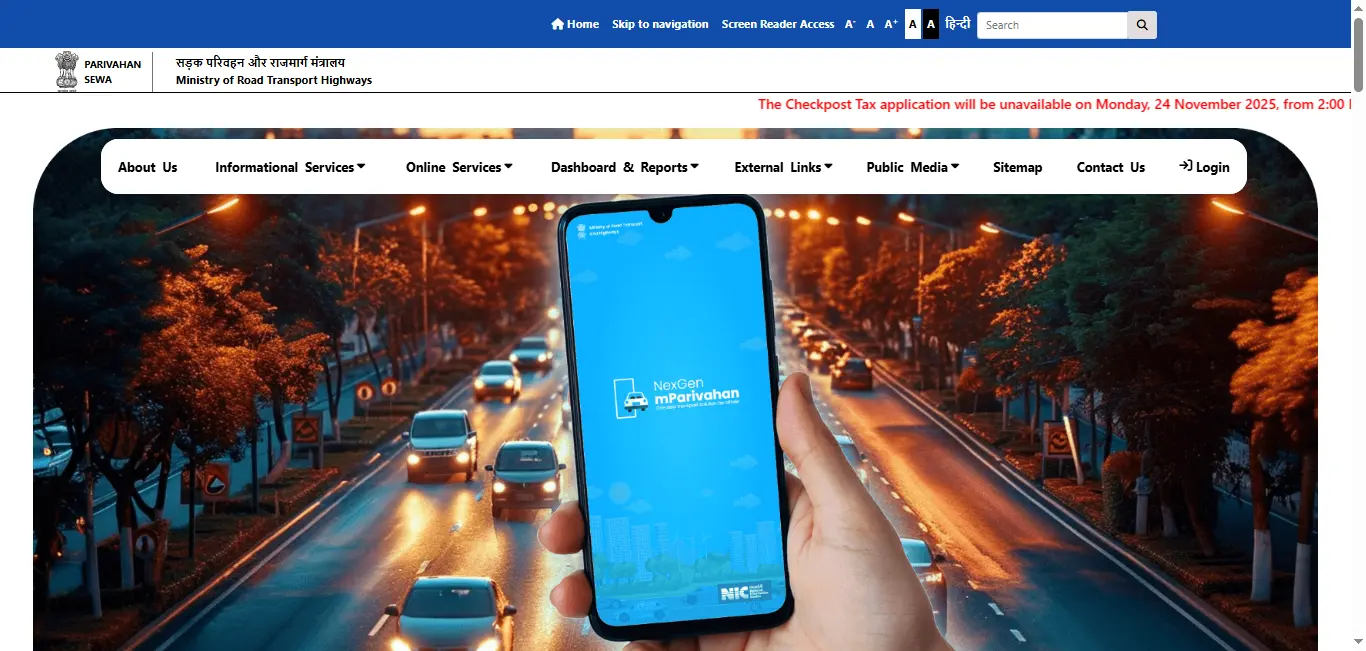
- Navigate to the Driving Licence Section: On the homepage, look for the "Driving Licence Services" option and click on it.
- Select the Option to Download Your Licence: Click on the "Download Driving Licence" option.
- Enter Your Details: Enter your driving licence number or date of birth as prompted to verify your identity.
- Download Your Driving Licence: After verification, you will be able to download your driving licence in PDF format . This digital copy can be saved or printed for future reference.
How to Apply for a New Driving Licence in Jharkhand
Applying for a new driving licence in Jharkhand can be done online through the Parivahan Sewa Portal. Here's a simple guide to apply for your new licence:
Steps to Apply for a New Driving Licence in Jharkhand:
- Visit the Parivahan Sewa Portal: Go to the official Parivahan Sewa Portal or Jharkhand Transport Department website.
- Select "Apply for Driving Licence": Choose the option "Apply for Driving Licence" from the available list.
- Fill the Application Form: Complete the online application form with your personal details such as your name, address, age, and type of vehicle you want to drive (LMV, HMV, etc.).
- Upload Documents: You will need to upload the following documents:
- Aadhaar Card or any government-issued ID for Address Proof
- Age Proof (Birth Certificate, Passport)
- Passport-sized Photographs
- Medical Certificate (if applicable)
- Pay the Application Fee: Pay the necessary driving licence application fee online.
- Schedule Your Driving Test: Once your application is submitted, schedule your driving test at your nearest RTO office.
- Pass the Driving Test: After successfully passing the test, your driving licence will be processed and sent to you.
How to Renew Your Driving Licence in Jharkhand
You can renew your driving licence in Jharkhand online through the Parivahan Sewa Portal.
Steps to Renew Your Driving Licence in Jharkhand:
- Visit the Parivahan Sewa Portal: Go to the Parivahan Sewa Portal or Jharkhand Transport website.
- Select the Renewal Option: Choose "Renewal of Driving Licence" under the Driving Licence Services section.
- Enter Your Licence Details: Enter your driving licence number and other required information.
- Upload Documents (if required): If necessary, upload updated documents such as a passport-sized photograph or a medical certificate for applicants over the age of 50.
- Pay the Renewal Fee: Make the payment for driving licence renewal online.
- Download the Renewed Licence: Once processed, you can download the renewed driving licence in PDF format.
How to Check Your Driving Licence Status in Jharkhand
You can easily check the status of your driving licence application in Jharkhand by following these steps:
Steps to Check Driving Licence Status in Jharkhand:
- Visit the Parivahan Sewa Portal: Go to the Parivahan Sewa Portal or Jharkhand Transport Department website.
- Choose "Check Driving Licence Status": From the available options, click on Check Driving Licence Status.
- Enter Your Details: Provide your driving licence application number or driving licence number.
- View Your Application Status: The portal will display the current status of your driving licence application (whether it's approved, under process, or dispatched).
Driving Licence Download By States
Frequently Asked Questions
1.How do I download my driving licence in Jharkhand?
To download your driving licence in Jharkhand, visit the Parivahan Sewa Portal or Jharkhand Transport Department website, enter your driving licence number or date of birth, and download the PDF version.
2.How do I apply for a new driving licence in Jharkhand?
To apply for a new driving licence, go to the Parivahan Sewa Portal, fill out the application form with your personal details, upload the required documents, pay the fee, and schedule your driving test.
3.How can I renew my driving licence in Jharkhand?
To renew your driving licence in Jharkhand, visit the Parivahan Sewa Portal, select Renewal of Driving Licence, enter your licence number, and complete the online renewal process.
4.How can I check the status of my driving licence in Jharkhand?
To check the status of your driving licence, visit the Parivahan Sewa Portal, enter your driving licence number or application number, and you will be able to view the status of your licence.