Driving Licence Slot Booking Online
Book your driving licence test slot online through Parivahan Sewa and Sarathi Parivahan. Learn how to schedule, reschedule, and manage your RTO test slot booking with our comprehensive guide.
How to Book Driving Licence Test Slot Online
Booking your driving licence test slot online has become easier with the Parivahan Sewa portal. Follow these steps to book your test slot:
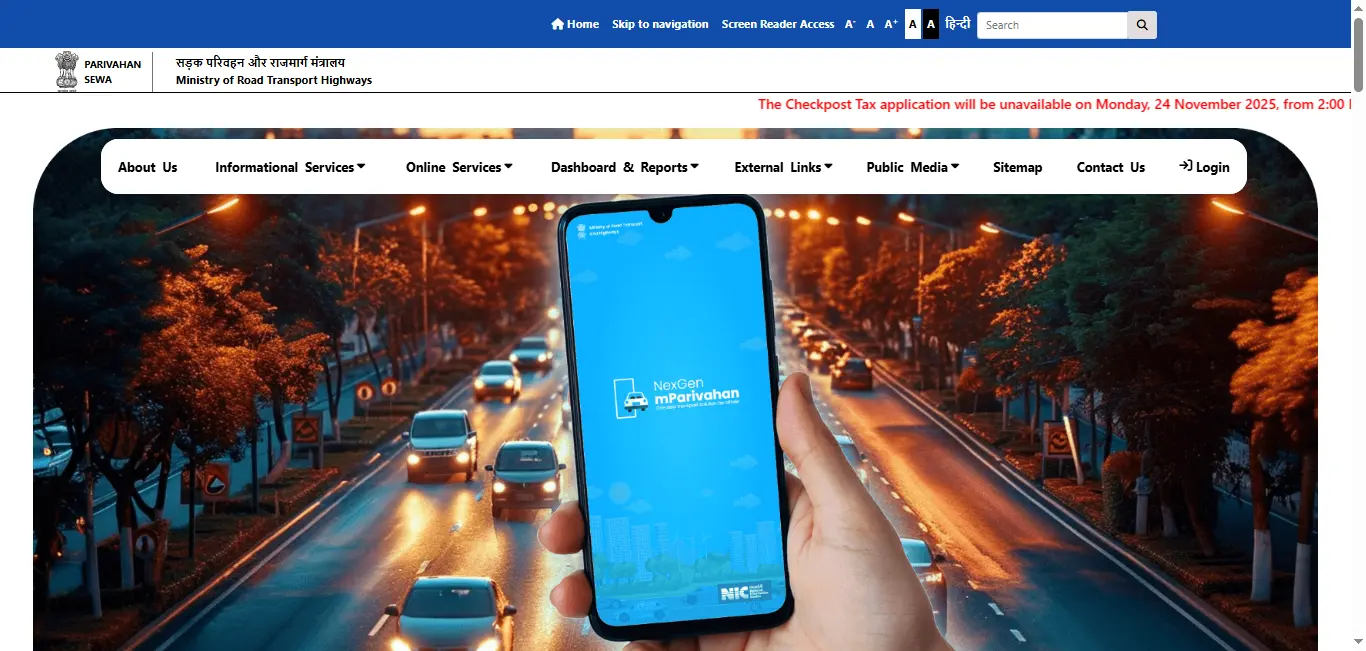
- Step 1: Visit the Parivahan Portal
Go to the official Parivahan Sewa website or Sarathi Parivahan portal.
- Step 2: Login to Your Account
Log in using your credentials. If you don't have an account, you'll need to register first using your mobile number and other details. - Step 3: Navigate to Slot Booking
Once logged in, go to the "Driving Licence Services" section and select "Book Test Slot" or "Schedule Test". - Step 4: Select Your RTO and Test Type
Choose your RTO (Regional Transport Office) and the type of test you want to book (e.g., LMV, MCWG, HMV). - Step 5: Choose Date and Time
Select your preferred date and available time slot from the calendar. Available slots will be highlighted. - Step 6: Confirm and Pay
Review your booking details and proceed to payment. Pay the test slot booking fee using online payment methods. - Step 7: Receive Confirmation
After successful payment, you'll receive a confirmation with your test slot details via SMS and email.
How to Reschedule Driving Licence Test Slot
If you need to change your test slot date or time, you can reschedule it online:
- Step 1: Login to Parivahan Portal
Access your account on the Parivahan or Sarathi portal. - Step 2: Go to My Bookings
Navigate to "My Bookings" or "Scheduled Tests" section. - Step 3: Select Your Booking
Find your test slot booking and click on "Reschedule" or "Change Slot". - Step 4: Choose New Slot
Select a new date and time from available slots. Note that rescheduling may require payment of additional fees. - Step 5: Confirm Rescheduling
Review the changes and confirm. You'll receive updated confirmation details.
Documents Required for Slot Booking
Before booking your test slot, ensure you have the following:
- Valid Learning Licence: Your learning licence must be valid and not expired.
- Application Number: The application number from your learning licence application.
- Personal Details: Date of birth, mobile number, and email address registered with RTO.
- Payment Method: Credit card, debit card, or net banking for online payment.
Related Services
After booking your test slot, you may also need these related services:
- Apply for Driving Licence - Complete guide to applying for a new driving licence
- Learning Driving Licence - Get your learner's licence first
- Check Driving Licence Status - Track your application status
- Permanent Driving Licence - After passing the test
- Renew Driving Licence - Renew your existing licence
Driving Licence Related Services On Parivahan Sewa
Frequently Asked Questions
1.How to book driving licence test slot online?
You can book your driving licence test slot online through the Parivahan Sewa portal or Sarathi Parivahan. Log in with your credentials, select "Book Test Slot", choose your preferred date and time, and confirm the booking.
2.How to reschedule driving licence test slot?
To reschedule your driving licence test slot, visit the Parivahan portal, go to "My Bookings", select your test slot, and choose a new date and time. You may need to pay a rescheduling fee if applicable.
3.What is the fee for booking a driving licence test slot?
The fee for booking a driving licence test slot varies by state and RTO. Typically, it ranges from ₹200 to ₹500. Check the Parivahan portal for exact fees in your state.
4.Can I cancel my driving licence test slot?
Yes, you can cancel your driving licence test slot through the Parivahan portal. However, cancellation policies and refunds vary by state. Check the terms and conditions before canceling.
5.How to check driving licence slot availability?
Visit the Parivahan Sewa portal, log in, and navigate to "Check Slot Availability". Enter your RTO details and preferred dates to view available slots.
6.What documents are required for slot booking?
You need your learning licence number, application number, date of birth, and other personal details. Make sure your learning licence is valid before booking the test slot.