Official status-check guidance
Check Driving Licence Status Online
Check the progress of a learner’s licence, permanent driving licence, renewal, duplicate licence or another licence-related application through the official Sarathi portal. This guide explains which details you need, how to read common status messages and what to do when an application is pending, approved, returned or dispatched.
Independent information notice. DrivingLicenceDownload.app is not a government website and cannot access, approve, modify or speed up an application. Enter personal information only on official government portals.
Official portal · Government links open in a new tab
Sarathi
Official status
App. no.
Primary reference
No fake form
Use gov portal
Quick Answer: Which Status Do You Need?
The phrase “driving licence status” can refer to several different checks. Choose the option that matches your situation:
Application status
Shows the progress of a submitted learner’s licence, permanent licence, renewal, duplicate, address-change or other Sarathi application.
Usually required: Application number and date of birth
Current licence details
Shows available information about an already issued driving licence, such as validity and vehicle class. It does not replace application tracking.
Usually required: Driving licence number and other verification details requested by the official service
Renewal status
Shows the progress of a driving licence renewal application.
Usually required: Renewal application number and date of birth
Dispatch status
Shows whether an approved licence has moved to printing or dispatch, when that information is available.
Usually required: Application number; a dispatch or tracking number may be needed later
What You Need Before Checking DL Application Status
- 1
The state or Union Territory selected when the application was submitted.
- 2
The application number printed on the acknowledgement, receipt or application message.
- 3
The applicant’s date of birth in the format requested by the portal.
- 4
The captcha shown on the official page.
- 5
The fee receipt, appointment letter or acknowledgement, in case the portal shows a pending action.
Helpful link: Read the complete driving licence online application guide
How to Check Driving Licence Application Status Online
Use the official Sarathi service for a licence-related application. The wording and menu position may differ slightly between states, but the general process is:
- 1
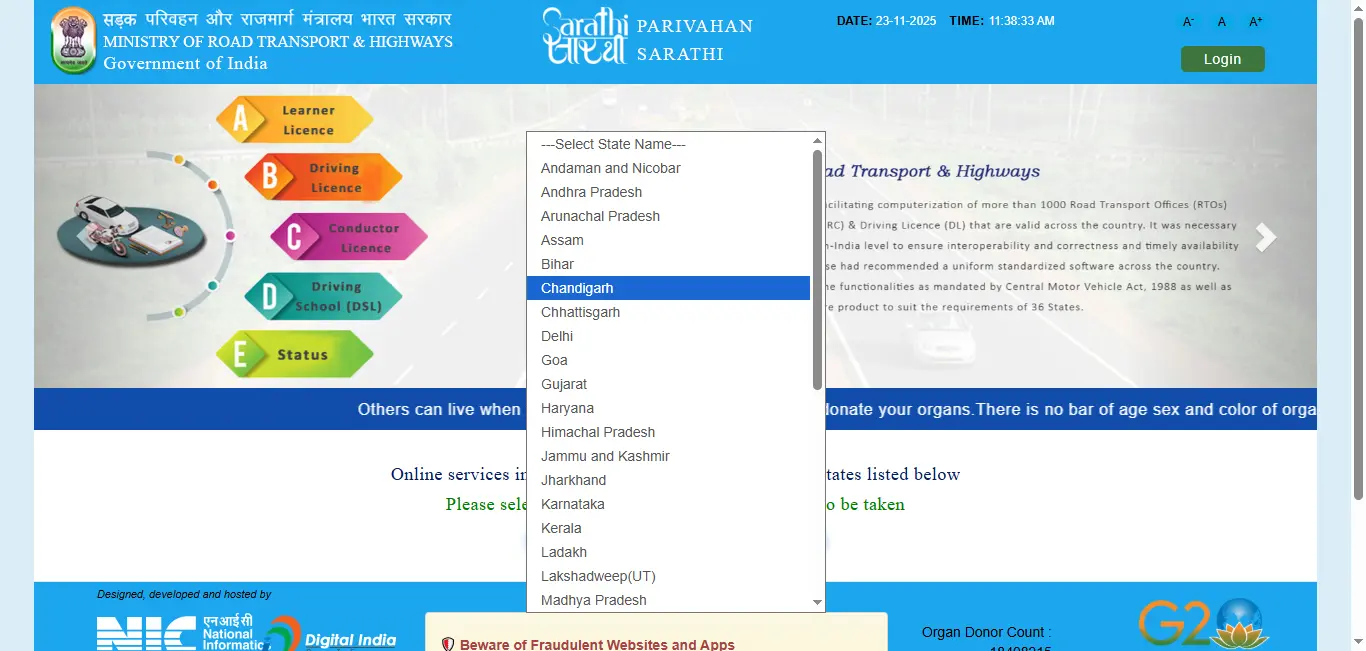
Open the official Sarathi portal
Use the official state-selection page. Avoid advertisements or lookalike websites that ask for payment merely to show a status.
- 2
Select the concerned state
Choose the state or Union Territory where the application was submitted. Status information is connected to that state’s licensing workflow.
- 3
Open “Application Status”
Look for Application Status in the main menu. On some state pages, it may appear under an application or service menu.
- 4
Enter the application details
Enter the application number, date of birth and captcha exactly as requested.
- 5
Submit the status request
Review the current stage, completed actions and any pending requirement shown on the official portal.
- 6
Save useful records
Download or print the acknowledgement, appointment letter, fee receipt or other document when the portal provides that option.
Ready to check on the official portal?
Opens Sarathi state selection · Official government portal
Check Driving Licence Status by Application Number
The application number is the most reliable reference for tracking a newly submitted licence service. It is normally generated after the application is saved or submitted and appears on the acknowledgement or receipt.
- Enter the number exactly as printed, without replacing digits or adding unnecessary spaces.
- Use the same date of birth entered in the application.
- Make sure the correct state is selected before checking.
- If more than one service was submitted, use the application number associated with the service you want to track.
Application number unavailable
Check the acknowledgement, fee receipt, appointment letter, email or SMS received during submission. If it still cannot be recovered, use the support option provided by the concerned state transport department or visit the office handling the application.
How to Check Existing Driving Licence Details
An application-status check and a licence-details check are not the same. Use the “Know Your Licence Details” service when the licence has already been issued and you want to view the record available through Parivahan. The service may ask for the driving licence number, date of birth and verification details.
Know Your Licence Details(parivahan.gov.in, opens in a new tab)Do not use this service to judge whether a new application has been approved. For a pending application, use the Sarathi Application Status route and the application number.
Driving Licence Renewal Status
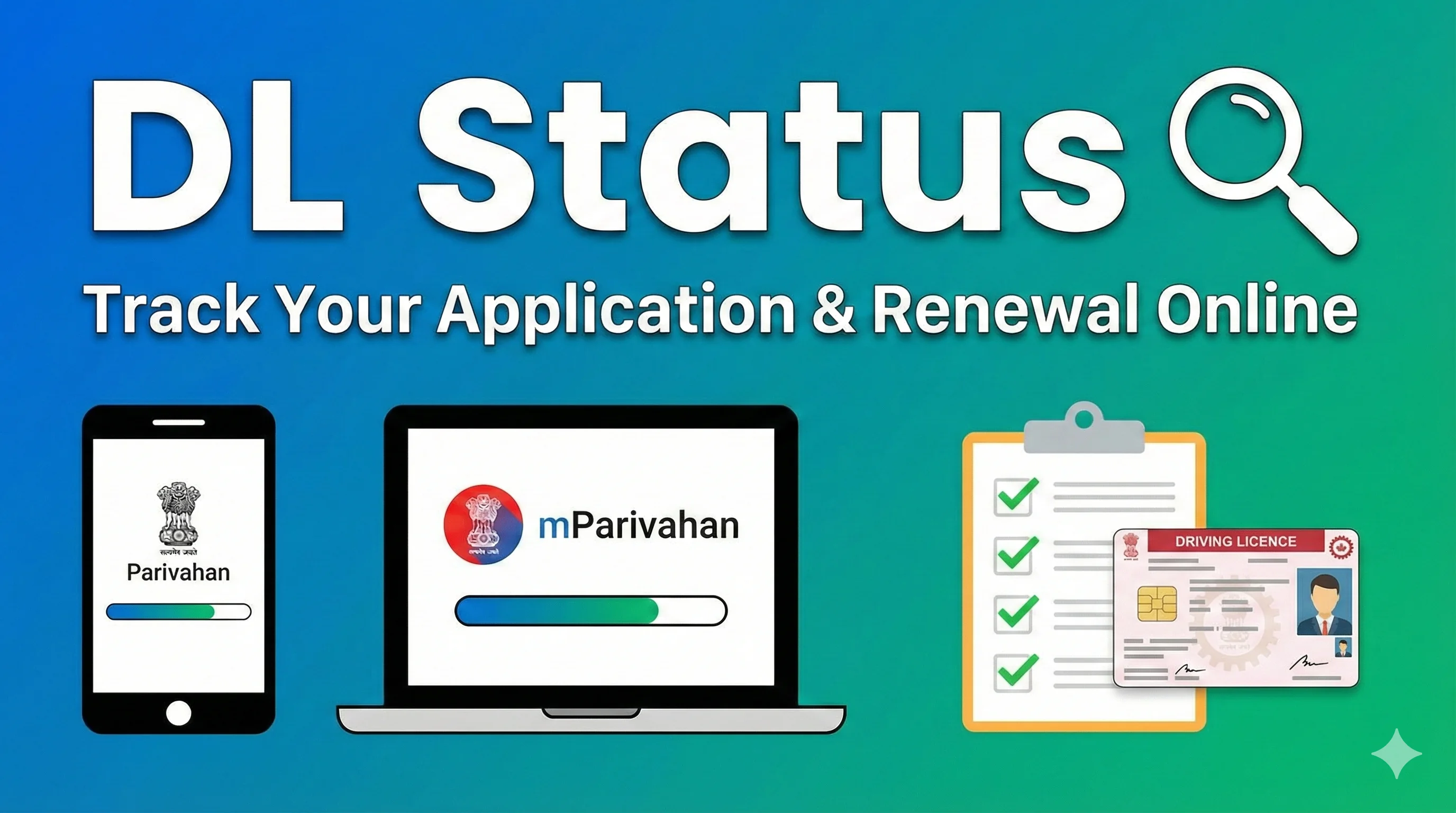
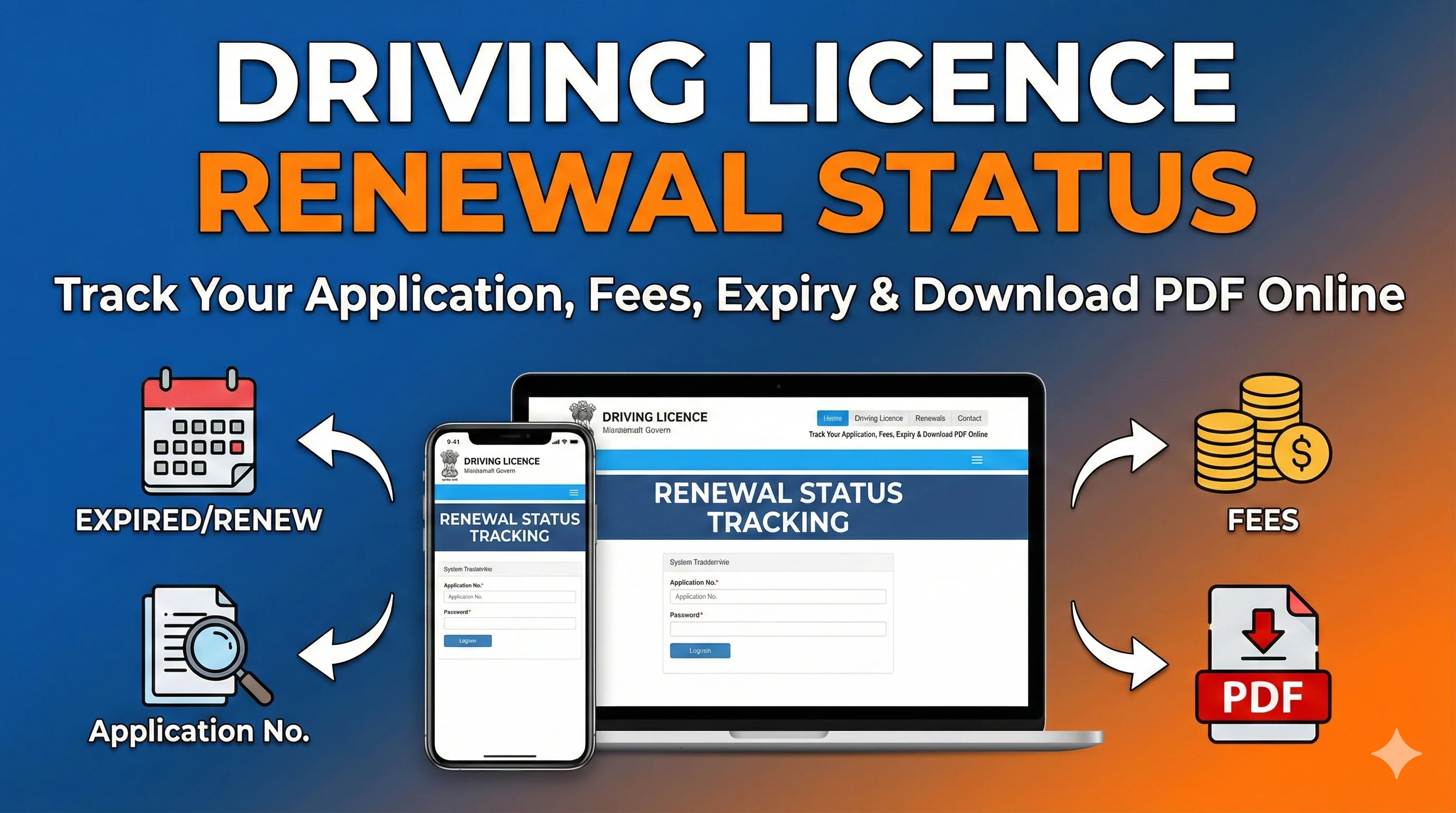
After submitting a renewal request, track it through the same Sarathi Application Status service using the application number generated for the renewal. The status can indicate whether fee payment, document verification, scrutiny, approval, printing or another action is pending.
Related guide: check driving licence renewal status · Process guide: driving licence renewal process
Status of Other Licence Services
Learner’s licence
Track the learner application using its application number. If approved, use the print/download option available for that state.
learning driving licence applicationPermanent driving licence
Check whether the driving test result, approval, printing or dispatch is pending.
permanent driving licence processDuplicate driving licence
Use the duplicate-service application number to track scrutiny, payment, approval and issue.
duplicate driving licence applicationAddress change
Track the application submitted for updating the address on the licence.
change address on driving licenceDriving-test appointment
Check the application and appointment records for a booked test slot.
driving licence slot booking| Service | What to check | Related internal guide |
|---|---|---|
| Learner’s licence | Track the learner application using its application number. If approved, use the print/download option available for that state. | learning driving licence application |
| Permanent driving licence | Check whether the driving test result, approval, printing or dispatch is pending. | permanent driving licence process |
| Duplicate driving licence | Use the duplicate-service application number to track scrutiny, payment, approval and issue. | duplicate driving licence application |
| Address change | Track the application submitted for updating the address on the licence. | change address on driving licence |
| Driving-test appointment | Check the application and appointment records for a booked test slot. | driving licence slot booking |
What Common Driving Licence Status Messages Mean
Exact labels differ by state and service. Use the following explanations as a practical guide, then follow the instruction displayed on the official status page.
Application submitted / saved
Likely meaning: The application exists, but one or more submission steps may still need completion.
What to do: Open the application and confirm form submission, document upload, fee payment and appointment requirements.
Fee payment pending
Likely meaning: The portal has not recorded a successful fee transaction for the required service.
What to do: Check the payment or transaction status before attempting another payment.
Documents pending / upload required
Likely meaning: Required documents are missing, unreadable or not marked as uploaded.
What to do: Review the document list and upload the correct files through the official application workflow.
Under scrutiny / verification
Likely meaning: The application is being reviewed by the concerned authority.
What to do: Wait for an update and check whether any correction or office visit is requested.
Appointment / slot pending
Likely meaning: A test, biometric, document-verification or other appointment may need to be booked or attended.
What to do: Use the appointment or slot-booking option shown for the application.
Test result pending
Likely meaning: The result has not yet been recorded or finalized in the application.
What to do: Check again after the authority updates the result; keep the test receipt or appointment record.
Approved
Likely meaning: The requested service has been approved, but printing or delivery may still remain.
What to do: Check for a print/download option or monitor printing and dispatch progress.
Printing / smart card pending
Likely meaning: The licence record is approved and is waiting for document or card production.
What to do: Continue monitoring the application; processing time is controlled by the issuing authority.
Dispatched
Likely meaning: The physical document has been sent, where physical delivery is used.
What to do: Look for a tracking or dispatch number. Contact the concerned department if it is not shown.
Returned for correction / rejected
Likely meaning: The authority found a problem or the application did not meet a requirement.
What to do: Read the displayed reason, correct the issue through the permitted process or contact the concerned authority.
| Status message | Likely meaning | What the applicant should do |
|---|---|---|
| Application submitted / saved | The application exists, but one or more submission steps may still need completion. | Open the application and confirm form submission, document upload, fee payment and appointment requirements. |
| Fee payment pending | The portal has not recorded a successful fee transaction for the required service. | Check the payment or transaction status before attempting another payment. |
| Documents pending / upload required | Required documents are missing, unreadable or not marked as uploaded. | Review the document list and upload the correct files through the official application workflow. |
| Under scrutiny / verification | The application is being reviewed by the concerned authority. | Wait for an update and check whether any correction or office visit is requested. |
| Appointment / slot pending | A test, biometric, document-verification or other appointment may need to be booked or attended. | Use the appointment or slot-booking option shown for the application. |
| Test result pending | The result has not yet been recorded or finalized in the application. | Check again after the authority updates the result; keep the test receipt or appointment record. |
| Approved | The requested service has been approved, but printing or delivery may still remain. | Check for a print/download option or monitor printing and dispatch progress. |
| Printing / smart card pending | The licence record is approved and is waiting for document or card production. | Continue monitoring the application; processing time is controlled by the issuing authority. |
| Dispatched | The physical document has been sent, where physical delivery is used. | Look for a tracking or dispatch number. Contact the concerned department if it is not shown. |
| Returned for correction / rejected | The authority found a problem or the application did not meet a requirement. | Read the displayed reason, correct the issue through the permitted process or contact the concerned authority. |
How to Check Driving Licence Dispatch Status
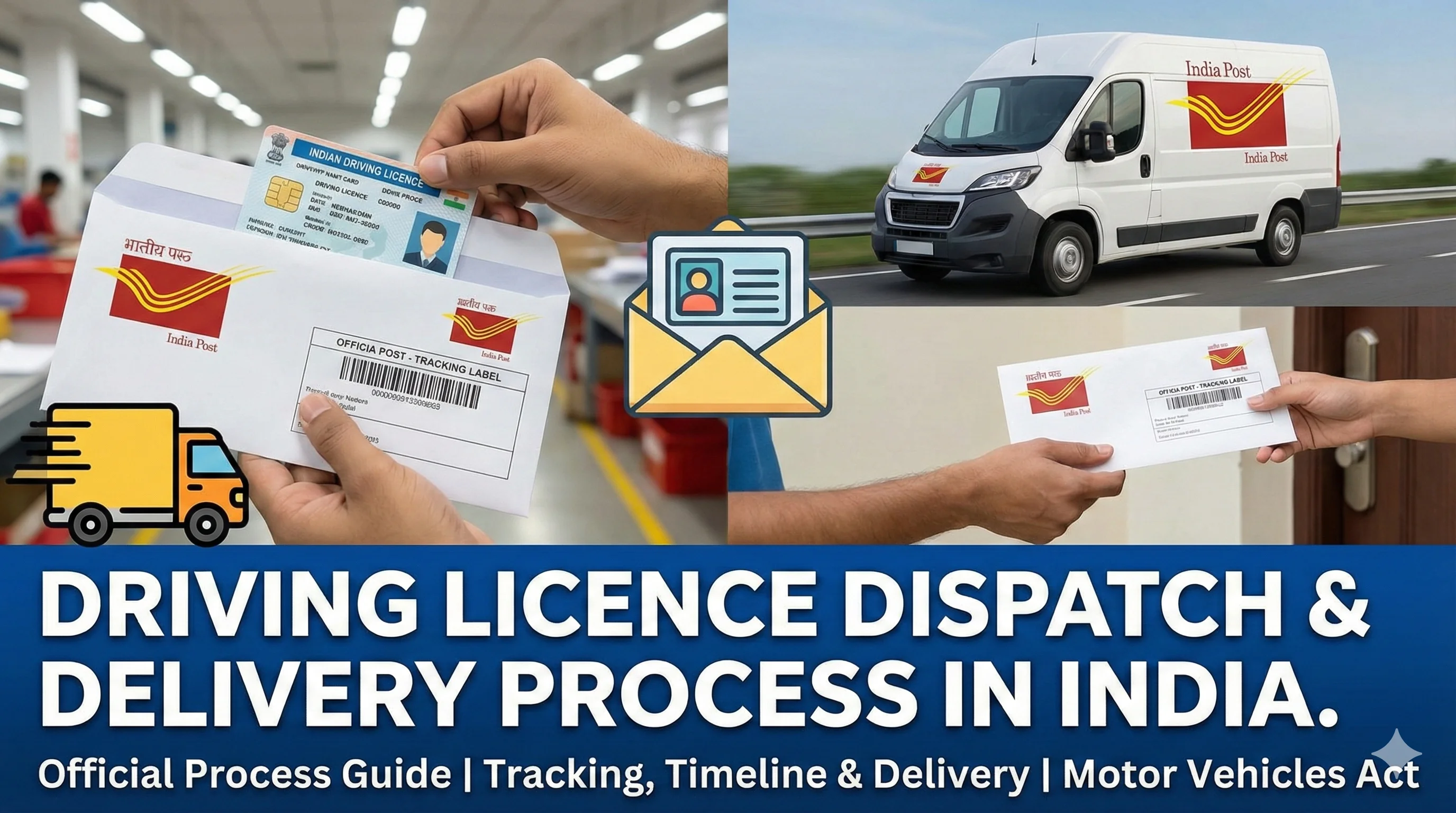
First check the Sarathi application status. If the status shows approval, printing or dispatch, note any tracking information displayed. Official Parivahan guidance says that when a driving licence is approved but not delivered, the applicant should contact the concerned department to obtain the dispatch tracking number and use that number to track delivery.
Detailed internal guide: driving licence dispatch and delivery time
No universal delivery promise
Do not publish a guaranteed delivery period. Printing and dispatch depend on the state, service, verification, local workload and delivery arrangement.
Common Status Problems and Practical Solutions
Application number not found+
Confirm the state, number and date of birth. Use the exact application number from the acknowledgement. Very recent submissions may not appear immediately.
Incorrect date of birth+
Use the date entered in the application, not a different date from another document. If the application itself contains an error, follow the correction process allowed by the portal or authority.
Payment debited but status pending+
Do not pay again immediately. Check the payment or transaction status and keep the bank reference. Use the official help option if the transaction remains unresolved.
Documents uploaded but still pending+
Open the application status and confirm whether each required file is accepted. The status may still require scrutiny by the authority after upload.
Test completed but result not updated+
Allow the authority time to record the result. Keep the appointment and test records, and contact the concerned office if the status remains unchanged for an unreasonable period.
Approved but licence not delivered+
Check printing and dispatch status. If a tracking number is not available, contact the concerned state department for the dispatch number.
Wrong details on issued licence+
Do not solve this through the status page. Use the applicable correction or service-on-licence process.
Official portal not loading+
Retry later, use a current browser, clear cached data or use the official state service again. Never switch to an unofficial website that asks for sensitive information.
| Problem | Recommended action |
|---|---|
| Application number not found | Confirm the state, number and date of birth. Use the exact application number from the acknowledgement. Very recent submissions may not appear immediately. |
| Incorrect date of birth | Use the date entered in the application, not a different date from another document. If the application itself contains an error, follow the correction process allowed by the portal or authority. |
| Payment debited but status pending | Do not pay again immediately. Check the payment or transaction status and keep the bank reference. Use the official help option if the transaction remains unresolved. |
| Documents uploaded but still pending | Open the application status and confirm whether each required file is accepted. The status may still require scrutiny by the authority after upload. |
| Test completed but result not updated | Allow the authority time to record the result. Keep the appointment and test records, and contact the concerned office if the status remains unchanged for an unreasonable period. |
| Approved but licence not delivered | Check printing and dispatch status. If a tracking number is not available, contact the concerned state department for the dispatch number. |
| Wrong details on issued licence | Do not solve this through the status page. Use the applicable correction or service-on-licence process. |
| Official portal not loading | Retry later, use a current browser, clear cached data or use the official state service again. Never switch to an unofficial website that asks for sensitive information. |
Related guides: wrong details on driving licence · driving licence test result explained
How Long Does a Driving Licence Status Update Take?
There is no single processing period for every state or service. An update can depend on whether the application is complete, fees are recorded, documents are verified, a test is required, the result has been entered, the authority has approved the service, and printing or dispatch is pending.
Check the official application status after completing each required step. Take action only when the portal asks for a correction, payment, upload, appointment or office visit. If the status remains unchanged for a prolonged period and no pending action is shown, contact the authority handling the application with the acknowledgement and payment records.
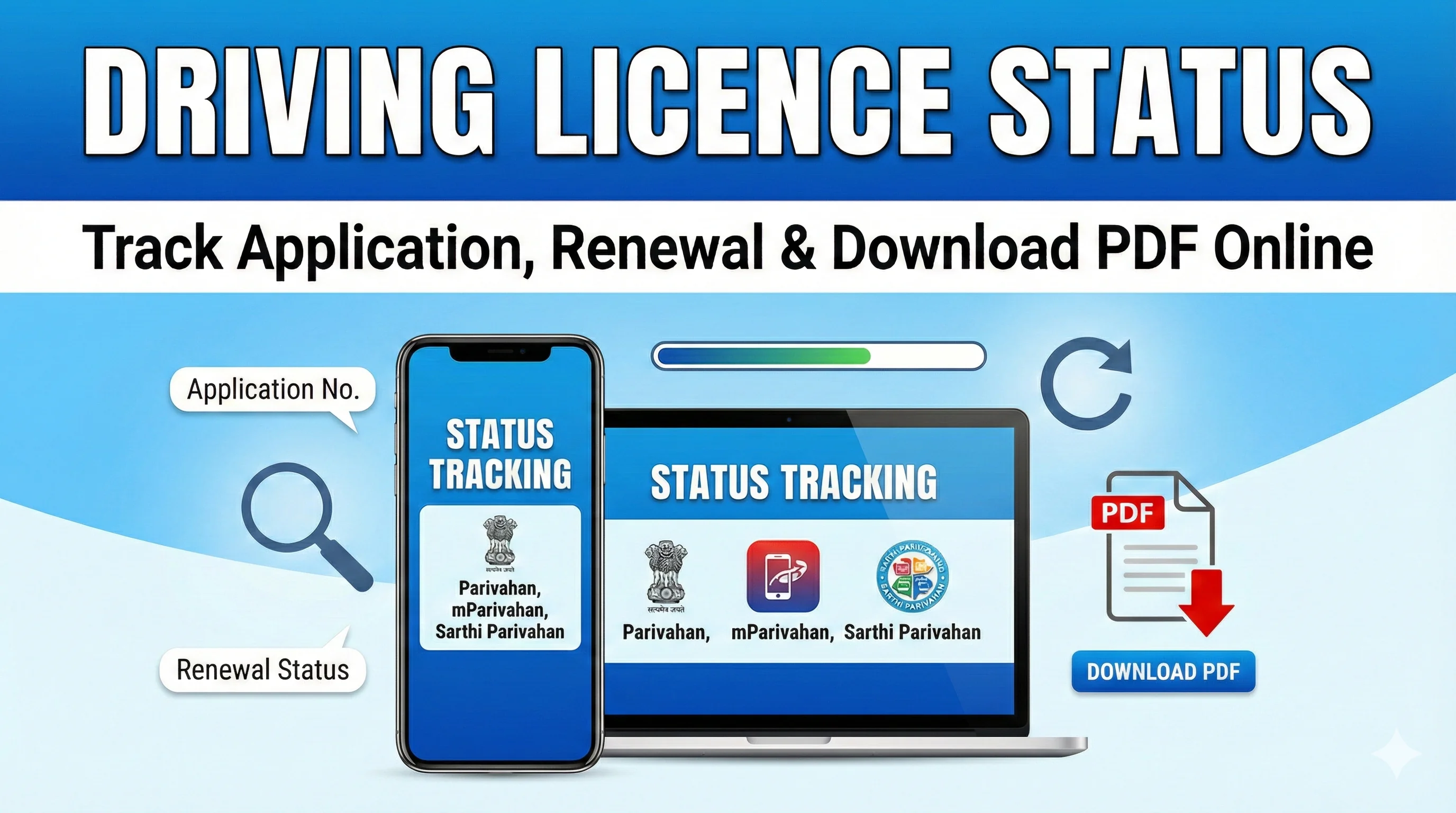
Can Vahan Be Used to Check Driving Licence Status?
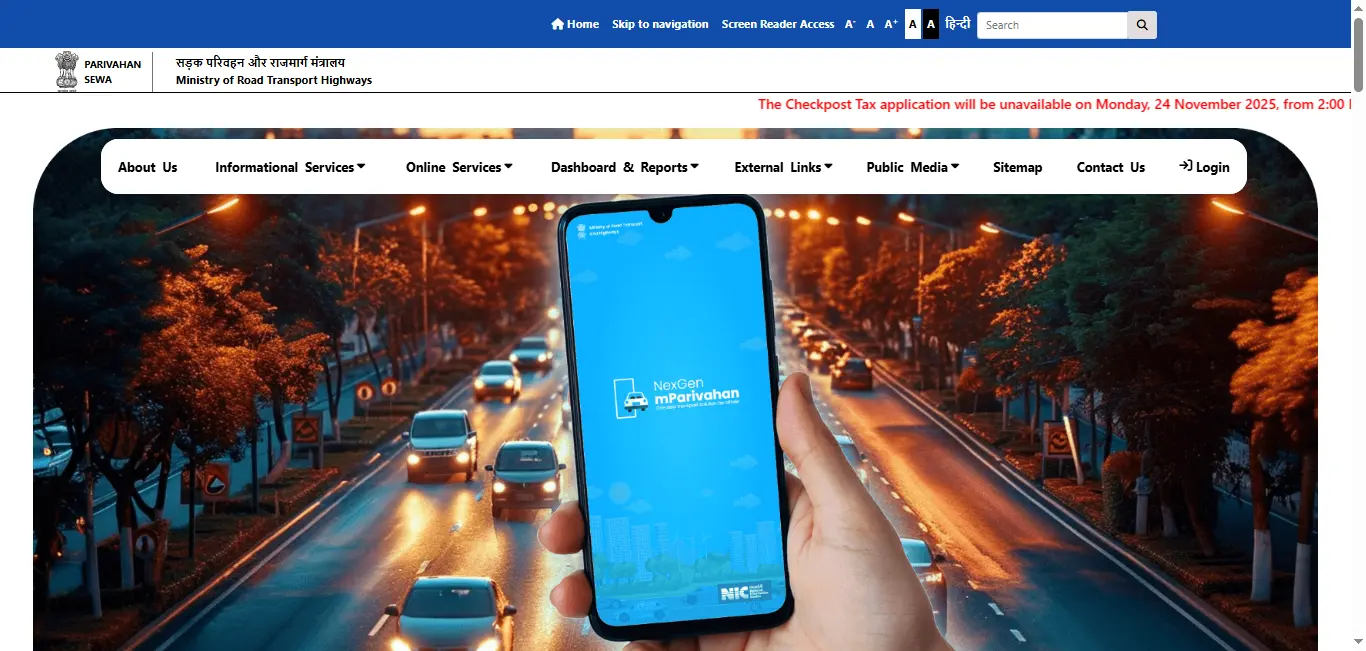
Use Sarathi for driving licence and learner’s licence application services. Vahan is primarily the platform for vehicle-registration services. A “Vahan driving licence status” section can mislead users and should not be included on this page.
Learn the difference: Sarathi driving licence portal guide · Parivahan portal explained
Can mParivahan Show Driving Licence Status?
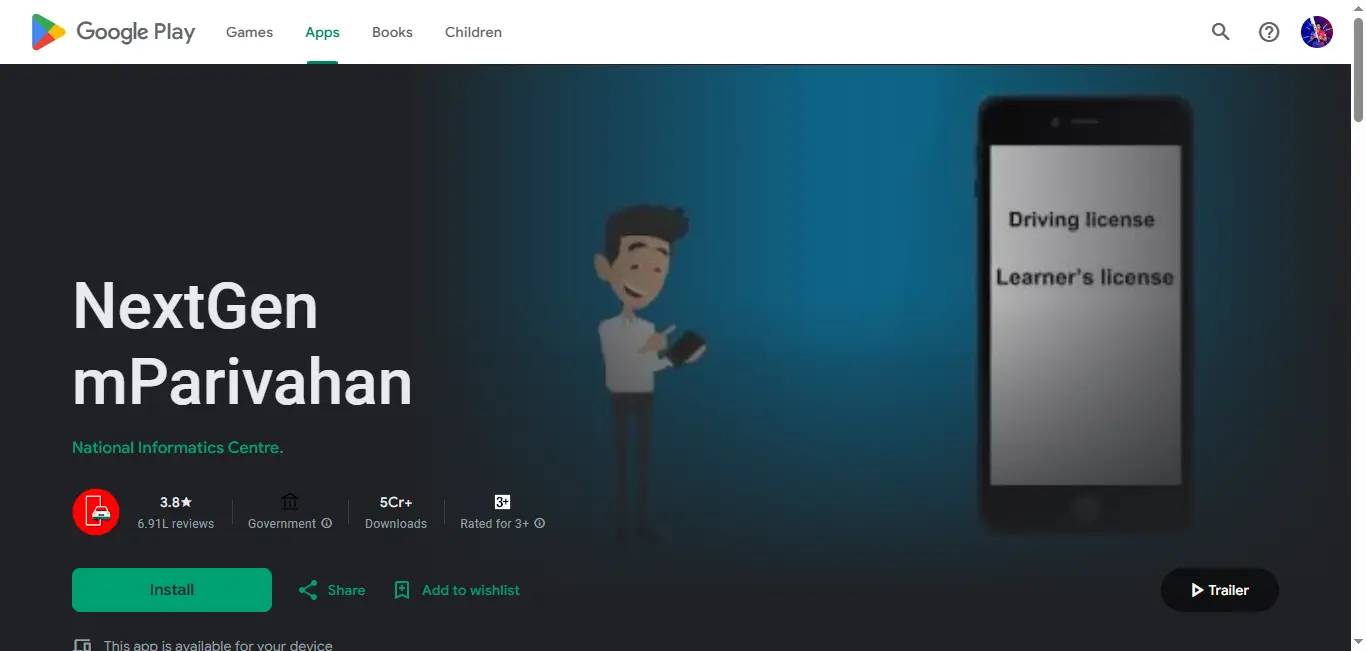
mParivahan provides access to transport-related digital services and document information, but service availability can vary. For tracking a submitted driving licence application, direct users to the official Sarathi Application Status service because it is the dedicated licensing workflow.
Related guide: mParivahan app for driving licence
Download or Access the Licence After Approval
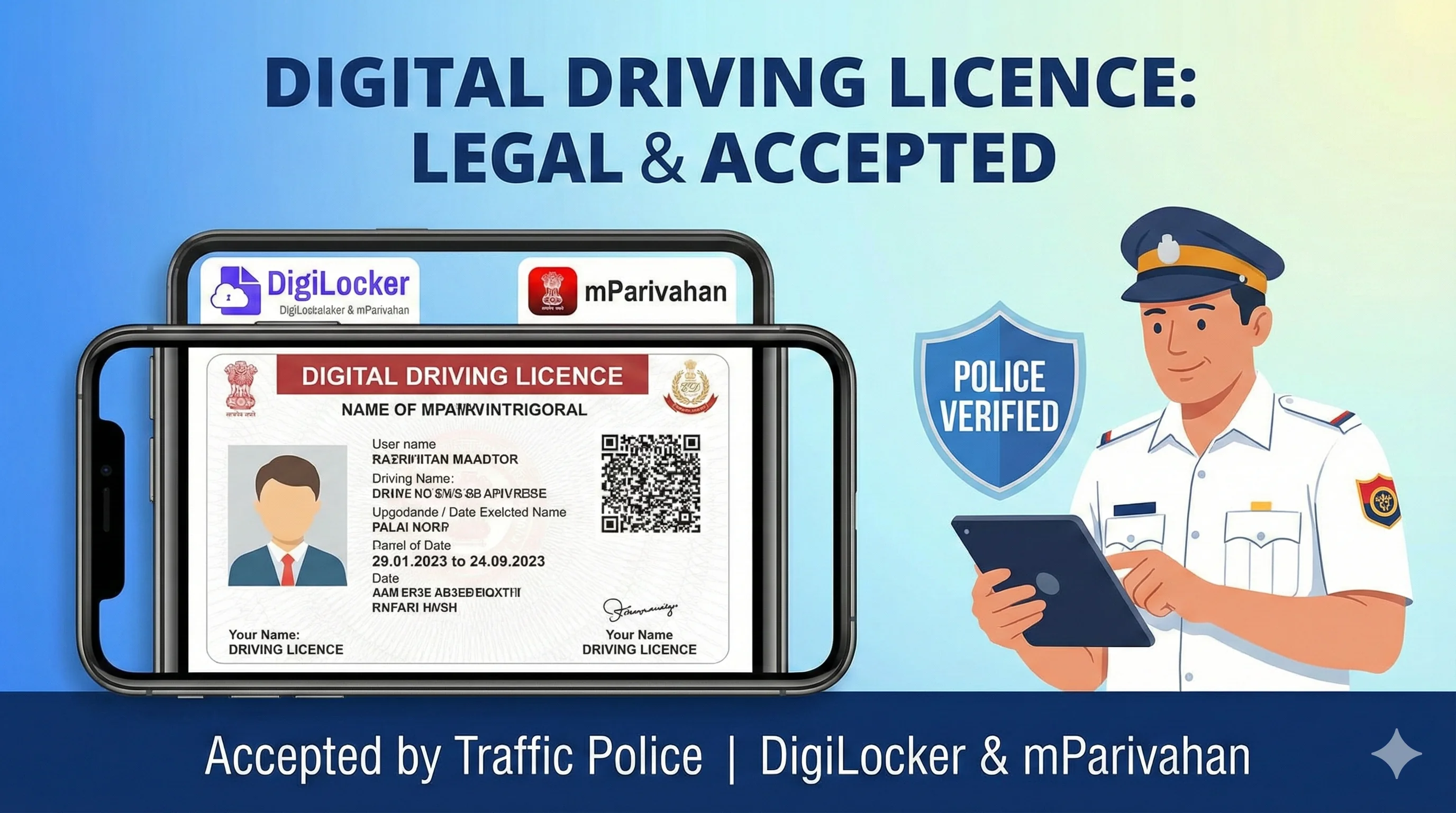
Approval does not always mean that a physical card has already been delivered. After the licence is issued and its record becomes available, the holder may be able to access a digital document through official services such as DigiLocker or mParivahan, subject to record availability and the service offered by the authority.
Internal guide: DigiLocker driving licence download guide · Homepage guide: driving licence download methods
Protect Your Personal Information
- !Use only official government portals for application numbers, driving licence numbers, dates of birth, OTPs and payments.
- !Do not share OTPs, passwords or payment-card details with anyone claiming they can speed up approval.
- !Check the domain carefully before entering information. Lookalike websites may imitate official services.
- !Keep acknowledgement numbers, receipts and appointment records until the service is completed.
- !This informational website should never collect licence credentials or represent itself as an issuing authority.
Related Driving Licence Services
Apply for a new driving licence online
Understand the new application process, documents, fees and test steps.
Apply for a learner’s licence
Prepare for the learner application and knowledge test.
Apply for a permanent driving licence
Review eligibility and the driving-test process.
Check driving licence renewal status
Track a submitted licence-renewal application.
Apply for a duplicate driving licence
Replace a lost, damaged or unusable licence.
Book a driving licence test slot
Understand appointment and slot-booking steps.
Frequently Asked Questions
1.How do I check my driving licence application status?
Open the official Sarathi portal, select the state where the application was submitted, choose Application Status, and enter the application number, date of birth and captcha.
2.Can I check DL status using the application number?
Yes. The application number is the main reference for tracking a submitted licence service through Sarathi. Use the number shown on the acknowledgement or receipt.
3.Can I check a driving licence application without an application number?
A pending application normally requires its application number. Check the acknowledgement, fee receipt, appointment letter, email or SMS. For an already issued licence, use the official licence-details service with the licence information requested there.
4.How do I check driving licence renewal status?
Use the Sarathi Application Status service and enter the application number generated for the renewal request. The separate renewal-status guide on this website explains the process in detail.
5.How do I check driving licence dispatch status?
Check the Sarathi application status first. If the licence is approved but no tracking information is shown, contact the concerned department to obtain the dispatch tracking number.
6.What does “under processing” mean?
It generally means the authority has not completed scrutiny, verification, approval or another required stage. Read the application page carefully to see whether any action is pending from you.
7.What should I do when the application number is not found?
Recheck the selected state, application number and date of birth. Use the exact number from the acknowledgement. If the issue continues, use the official support route for the concerned state.
8.My payment was debited, but the status is pending. Should I pay again?
Do not make another payment immediately. Check the official transaction or payment status and keep the bank reference. Use the official support option if the payment does not update.
9.I passed the driving test, but the status has not changed. What should I do?
The test result must be entered and processed by the authority. Check again later and keep your appointment or test record. Contact the concerned office if the update remains pending for an unreasonable period.
10.My licence is approved but not delivered. What should I do?
Check whether the application shows printing or dispatch. Official guidance recommends contacting the concerned department for the dispatch tracking number when an approved licence has not been delivered.
11.Can I use Vahan to track a driving licence application?
No. Use Sarathi for learner’s licence and driving licence applications. Vahan primarily handles vehicle-registration services.
12.Can mParivahan track every DL application?
App services can vary. For a submitted licensing application, the dedicated Sarathi Application Status route is the preferred option.
13.Can I check driving licence status by name or mobile number?
The standard application-status process generally uses the application number and date of birth. Do not rely on third-party services claiming to find a private application only by name or mobile number.
14.How long does driving licence approval take?
There is no universal timeline. It depends on the service, state workflow, document verification, fee confirmation, test result, approval, printing and dispatch.
15.What should I do if the application is rejected or returned?
Read the reason shown in the official status. Correct the issue through the permitted online process or contact the concerned authority with the acknowledgement and supporting documents.
16.Can I download my driving licence after approval?
Once the licence is issued and its record is available, you may be able to access it through official digital-document services such as DigiLocker or mParivahan. Availability can depend on the issuing authority and record synchronization.
17.What is the difference between application status and licence status?
Application status shows the progress of a submitted service. Licence details relate to an already issued driving licence record, such as validity or vehicle class.
18.Is DrivingLicenceDownload.app an official government website?
No. It is an independent informational website. It does not issue licences, process applications, receive government fees or access private application records.
Final Summary
For a submitted driving licence service, use the official Sarathi Application Status option with the application number and date of birth. Use the separate “Know Your Licence Details” service only for an already issued licence record. Do not use Vahan for licence-application tracking, and never enter sensitive information on an unofficial status form.
Independent informational website · Not affiliated with MoRTH, NIC, Parivahan or Sarathi
About This Guide
This page explains how to check driving licence application, renewal and dispatch status through official government portals. Portal labels and state workflows may change. Recheck the official Sarathi and Parivahan pages whenever major service menus are updated.
Official resources
Last reviewed: 1 August 2026 · Report incorrect information
Explore More Services
Browse related driving licence services when you are ready for the next step.