Independent informational guide · Reviewed: August 2026
mParivahan Driving Licence: Virtual DL and App Services
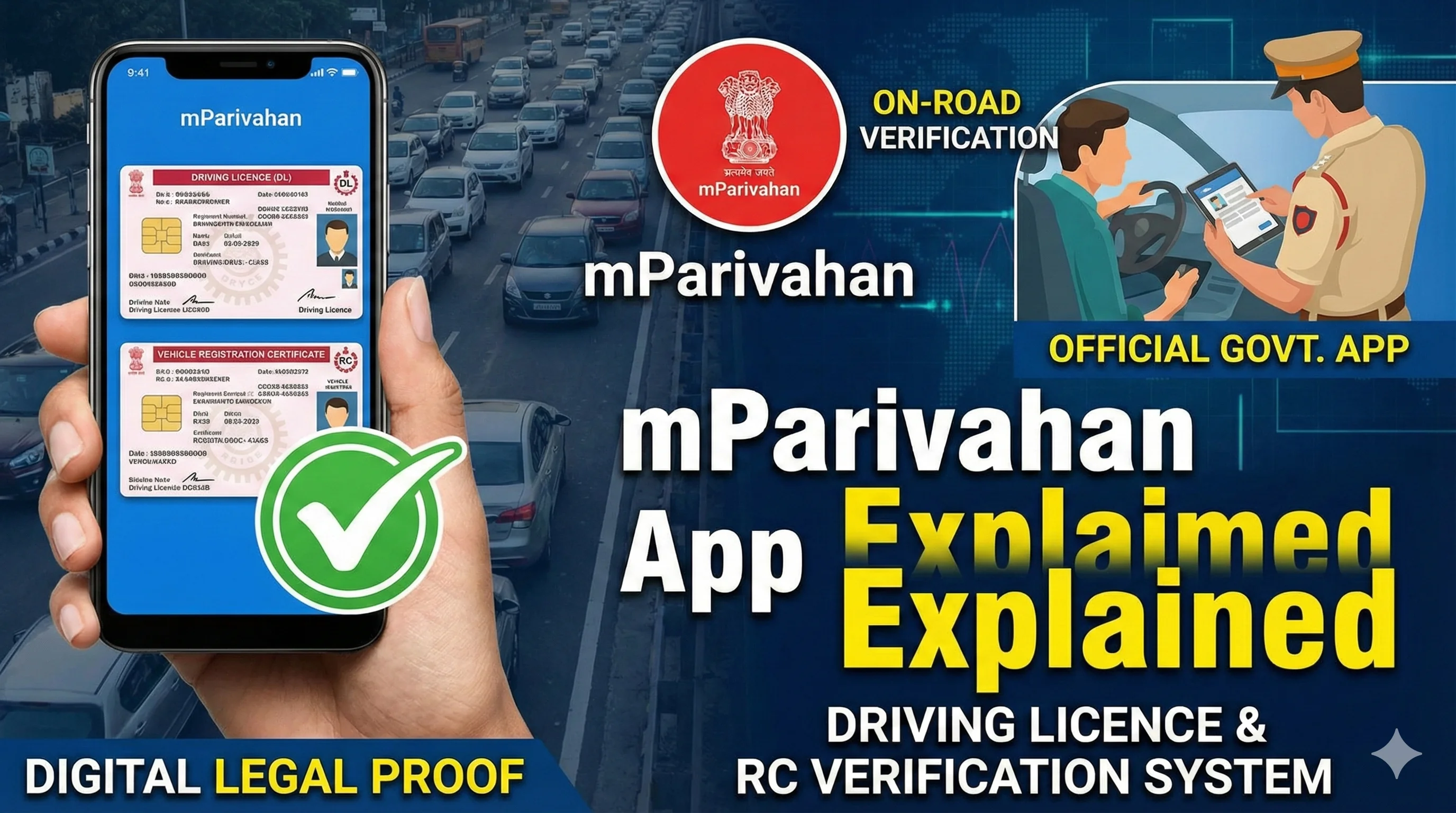
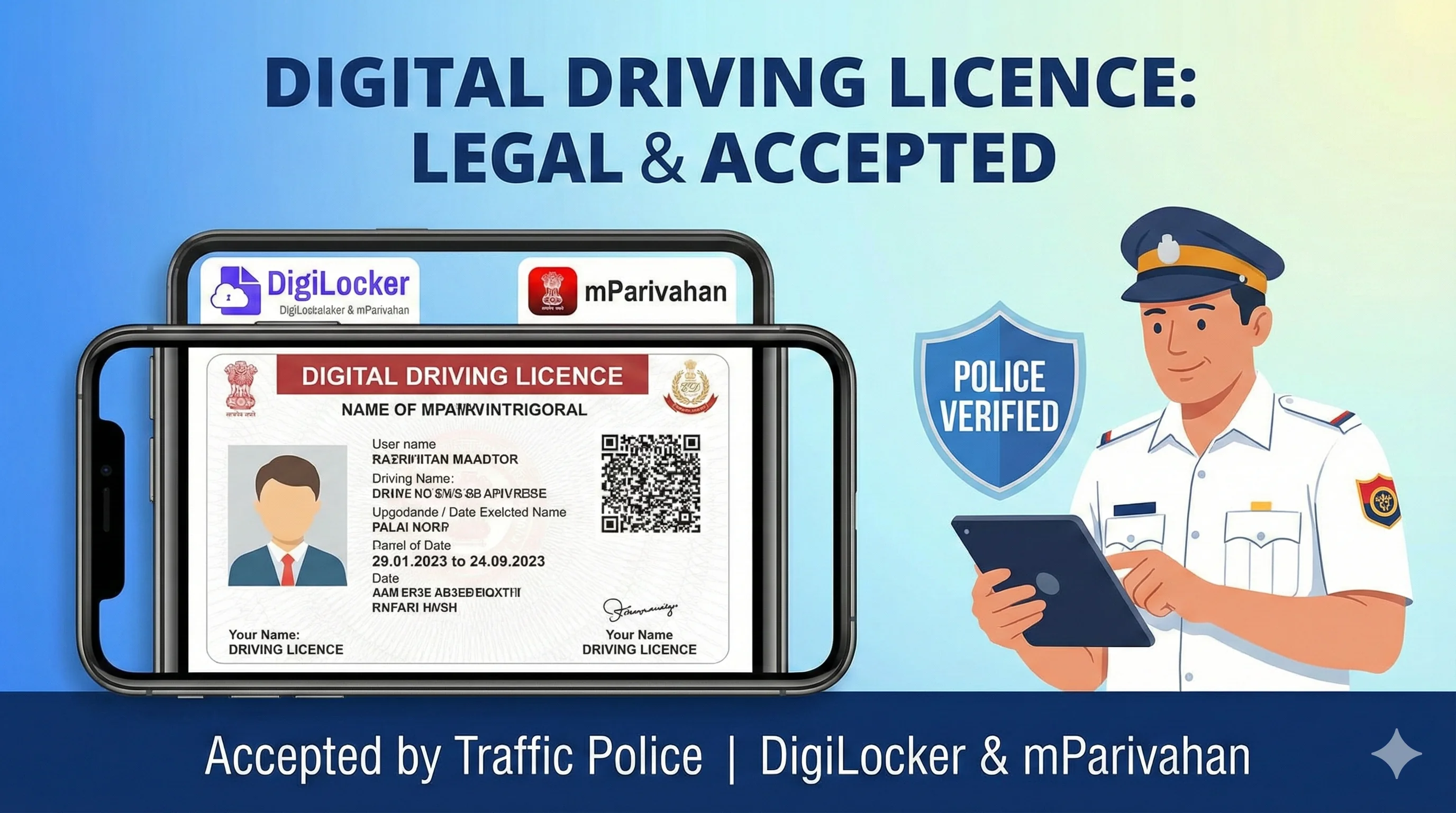
NextGen mParivahan is an official Ministry of Road Transport and Highways platform connected to national transport records. It can show virtual driving-licence information and provide access to state-supported Sarathi, Vahan and e-challan services.
View virtual driving-licence information when the record is available.
Check current transport-document details and status information.
Independent informational website — not a government portal. This website does not issue licences, book appointments, collect government fees or represent any government authority. Complete transactions only on official portals.
Official government sources · Independent informational website
Official
Sarathi only
Mobile
Easy to read
Updated
Aug 2026
Quick Answer
NextGen mParivahan is an official Ministry of Road Transport and Highways platform connected to national transport records. It can show virtual driving-licence information and provide access to state-supported Sarathi, Vahan and e-challan services.

What mParivahan Can Help With
View virtual driving-licence information when the record is available.
Check current transport-document details and status information.
Reach state-supported Sarathi services.
Access related vehicle and e-challan services where available.
How to Add or View a Virtual DL
Install the official NextGen mParivahan app from a verified app store listing.
Register or sign in using the supported verification process.
Choose the driving-licence or virtual DL option.
Enter the requested licence details and complete verification.
- Why a Record May Not Appear
- Security and Privacy
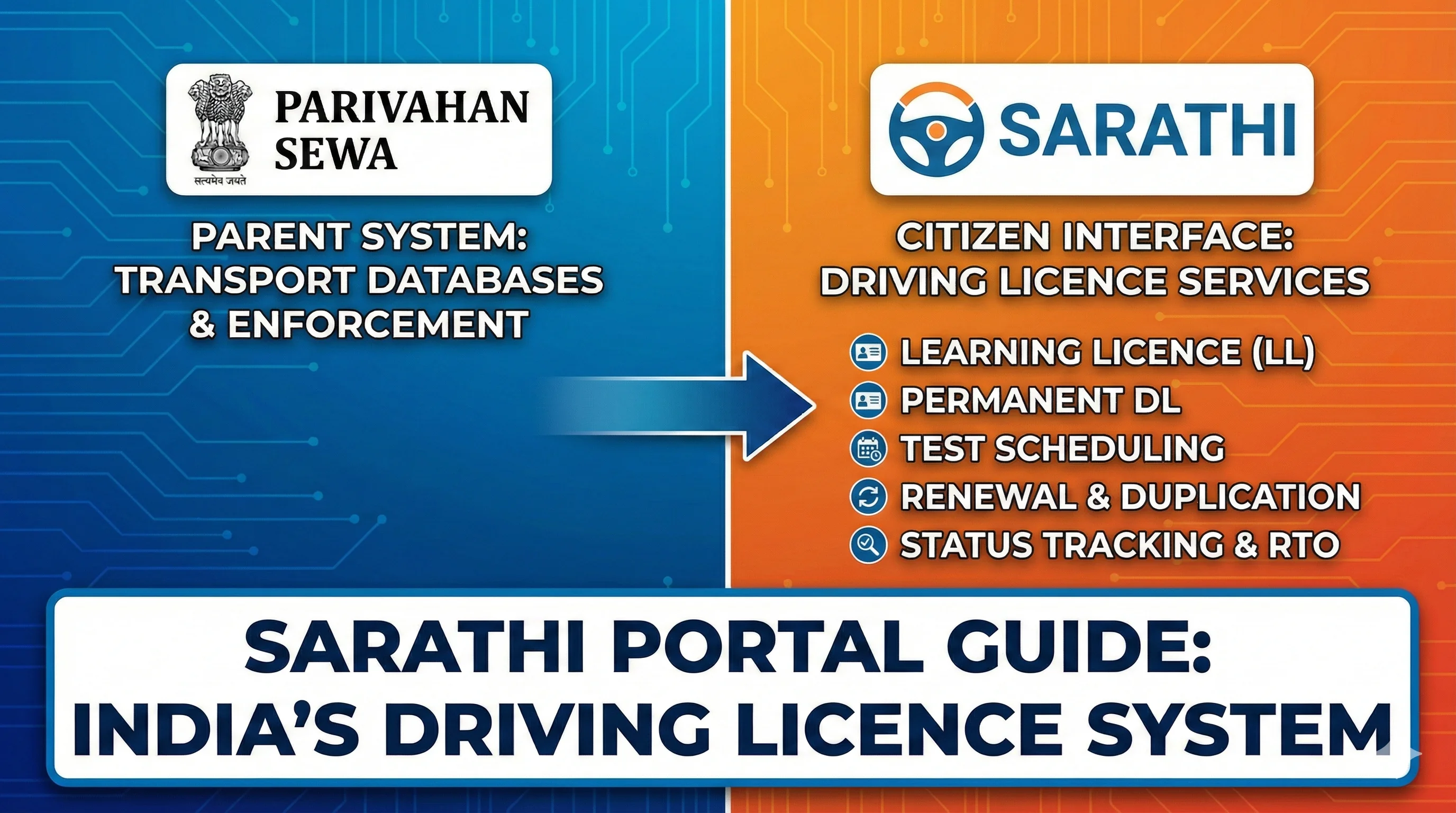
- mParivahan Is Not Sarathi
Common Problems and Solutions
Problem
Recheck details and contact the concerned transport authority.
Use the official correction service; do not edit screenshots.
Check official payment status before paying again.
- Likely cause
- Recommended action
- Record not found
- Old, non-migrated or mismatched data
- Details do not match
- Source record or application error
- Payment pending
- Bank or portal confirmation delay
Frequently Asked Questions
1.Is mParivahan a government app?
Yes, NextGen mParivahan is operated under the Ministry of Road Transport and Highways ecosystem.
2.Can I renew my DL in the app?
The app may route users to supported state services; exact renewal flow varies by state.
3.Why is my old DL missing?
Older records may require migration or correction by the concerned transport authority.
4.Does virtual DL replace the physical card?
Authorised electronic records are accepted under applicable directions, but carrying a physical card can still be practical in some situations.
5.Where should I report app issues?
Use the official mParivahan helpdesk or support details shown by Parivahan.
Related Driving Licence Guides
Official Sources
Official portal for driving-licence and learner-licence services; flow varies by state.
MoRTH/NIC transport-services information and official guidance.
Ministry notifications, rules and fee schedules.
Editorial disclosure
Content should be reviewed whenever MoRTH, Parivahan, Sarathi or a state transport department changes a form, fee, eligibility rule, portal flow or document requirement. Last reviewed: August 2026.