
Official renewal-status guidance
Check Driving Licence Renewal Status Online
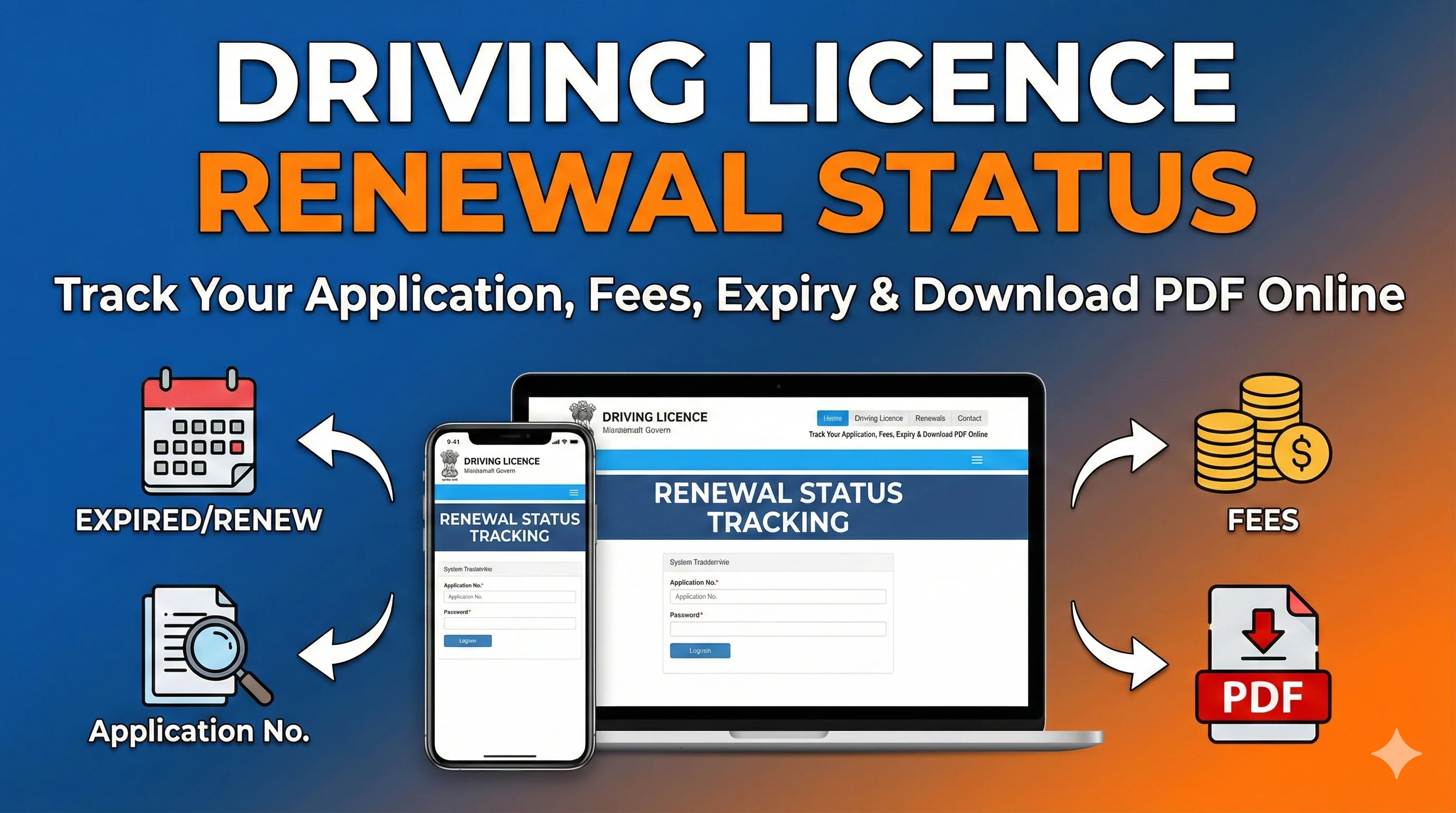
Applied to renew your driving licence and want to know what happens next? Use your renewal application number and date of birth on the official Sarathi portal to check whether the application is submitted, under scrutiny, awaiting documents, approved, printed or dispatched. This guide also explains how to renew a driving licence, what documents may be required, how official fees work and what to do when the status does not change.
Important. DrivingLicenceDownload.app is an independent informational website. It does not renew licences, accept payments, issue application numbers or control application status. Complete every transaction only on the official Sarathi/Parivahan portal selected for your state.
Official portal · Government links open in a new tab
1
Apply
2
Verify
3
Approve
4
Print/Dispatch
Driving Licence Renewal Status: Quick Answer
To check a renewal application: open the official Sarathi portal, select the state where the application is being processed, choose Application Status, and enter the application number, date of birth and captcha shown on the screen. The exact menu name and required fields can vary slightly by state.
Renewal application already submitted
Use Application Status on the official Sarathi portal.
Licence is close to expiry
Open Services on Driving Licence and start the renewal application.
Licence expired more than one year ago
Expect a retest requirement and follow the instructions displayed by the state portal.
Status says approved but card not received
Check dispatch details; if no tracking number appears, contact the concerned licensing office.
Personal details are incorrect
Do not submit repeated renewal applications. Use the applicable correction or address-change service.
| Your situation | Best action |
|---|---|
| Renewal application already submitted | Use Application Status on the official Sarathi portal. |
| Licence is close to expiry | Open Services on Driving Licence and start the renewal application. |
| Licence expired more than one year ago | Expect a retest requirement and follow the instructions displayed by the state portal. |
| Status says approved but card not received | Check dispatch details; if no tracking number appears, contact the concerned licensing office. |
| Personal details are incorrect | Do not submit repeated renewal applications. Use the applicable correction or address-change service. |
What This Guide Covers
- ✓How to check DL renewal status by application number
- ✓How to renew a driving licence through Sarathi
- ✓Documents and medical-certificate requirements
- ✓Central fee components and possible state charges
- ✓Renewal before expiry, within the grace period and after long delay
- ✓Meaning of common renewal-status messages
- ✓Payment, document, dispatch and technical problems
- ✓Validity of a renewed non-transport driving licence by age
What Does Driving Licence Renewal Status Mean?
Driving licence renewal status is the current stage of a renewal application recorded by the licensing authority. It is different from checking whether an existing driving licence is active or expired. A renewal application can pass through several steps, such as form submission, document verification, fee confirmation, scrutiny, approval, printing and dispatch.
For a broader explanation of active, expired, suspended and application-related licence records, use the driving licence status guide.
When Can You Apply for Driving Licence Renewal?
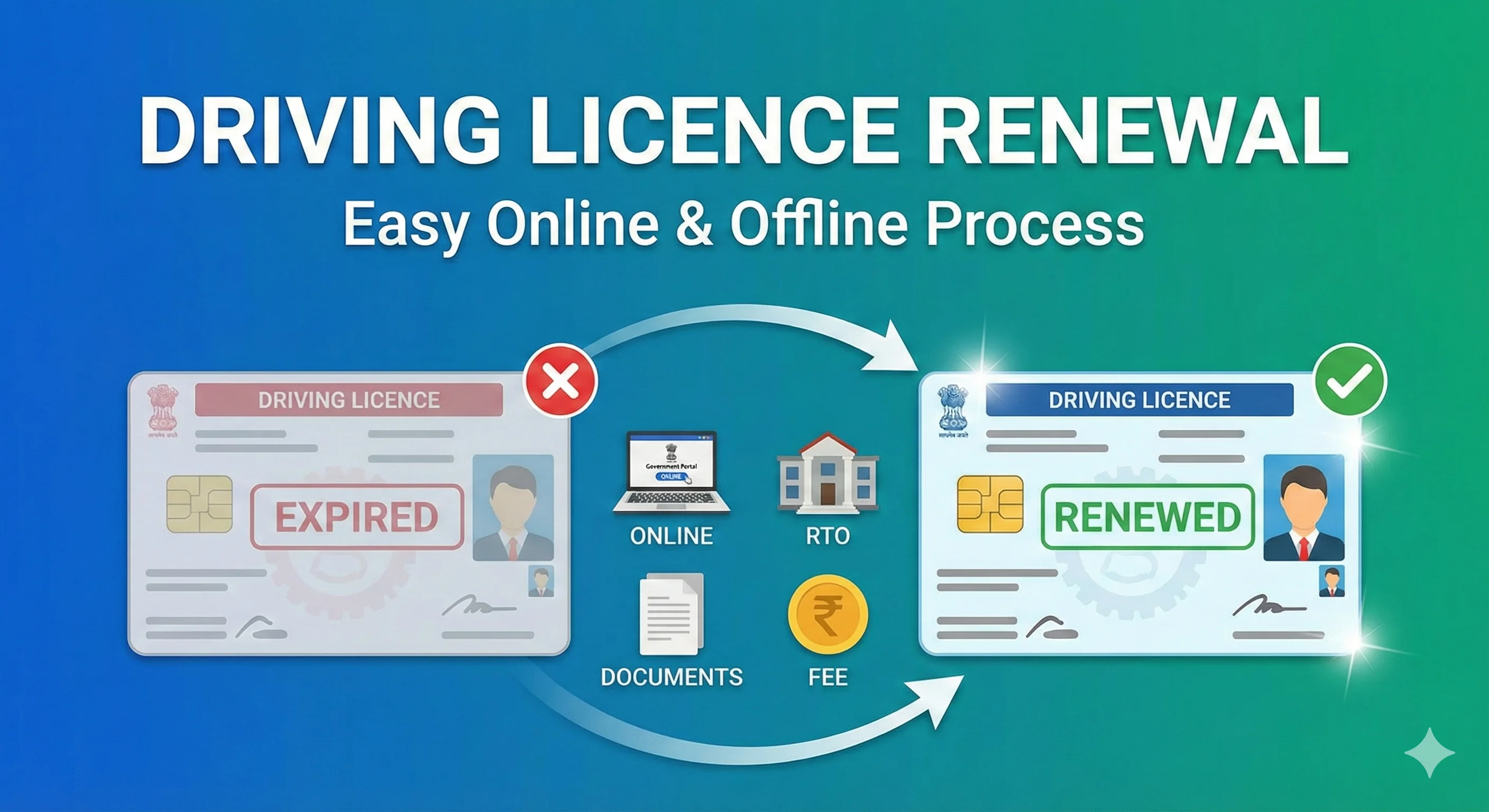
The current official renewal guidance states that a renewal application may be accepted up to one year before the licence expires. Applying early helps prevent a gap in validity and gives time to resolve document, medical or data-related issues. The exact availability of online renewal and office visits depends on the state selected in Sarathi.
Up to one year before expiry
Renewal can generally be initiated through the applicable state workflow.
Within 30 days after expiry
Official guidance treats this as the grace-period window for the effective date of renewal.
More than 30 days after expiry
Late/additional fees can apply, and renewed validity may begin from the date of the accepted application rather than the old expiry date.
More than one year after expiry
The applicant should expect a retest for the relevant vehicle categories under current official renewal guidance.
Read the detailed explanation of age and expiry rules in our driving licence validity by age guide.
How to Renew a Driving Licence Online Through Sarathi
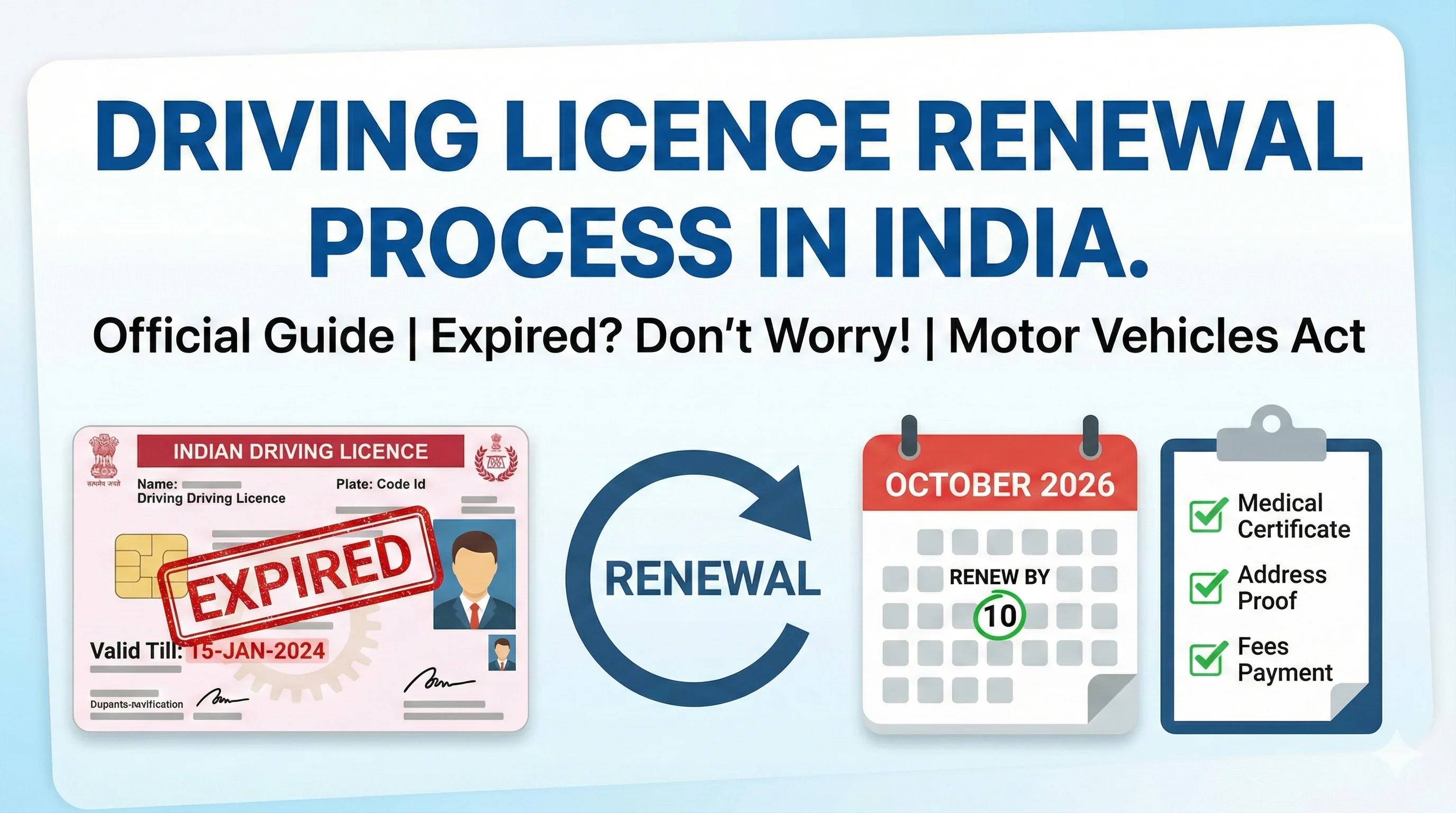
The online route starts on Sarathi, but it may not remove every offline requirement. Depending on the state, applicant age, licence type and condition of the record, the portal may ask for document uploads, a medical certificate, biometric capture, a physical visit or a retest.
- 1
Step 1: Open the official Sarathi portal
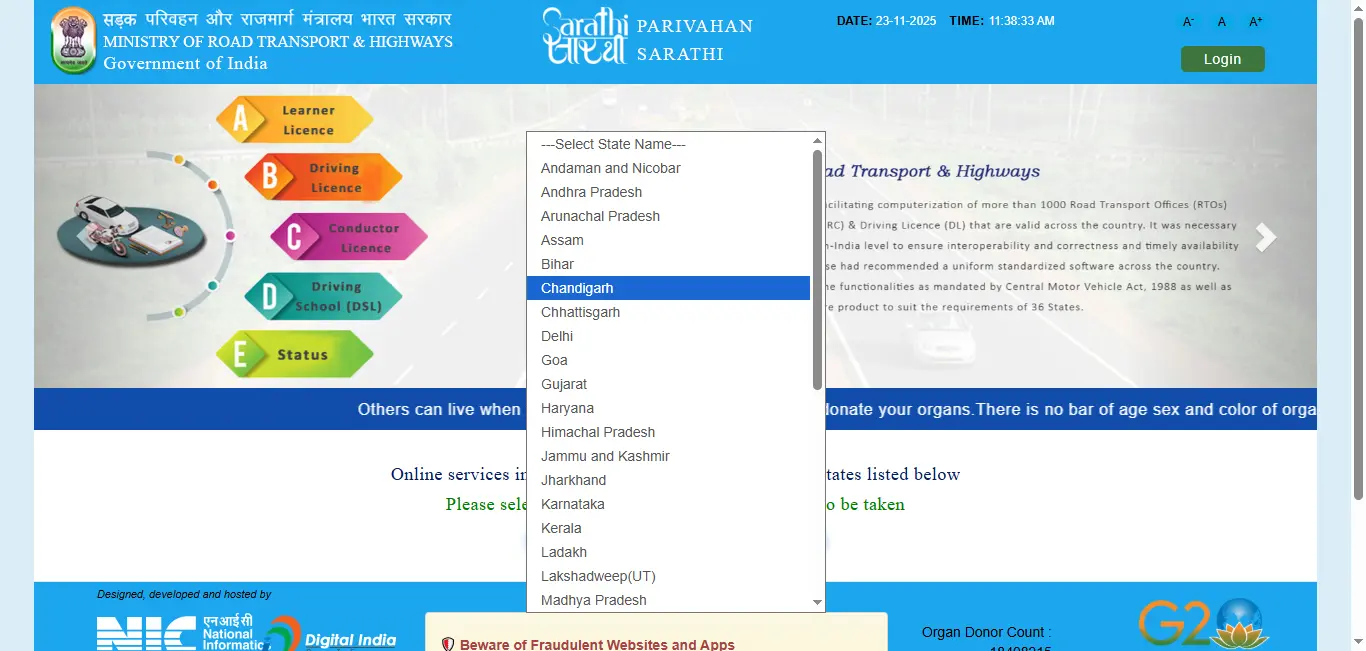
Go to the Sarathi state-selection page. Avoid sponsored pages or private websites that ask for licence details or payment.
- 2
Step 2: Select the concerned state
Choose the state responsible for processing the driving-licence service. Available menus and workflow can differ by state.
- 3
Step 3: Open Services on Driving Licence
Under the Driving Licence menu, choose the option commonly labelled “Services on Driving Licence (Renewal/Duplicate/AEDL/Others)”.
- 4
Step 4: Enter the licence details
Provide the driving licence number, date of birth and other details requested for verification.
- 5
Step 5: Select Renewal of DL
Choose the renewal service rather than duplicate, address change or another transaction.
- 6
Step 6: Review the prefilled record
Check the name, date of birth, address, vehicle classes, mobile number and licence validity before proceeding.
- 7
Step 7: Complete the application
Enter the requested declarations and service details. Follow the form generated by the portal for the selected state.
- 8
Step 8: Upload documents if enabled
Upload clear files in the format and size shown. Some states may instead require documents at the licensing office.
- 9
Step 9: Complete medical requirements
Provide Form 1 or Form 1A when applicable. A medical certificate can be required for transport licences and applicants above 40 years of age.
- 10
Step 10: Pay the displayed fee
Use the available official payment gateway. Save the receipt and do not refresh or repeat payment while the transaction is pending.
- 11
Step 11: Book an appointment if required
Some cases require an office visit for verification, biometrics, medical review or a driving retest.
- 12
Step 12: Save the application number
Download or print the acknowledgement. The application number is essential for checking renewal status later.
Applicants who have not yet obtained a permanent licence should use the separate driving licence online application guide instead of this renewal process.
Renew Driving Licence(sarathi.parivahan.gov.in, opens in a new tab)How to Check Driving Licence Renewal Status by Application Number
Keep the acknowledgement or payment receipt ready before starting. A driving licence number alone may not show the progress of a newly submitted renewal transaction; the application number is usually the most useful identifier.
Where to find the application number
Look on the application acknowledgement, fee receipt, SMS or email generated after submission. Do not confuse the application number with the driving licence number or payment transaction ID.
- 1
Visit the official Sarathi state-selection page.
- 2
Select the state handling the renewal application.
- 3
Choose “Application Status” from the available menu.
- 4
Enter the renewal application number.
- 5
Enter the applicant’s date of birth in the format shown.
- 6
Complete the captcha and submit.
- 7
Review the current stage, pending actions and any appointment or document instructions.
- 8
Use the available print options to save the acknowledgement, appointment letter or fee receipt when needed.
Ready to check renewal status?
Opens official Sarathi state selection
What Common Renewal Status Messages Mean
Application submitted+
Meaning: The form has been recorded, but later steps may still be incomplete.
What you should do: Check whether document upload, fee payment, appointment or verification is pending.
Fee pending / payment pending+
Meaning: Payment is not confirmed against the application.
What you should do: Use payment status or verify payment before paying again.
Documents pending+
Meaning: Required files or physical documents have not been accepted.
What you should do: Open the application details and follow the upload or office-visit instruction.
Under scrutiny / under processing+
Meaning: The licensing authority is reviewing the record.
What you should do: Wait for an update and check for objections or pending actions.
Biometrics pending+
Meaning: Photograph, signature or biometric capture is required.
What you should do: Attend the office or centre shown in the appointment details.
Test required / retest pending+
Meaning: A driving retest has been assigned, commonly in delayed-renewal cases.
What you should do: Book or attend the test and carry the required original documents.
Approved+
Meaning: The competent authority has accepted the renewal.
What you should do: Wait for printing or digital-record update. Keep the acknowledgement.
Printing / card printing+
Meaning: The renewed licence record is approved and card production is in progress.
What you should do: Check again later; printing times are not identical across states.
Dispatched+
Meaning: The physical licence has been sent.
What you should do: Use the tracking information if displayed.
Rejected+
Meaning: The application was not accepted.
What you should do: Read the reason, save the record and contact the concerned office before submitting again.
| Status message or stage | Meaning | What you should do |
|---|---|---|
| Application submitted | The form has been recorded, but later steps may still be incomplete. | Check whether document upload, fee payment, appointment or verification is pending. |
| Fee pending / payment pending | Payment is not confirmed against the application. | Use payment status or verify payment before paying again. |
| Documents pending | Required files or physical documents have not been accepted. | Open the application details and follow the upload or office-visit instruction. |
| Under scrutiny / under processing | The licensing authority is reviewing the record. | Wait for an update and check for objections or pending actions. |
| Biometrics pending | Photograph, signature or biometric capture is required. | Attend the office or centre shown in the appointment details. |
| Test required / retest pending | A driving retest has been assigned, commonly in delayed-renewal cases. | Book or attend the test and carry the required original documents. |
| Approved | The competent authority has accepted the renewal. | Wait for printing or digital-record update. Keep the acknowledgement. |
| Printing / card printing | The renewed licence record is approved and card production is in progress. | Check again later; printing times are not identical across states. |
| Dispatched | The physical licence has been sent. | Use the tracking information if displayed. |
| Rejected | The application was not accepted. | Read the reason, save the record and contact the concerned office before submitting again. |
Documents Required for Driving Licence Renewal
The portal-generated acknowledgement is the best source for the exact document list in your case. Requirements vary by state, age, vehicle class and whether the existing record is complete in Sarathi.
Existing driving licence
Core proof of the licence being renewed.
Application/acknowledgement generated by Sarathi
Used to identify the service request and pending steps.
Form 1 - self-declaration of physical fitness
Generally used for applicable non-transport licence cases.
Form 1A - medical certificate
Current official guidance requires it for transport vehicles and applicants above 40 years of age.
Identity and address documents
May be requested for verification, particularly when the record or address needs updating.
Passport-size photograph/signature
May be uploaded or captured through the state workflow.
Fee receipt and appointment letter
Carry these if an office visit is required.
Original documents
May be required for physical verification even after online upload.
Form note
The national Parivahan forms library lists Form 9 for renewal, while newer digital workflows may use a combined or portal-generated application form. Follow the form and document list displayed for your state rather than uploading an unrelated form. See official driving licence forms.
Driving Licence Renewal Fees
Do not publish fixed vehicle-wise totals such as “LMV ₹500-₹1,000” or “HMV ₹1,000-₹1,500.” The amount payable is built from central fee components plus any applicable state, service, smart-card, postal or technology charges. The official payment screen is the final amount for the application.
Renewal of driving licence
₹200
State/user charges may be added.
Renewal applied for after the grace period
₹300
Additional late fee can also apply.
Additional fee for delay
₹1,000 for each year or part of a year
Calculated from the end of the grace period under the central fee schedule.
Smart-card type licence, where applicable
Additional charge may apply
The exact portal amount depends on the state implementation.
| Central fee component | Base amount in the central schedule | Important note |
|---|---|---|
| Renewal of driving licence | ₹200 | State/user charges may be added. |
| Renewal applied for after the grace period | ₹300 | Additional late fee can also apply. |
| Additional fee for delay | ₹1,000 for each year or part of a year | Calculated from the end of the grace period under the central fee schedule. |
| Smart-card type licence, where applicable | Additional charge may apply | The exact portal amount depends on the state implementation. |
Payment safety
Pay only inside the official state Sarathi workflow. Save the receipt. Never share an OTP, Aadhaar authentication code, card PIN or UPI PIN with a person offering to “clear” or “speed up” renewal status.
What to Do If Renewal Payment Fails
Do not immediately create a second renewal application.
Check whether the bank amount was actually debited.
Use the payment-status or verify-payment option available against the same application.
Wait for the official gateway to reconcile the transaction before attempting payment again.
Save the bank reference number, transaction ID, application number and screenshot of any error.
If the amount is debited but the portal remains unpaid, use the official helpdesk or contact the concerned licensing office.
How to Renew a Driving Licence After Expiry
An expired licence should not be treated as a normal active licence while renewal is pending. Start the official process as soon as possible and follow the instructions generated for the delay period.
Expired within the 30-day grace period
Standard renewal workflow, subject to the portal’s displayed fee and document requirements.
Expired for more than 30 days but less than one year
Late fee can apply. The effective renewal date may be based on the accepted application date.
Expired for more than one year
Current official guidance says the applicant should undergo a retest for the relevant vehicle categories.
Old record not found in Sarathi
Contact the concerned zonal/licensing office with the original licence and supporting documents for record verification or backlog entry.
| Expiry situation | Likely requirement |
|---|---|
| Expired within the 30-day grace period | Standard renewal workflow, subject to the portal’s displayed fee and document requirements. |
| Expired for more than 30 days but less than one year | Late fee can apply. The effective renewal date may be based on the accepted application date. |
| Expired for more than one year | Current official guidance says the applicant should undergo a retest for the relevant vehicle categories. |
| Old record not found in Sarathi | Contact the concerned zonal/licensing office with the original licence and supporting documents for record verification or backlog entry. |
Validity After Renewal for a Non-Transport Driving Licence
Renewal validity is age-based. It should not be described as a universal five-year renewal period.
Below 30 years
Up to the date the holder attains 40 years of age.
30 years or above but below 50
10 years.
50 years or above but below 55
Up to the date the holder attains 60 years of age.
55 years or above
5 years.
Transport-licence validity and medical requirements can follow different rules. Always use the validity printed in the renewed official record.
Can You Renew a Driving Licence in Another State?
Official Parivahan guidance states that an NOC is not required merely to renew a driving licence in another state. However, the selected state may require identity, address or original-record verification, and the online service may depend on whether the licence data is available in Sarathi. Follow the concerned state’s workflow and do not assume that every case is fully online.
When the applicant’s residential address has changed, use the separate process to change address on a driving licence instead of trying to overwrite the address indirectly through unrelated form fields.
Renewal Is Not the Right Service for Every Problem
Licence lost, stolen or damaged
Apply for a duplicate driving licenceName, date of birth or another detail is incorrect
Use the applicable correction service and supporting recordsAddress has changed
Use the address-change serviceApplication already submitted
Check application status rather than submitting another renewalNeed a digital copy after approval
Use DigiLocker or mParivahan when the updated record is availableApply for a duplicate driving licence when the existing card is lost, stolen or damaged. Read the driving licence correction process for errors in the record.
Renewal Approved but Licence Not Delivered
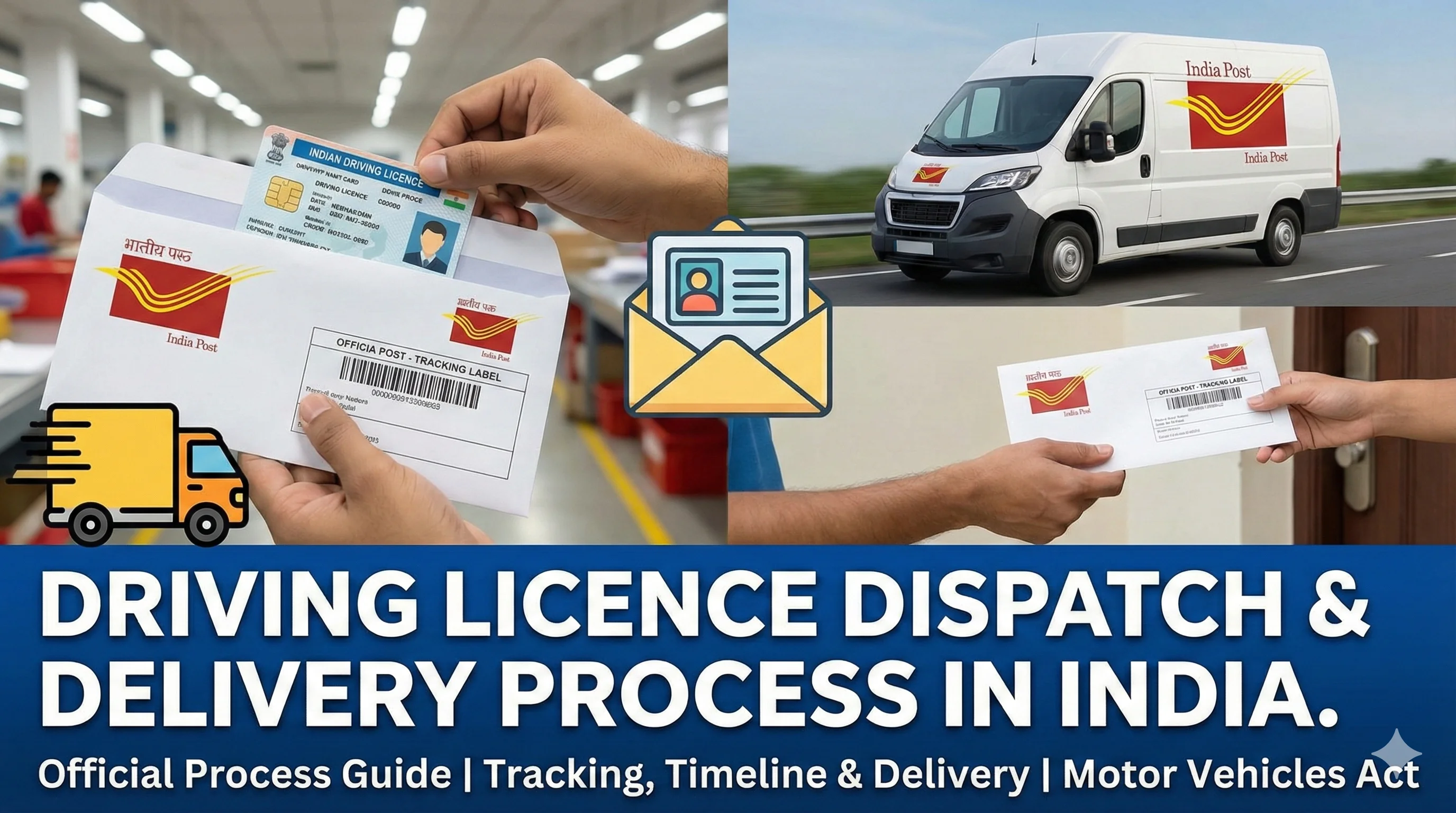
Approval and delivery are separate stages. A renewal can show approved before the physical card is printed or dispatched. Check Application Status for printing or dispatch information. If the licence is approved but no tracking number is shown, official guidance recommends contacting the concerned licensing office or transport department to obtain the dispatch tracking number.
See the detailed driving licence dispatch and delivery time guide for practical next steps.
Can You Download the Renewed Driving Licence?
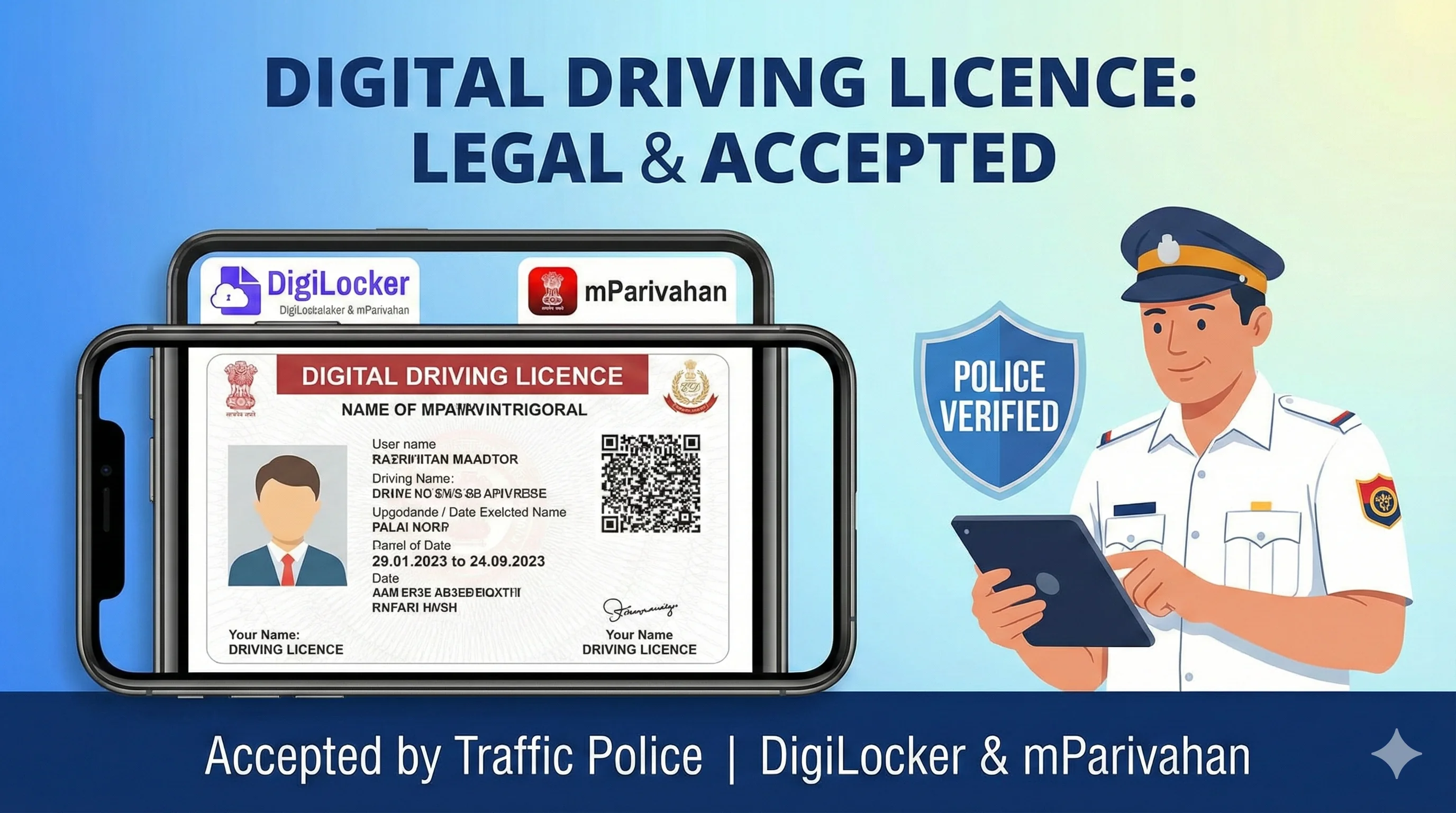
After the renewed record is approved and updated, a digital driving licence may be available through official services. Availability and timing depend on state-system synchronization. Do not treat a private PDF, edited image or portal screenshot as an officially issued digital document.
Use our DigiLocker driving licence guide and mParivahan driving licence guide to understand official digital access. You can also start from the driving licence download homepage.
Common Renewal Status Problems and Solutions
Application number not found+
Likely cause: Wrong state, typing error, recent submission or incomplete application.
Recommended action: Confirm the state, number and DOB. Check the acknowledgement and retry after the record has been generated.
Licence details not found+
Likely cause: Old/non-digitized record, format mismatch or wrong date of birth.
Recommended action: Try the exact licence format shown on the card. Contact the licensing office if the record is not available in Sarathi.
Status unchanged for several days+
Likely cause: Scrutiny, workload or an incomplete step.
Recommended action: Open the full application details and check documents, fee, appointment or objections before contacting the office.
Documents still pending after upload+
Likely cause: Upload not finalized, unreadable file or manual verification pending.
Recommended action: Check the upload confirmation and bring originals if the acknowledgement requires an office visit.
Payment debited but status unpaid+
Likely cause: Gateway reconciliation delay.
Recommended action: Verify payment against the existing application; do not pay repeatedly.
Renewal approved but digital record unchanged+
Likely cause: Data synchronization delay.
Recommended action: Check again later and use the approved status/acknowledgement when contacting the authority.
Renewal rejected+
Likely cause: Document mismatch, eligibility issue, incomplete verification or failed retest.
Recommended action: Read the recorded reason and resolve it before creating another application.
No dispatch tracking number+
Likely cause: Card not dispatched or tracking data not displayed.
Recommended action: Contact the concerned office after approval to request dispatch details.
| Problem | Likely cause | Recommended action |
|---|---|---|
| Application number not found | Wrong state, typing error, recent submission or incomplete application. | Confirm the state, number and DOB. Check the acknowledgement and retry after the record has been generated. |
| Licence details not found | Old/non-digitized record, format mismatch or wrong date of birth. | Try the exact licence format shown on the card. Contact the licensing office if the record is not available in Sarathi. |
| Status unchanged for several days | Scrutiny, workload or an incomplete step. | Open the full application details and check documents, fee, appointment or objections before contacting the office. |
| Documents still pending after upload | Upload not finalized, unreadable file or manual verification pending. | Check the upload confirmation and bring originals if the acknowledgement requires an office visit. |
| Payment debited but status unpaid | Gateway reconciliation delay. | Verify payment against the existing application; do not pay repeatedly. |
| Renewal approved but digital record unchanged | Data synchronization delay. | Check again later and use the approved status/acknowledgement when contacting the authority. |
| Renewal rejected | Document mismatch, eligibility issue, incomplete verification or failed retest. | Read the recorded reason and resolve it before creating another application. |
| No dispatch tracking number | Card not dispatched or tracking data not displayed. | Contact the concerned office after approval to request dispatch details. |
Before You Submit: Renewal Checklist
- 1
Confirm the driving licence number, date of birth and expiry date.
- 2
Check whether the existing address and personal details are correct.
- 3
Keep the registered mobile number available for OTP or updates.
- 4
Prepare clear scans of the documents shown by the state portal.
- 5
Arrange Form 1A from an authorised medical practitioner when applicable.
- 6
Choose only the renewal service you actually need.
- 7
Save the acknowledgement, application number and payment receipt.
- 8
Check Application Status before contacting the licensing office.
- 9
Carry original documents whenever the acknowledgement instructs you to visit.
Frequently Asked Questions
1.How can I check my driving licence renewal status?
Open the official Sarathi portal, select the concerned state, choose Application Status, and enter the renewal application number, date of birth and captcha. Menu wording may vary slightly by state.
2.Can I check DL renewal status using only the driving licence number?
The licence number can help retrieve existing licence details, but the renewal application number is normally the clearest identifier for tracking a submitted renewal transaction.
3.Where is my renewal application number?
It appears on the acknowledgement, fee receipt and, in many cases, the SMS or email generated after the application is submitted.
4.How early can I renew a driving licence?
Current official renewal guidance says the application may be entertained up to one year before the licence expiry date.
5.Is there a grace period after driving licence expiry?
Official guidance describes a 30-day period after expiry for determining the effective date of renewal. Late or additional fees may apply according to the official fee schedule and state implementation.
6.What happens if the licence expired more than one year ago?
Current official renewal guidance says the applicant should undergo a retest for the categories authorised by the licence.
7.Do I need a driving test for every renewal?
No. A routine on-time renewal does not automatically mean a driving test. A retest can be required in delayed-renewal or other cases identified by the authority.
8.What is the central base fee for renewal?
The central fee schedule lists ₹200 for renewal. Applications after the grace period have a separate fee component and delay-based additional fees. State and user charges may be added.
9.Is the fee different for LMV and HMV?
Do not rely on generic vehicle-wise ranges. The official portal calculates the payable amount from the applicable service, delay, card and state/user-charge components.
10.Is Form 1A required for renewal?
Current official guidance requires a medical certificate in Form 1A for transport vehicles and candidates above 40 years of age. Follow the document list generated for the selected state.
11.Can I renew a driving licence online without visiting an office?
Some cases may be completed largely online, but a state may require an office visit for originals, biometrics, medical verification or a retest.
12.Can I renew my licence in another state?
Official guidance says an NOC is not required merely for renewal in another state. The state may still require address or original-record verification.
13.Why does my renewal status show under scrutiny?
The authority is reviewing the application or documents. Check whether the application page shows an objection, pending document, appointment or other action.
14.What should I do if the payment was debited but not updated?
Use the official payment-verification option against the existing application and wait for reconciliation. Do not submit repeated payments without checking status.
15.What does approved mean?
The renewal has been accepted by the competent authority. Printing, digital update or dispatch may still take place afterward.
16.How do I track the renewed licence card?
Check Application Status for dispatch information. If approved but no tracking number is available, contact the concerned licensing office or transport department.
17.Can I drive while the renewal application is pending?
Do not assume that an expired physical licence becomes valid merely because an application was submitted. Follow the validity shown in the official record and applicable law.
18.Can I download the renewed licence immediately after approval?
The updated record may take time to synchronize with official digital-document services. Check DigiLocker or mParivahan after the renewed record is available.
19.What if my old licence is not visible in Sarathi?
Contact the concerned zonal/licensing office with the original licence and supporting documents. A non-digitized or non-Sarathi record may require verification or backlog entry.
20.Should I submit another application if the status is delayed?
No. First check pending actions, payment status and documents against the existing application. Duplicate applications can make resolution harder.
Related Driving Licence Guides
Check or Start Renewal on the Official Portal
Use Application Status with your renewal application number for tracking. Use Services on Driving Licence to start a renewal. Never enter sensitive details on unofficial forms.
Editorial and Source Note
This guide explains the public process; it does not replace the decision of a licensing authority. State workflows, portal labels, supporting documents, appointment requirements and payable totals can differ. Before publishing, verify screenshots and menu labels against the selected state portal.
Public-page disclaimer: DrivingLicenceDownload.app is not affiliated with MoRTH, NIC, Parivahan Sewa, Sarathi, mParivahan or any state transport authority. It does not issue, renew, approve, print or dispatch driving licences. Verify the final process and status on the official government portal.
Last reviewed: 1 August 2026 · Report incorrect information
Explore More Services
Browse related driving licence services when you are ready for the next step.