Independent informational guide · Reviewed: August 2026
DigiLocker Driving Licence: How to Add, View and Use Your DL
DigiLocker can provide an issued digital driving licence linked to official records. This guide explains how to fetch the document, where to find it, what to do when the record is missing and how an issued document differs from a simple uploaded scan.
Independent informational website — not a government portal. This website does not issue licences, book appointments, collect government fees or represent any government authority. Complete transactions only on official portals.
Official government sources · Independent informational website
Official
Sarathi only
Mobile
Easy to read
Updated
Aug 2026
Quick Answer
DigiLocker can provide an issued digital driving licence linked to official records. This guide explains how to fetch the document, where to find it, what to do when the record is missing and how an issued document differs from a simple uploaded scan.

Before You Start
Create or sign in to your DigiLocker account using the supported mobile and identity-verification process.
Keep your driving licence number and date of birth ready exactly as recorded by the transport authority.
Use only the official DigiLocker website or application.
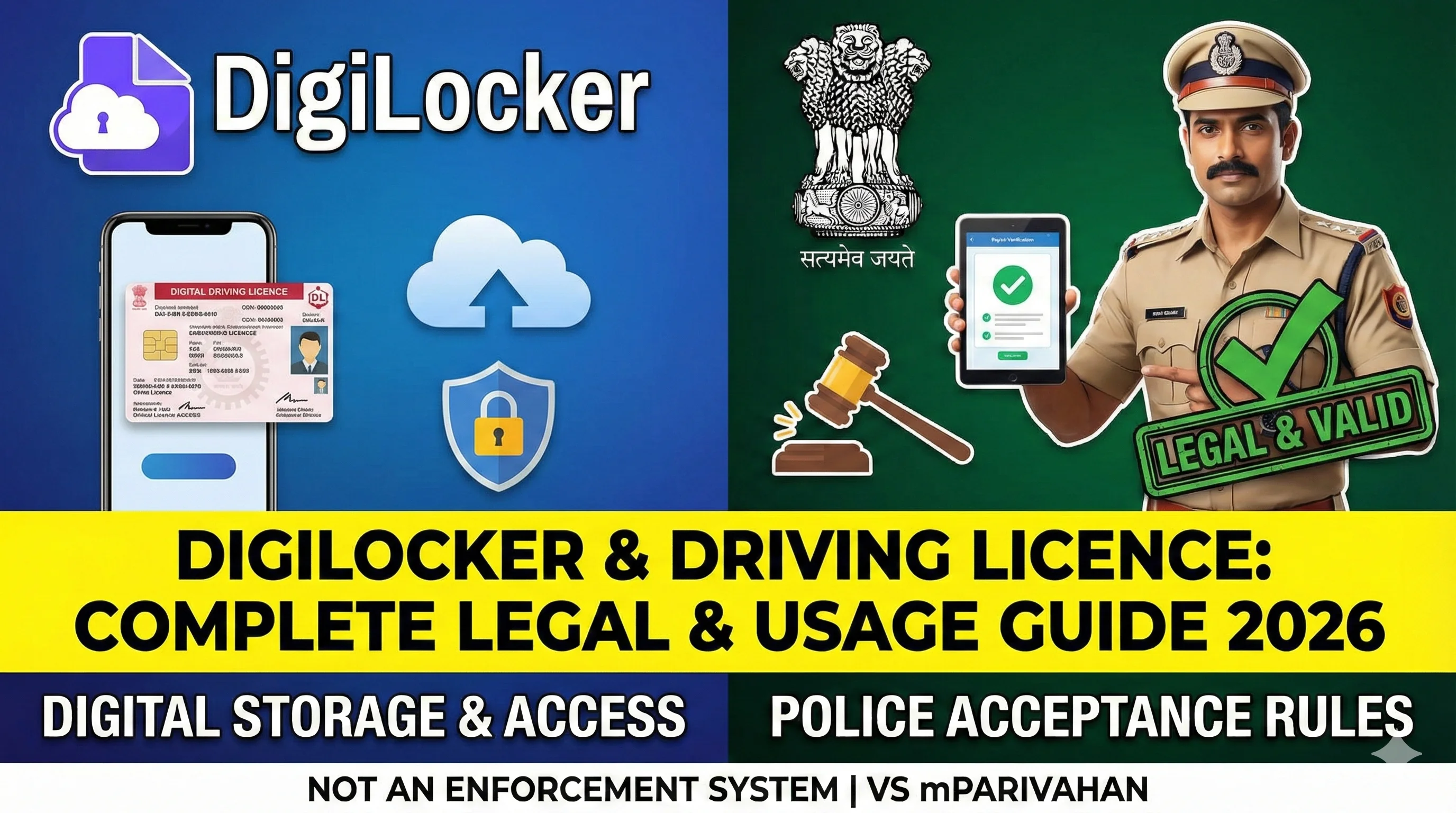
How to Fetch a Driving Licence in DigiLocker
Open DigiLocker and sign in.
Go to the section for issued documents or search issuers.
Choose the appropriate transport or driving-licence issuer.
Enter the requested licence details exactly as printed in official records.
Issued Document vs Uploaded Copy
An issued document is fetched from an authorised issuer and carries issuer-linked metadata.
An uploaded scan is a personal file placed in DigiLocker by the user.
Do not describe a user-uploaded scan as equivalent to an issued electronic record.
If the Driving Licence Is Not Found
Recheck number format, date of birth and state details.
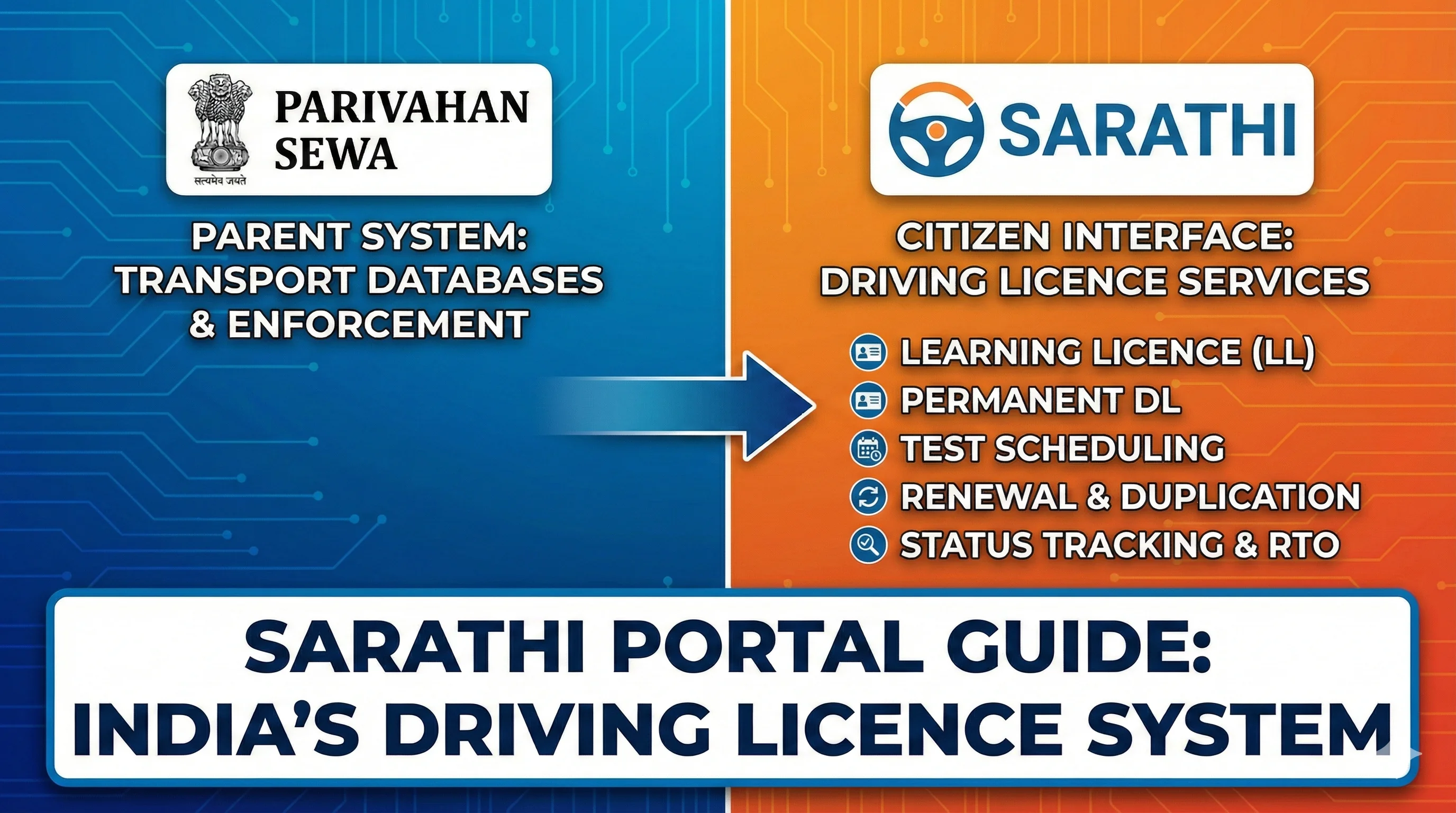
Confirm that the licence data has been migrated to Sarathi or the relevant state database.
Contact the concerned transport office if the official record is missing or outdated.
Do not repeatedly create new accounts or alter personal details merely to force a match.
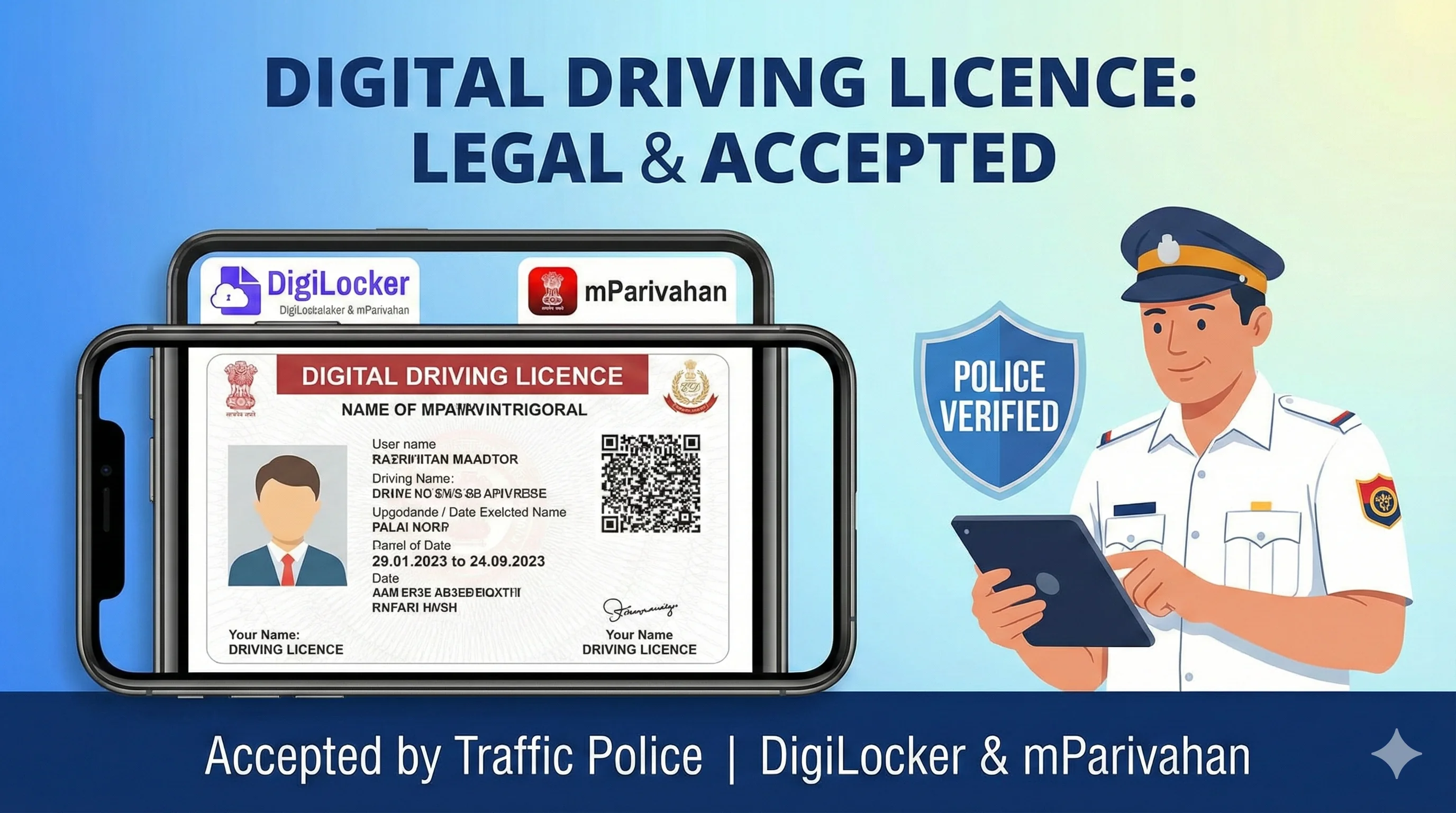
Using the Digital Licence
Open the issued document inside DigiLocker when verification is requested.
Keep the app updated and ensure account access before travelling.
Where an authority requires additional verification, cooperate with its official process.
Carry a physical card when travelling abroad or where a specific organisation requires it.
Common Problems and Solutions
Problem
Recheck details and contact the concerned transport authority.
Use the official correction service; do not edit screenshots.
Check official payment status before paying again.
- Likely cause
- Recommended action
- Record not found
- Old, non-migrated or mismatched data
- Details do not match
- Source record or application error
- Payment pending
- Bank or portal confirmation delay
Frequently Asked Questions
1.Is a DigiLocker driving licence valid?
An issued driving licence available through DigiLocker is recognised under applicable electronic-document directions, subject to verification and the document being current.
2.Why is my DL not showing?
The licence record may not be migrated or may contain mismatched details. The concerned transport office may need to update it.
3.Can I download a PDF?
DigiLocker may provide viewing, sharing or downloading options depending on the document and app version.
4.Is an uploaded photo enough?
An uploaded image is not the same as an issuer-fetched document.
5.Can I use DigiLocker outside India?
Acceptance abroad depends on the destination. A physical Indian licence and, where required, an International Driving Permit may still be needed.
Related Driving Licence Guides
Official Sources
Official portal for driving-licence and learner-licence services; flow varies by state.
MoRTH/NIC transport-services information and official guidance.
Ministry notifications, rules and fee schedules.
Editorial disclosure
Content should be reviewed whenever MoRTH, Parivahan, Sarathi or a state transport department changes a form, fee, eligibility rule, portal flow or document requirement. Last reviewed: August 2026.