
Independent Step-by-Step Guide
Driving Licence Online Apply: New Learner and Permanent Licence Guide
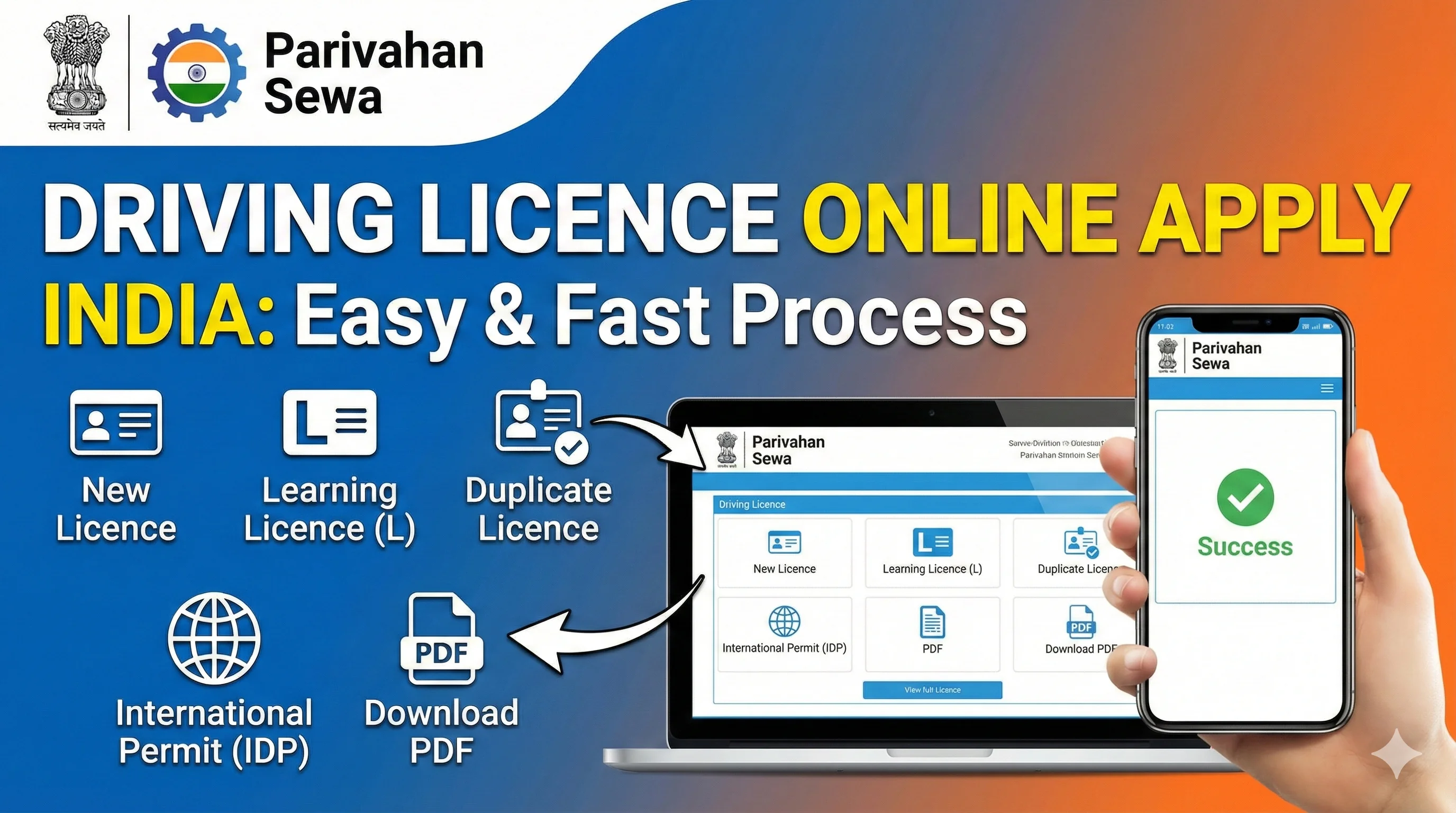
Applying for a driving licence in India normally happens in two stages. First, a new applicant applies for a learner’s licence and completes the required knowledge test. After holding a valid learner’s licence for at least 30 days, the applicant can apply for a permanent driving licence and book the test of competence. Most application steps begin on the official Sarathi Parivahan portal, but document upload, online testing, appointments and faceless services can differ by state.
This guide explains the full process, including eligibility, documents, official fees, learner’s licence application, driving-test booking, payment checks and application tracking. It does not collect applications, accept payments or issue licences.
Independent informational website – not a government portal. DrivingLicenceDownload.app is an independent informational website. Never share an OTP, password, card PIN or banking credential with this website or with anyone claiming to submit the application on your behalf.
Government portal opens in a new tab. Select the state where you ordinarily reside or where the relevant licensing authority has jurisdiction.
Check the documents before applying · Explore all driving licence services
.webp)
Driving Licence Online Application: Quick Process
Check eligibility
Confirm your age and select the correct vehicle class.
This guide and your state transport rules
Apply for learner’s licence
Complete the learner’s licence application and submit the required declarations/documents.
Sarathi Parivahan
Pay and take the learner test
Pay the applicable fee and complete the learner test online or at the licensing office, depending on your state.
Sarathi/state transport system
Practise legally
Follow learner rules and practise only with the required supervision and “L” markings.
On road, subject to applicable rules
Apply for permanent licence
Apply after at least 30 days while the learner’s licence remains valid.
Sarathi Parivahan
Book and pass the driving test
Choose an appointment, attend with documents and the correct class of vehicle, and pass the competence test.
Licensing authority/test track
1. Check eligibility
Confirm your age and select the correct vehicle class.
This guide and your state transport rules
2. Apply for learner’s licence
Complete the learner’s licence application and submit the required declarations/documents.
Sarathi Parivahan
3. Pay and take the learner test
Pay the applicable fee and complete the learner test online or at the licensing office, depending on your state.
Sarathi/state transport system
4. Practise legally
Follow learner rules and practise only with the required supervision and “L” markings.
On road, subject to applicable rules
5. Apply for permanent licence
Apply after at least 30 days while the learner’s licence remains valid.
Sarathi Parivahan
6. Book and pass the driving test
Choose an appointment, attend with documents and the correct class of vehicle, and pass the competence test.
Licensing authority/test track
First, Choose the Correct Licence Service
A common reason for confusion is selecting the wrong service. Use the following guide before starting:
You have never held a learner’s licence for the vehicle class
Apply for a new learner’s licence first.
Learning Driving LicenceYou hold a valid learner’s licence and at least 30 days have passed
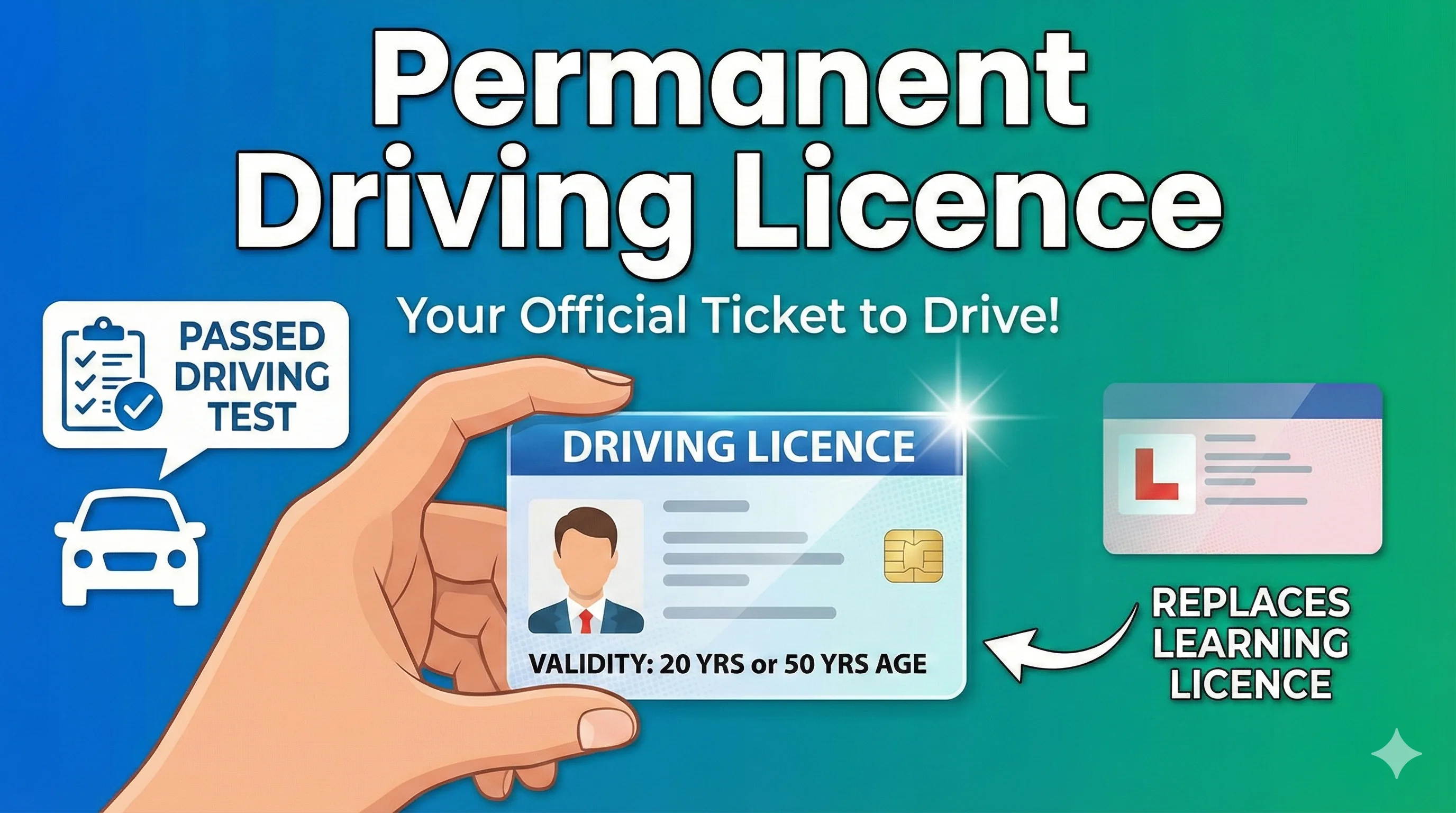
Apply for a permanent driving licence and book the driving test.
Permanent Driving LicenceYour existing licence has expired or is close to expiry
Use the renewal service, not the new-licence application.
Driving Licence Renewal StatusYour licence is lost, stolen, damaged or destroyed
Apply for a duplicate driving licence.
Duplicate Driving LicenceYou need to update your residential address
Use the change-of-address service.
Change Address on Driving LicenceYou already have a valid Indian licence and need to drive abroad
Review the International Driving Permit process.
International Driving LicenceRelevant pages: apply for a learning driving licence, apply for a permanent driving licence, check driving licence renewal status, apply for a duplicate driving licence, change the address on a driving licence, apply for an International Driving Permit.
Eligibility to Apply for a Driving Licence
Eligibility depends on the applicant’s age, the vehicle class and whether the licence is for private or transport use. The broad age categories used by official transport systems are:
| Applicant/vehicle category | Minimum age generally shown | Key condition |
|---|---|---|
| Motorcycle without gear (MCWOG), up to the permitted low-capacity category | 16 years | Parent or guardian consent is generally required for a minor applicant. |
| Private motorcycle with gear (MCWG) and light motor vehicle (LMV) | 18 years | Applicant must meet identity, age, residence and fitness requirements. |
| Transport vehicle category | 20 years | Additional training, experience, medical or state-specific requirements may apply. |
State-specific check: The portal may display only the vehicle classes and services available for your state. Always follow the eligibility message, document list and instructions generated for your application.
Learn more about common licence classes: LMV driving licence, MCWG in a driving licence, heavy driving licence.
Documents Required for a New Driving Licence Application
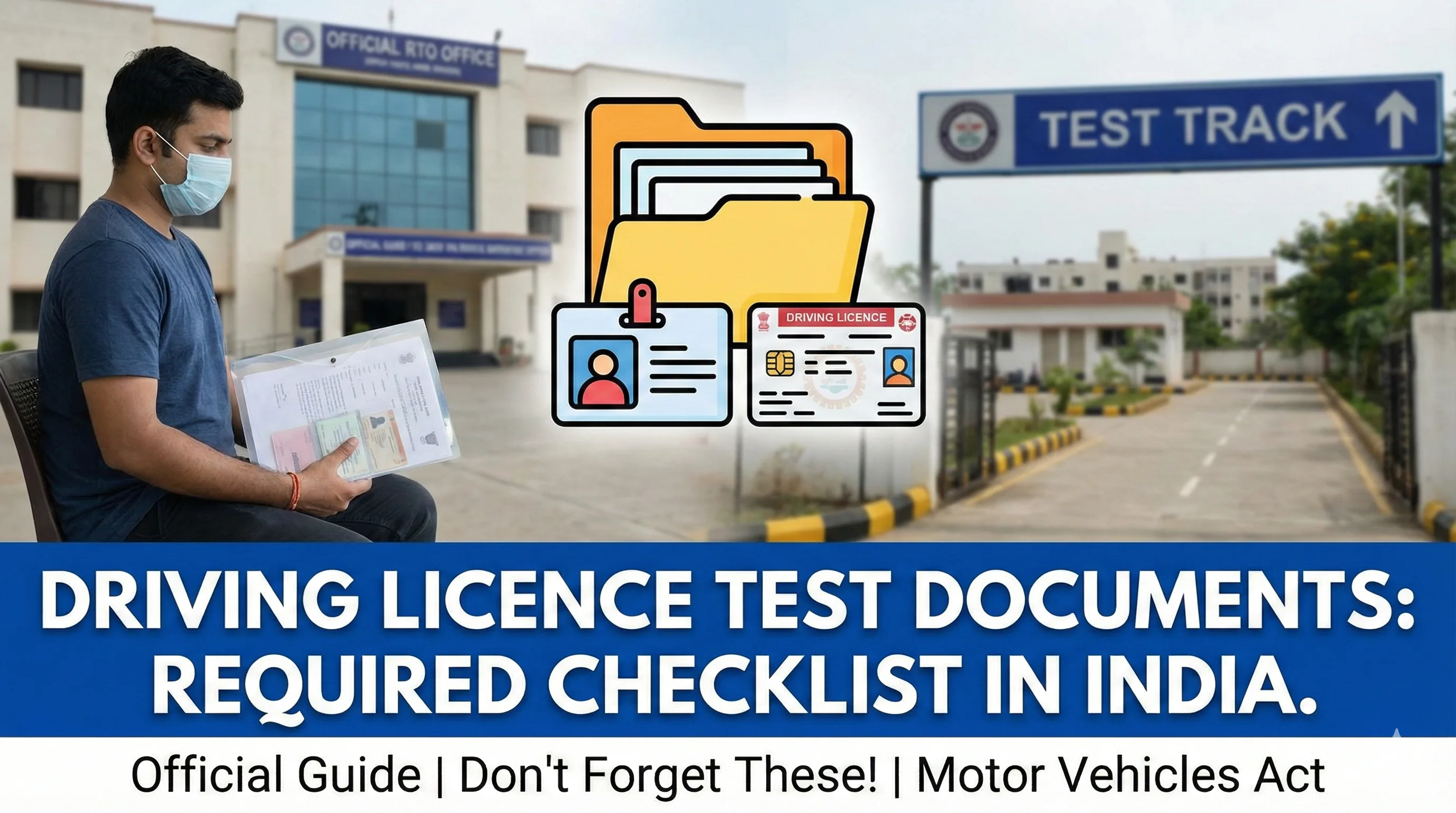
The exact upload list is generated after you select your state and service. Keep original documents available because the licensing authority may require physical verification even when the form and uploads are completed online.
| Document/category | Why it may be required | Practical preparation tip |
|---|---|---|
| Age proof | Confirms that the applicant meets the minimum age for the selected vehicle class. | Use a clear, current document accepted by the selected state portal. |
| Address/residence proof | Establishes the licensing authority’s jurisdiction and the applicant’s current address. | Ensure the address matches the application exactly. |
| Identity details | Supports identity verification and applicant records. | Enter the name and date of birth exactly as shown on the supporting document. |
| Recent photograph and signature | Used in the application and licence record where the state workflow requires uploads. | Follow the file format, dimensions and size displayed by the portal. |
| Form 1 | Self-declaration of physical fitness for applicable non-transport applications. | Answer all declarations accurately. |
| Form 1A | Medical certificate where required, including transport categories and applicants in the applicable age group. | Use a registered medical practitioner and the current prescribed format. |
| Learner’s licence | Required when applying for a permanent driving licence. | The learner’s licence must be valid for the relevant vehicle class. |
| Application/fee receipt | Used for appointments, status checks and office verification. | Save the application number, receipt and appointment acknowledgement. |
Check state requirements: Follow the document list generated by the official portal for your selected state and service.
For the test-day checklist, read documents required for the driving licence test.
How to Apply for a Learner’s Licence Online
A new applicant generally starts with the learner’s licence. The official flow can vary slightly by state, but the standard process is as follows:
- 1
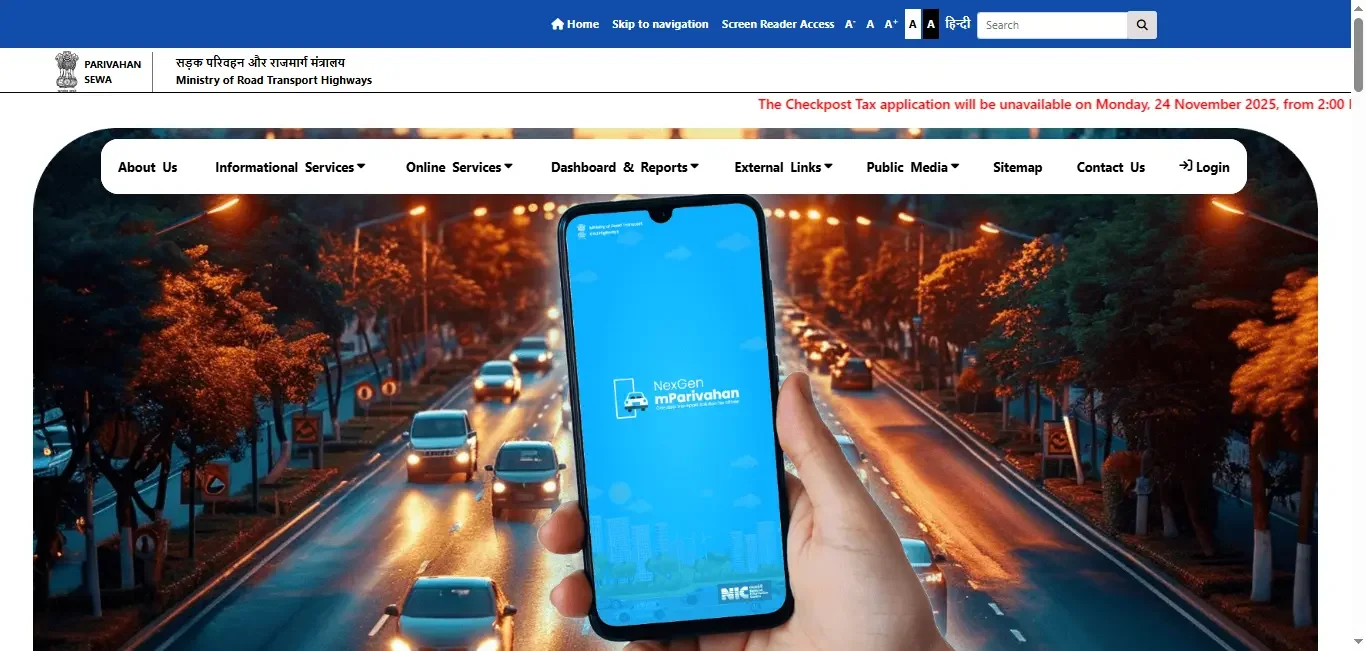
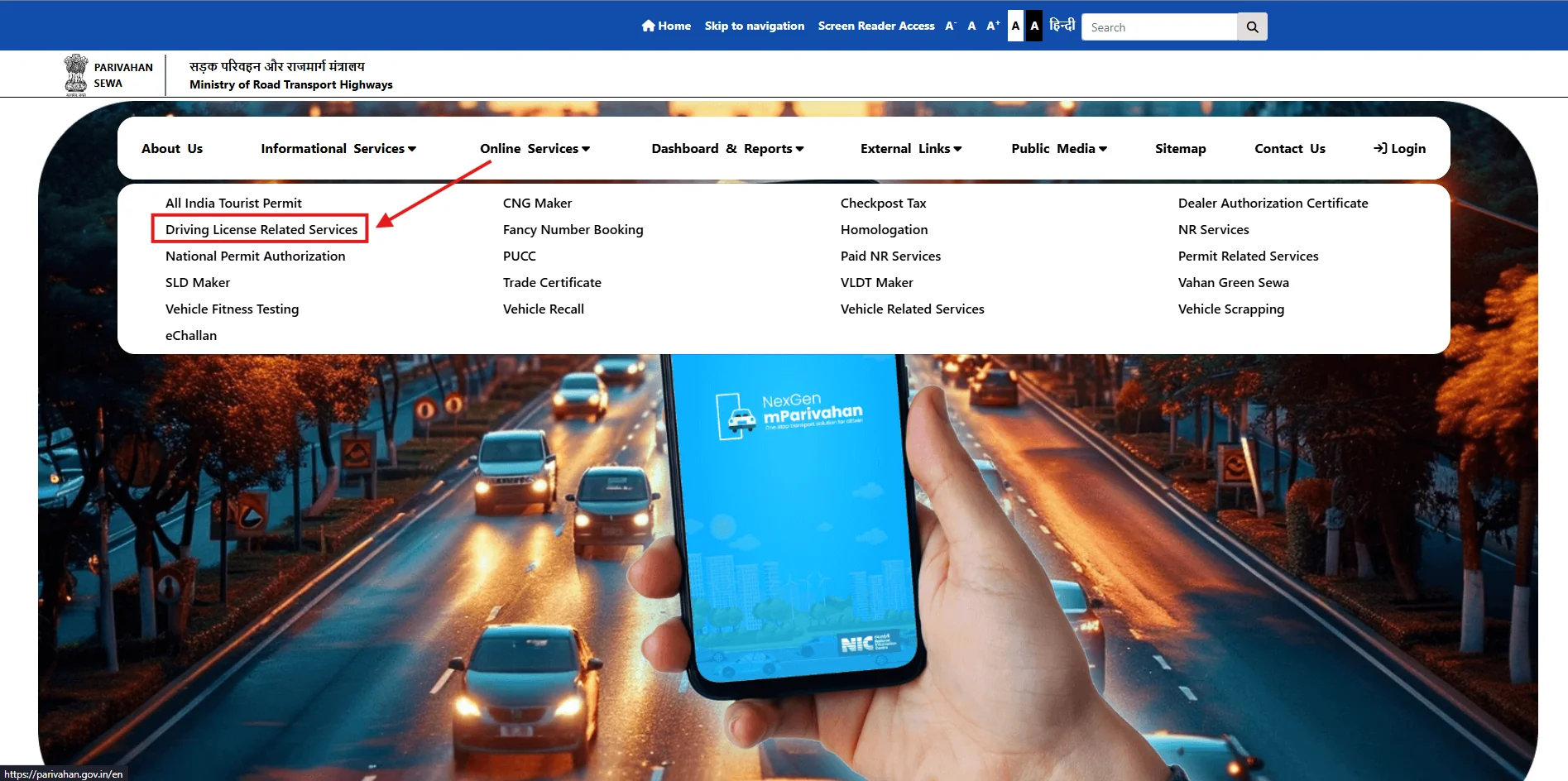
Open the official Sarathi portal
Go to the Sarathi Parivahan portal. Avoid sponsored, look-alike or unofficial payment websites.
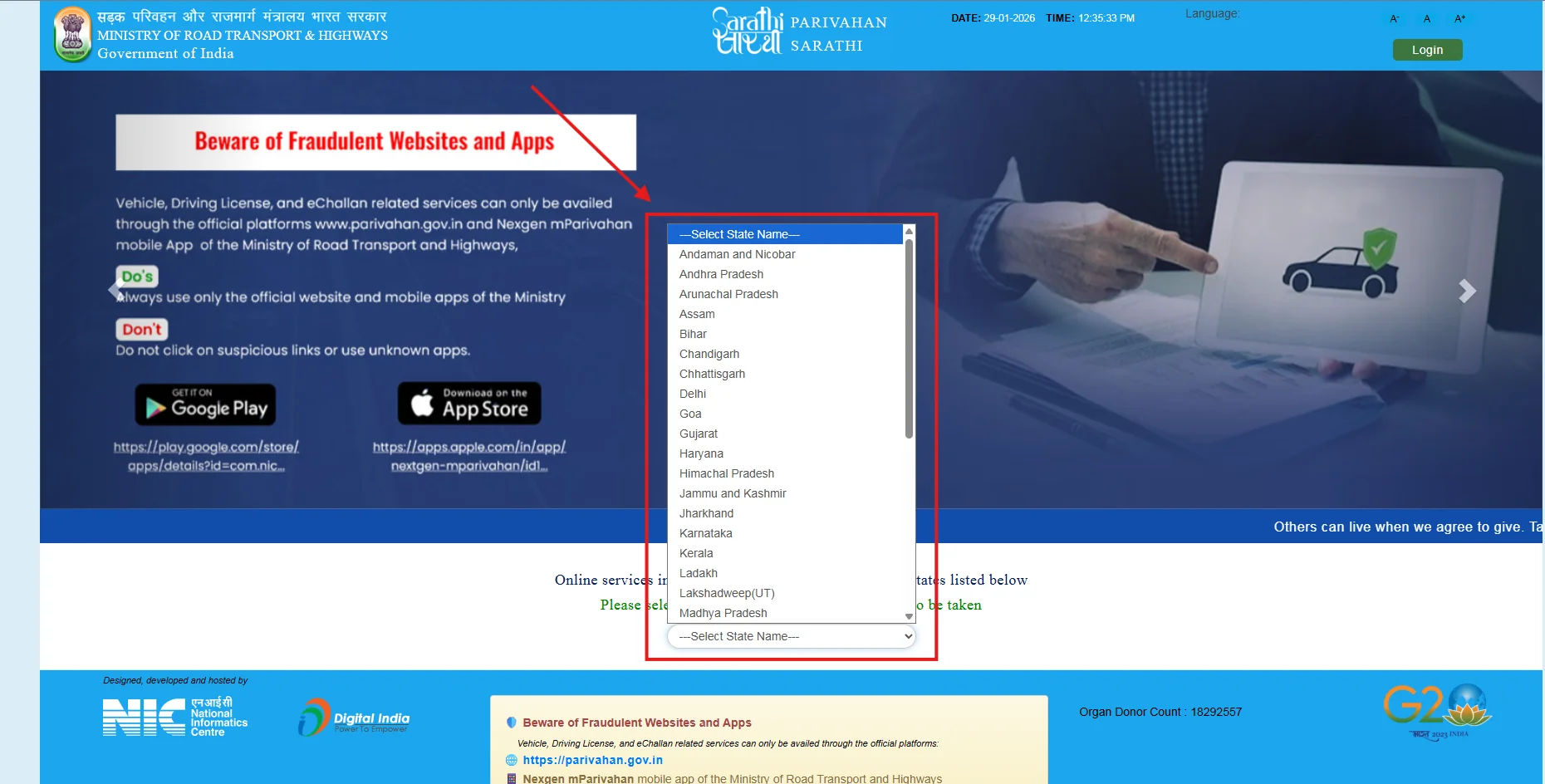
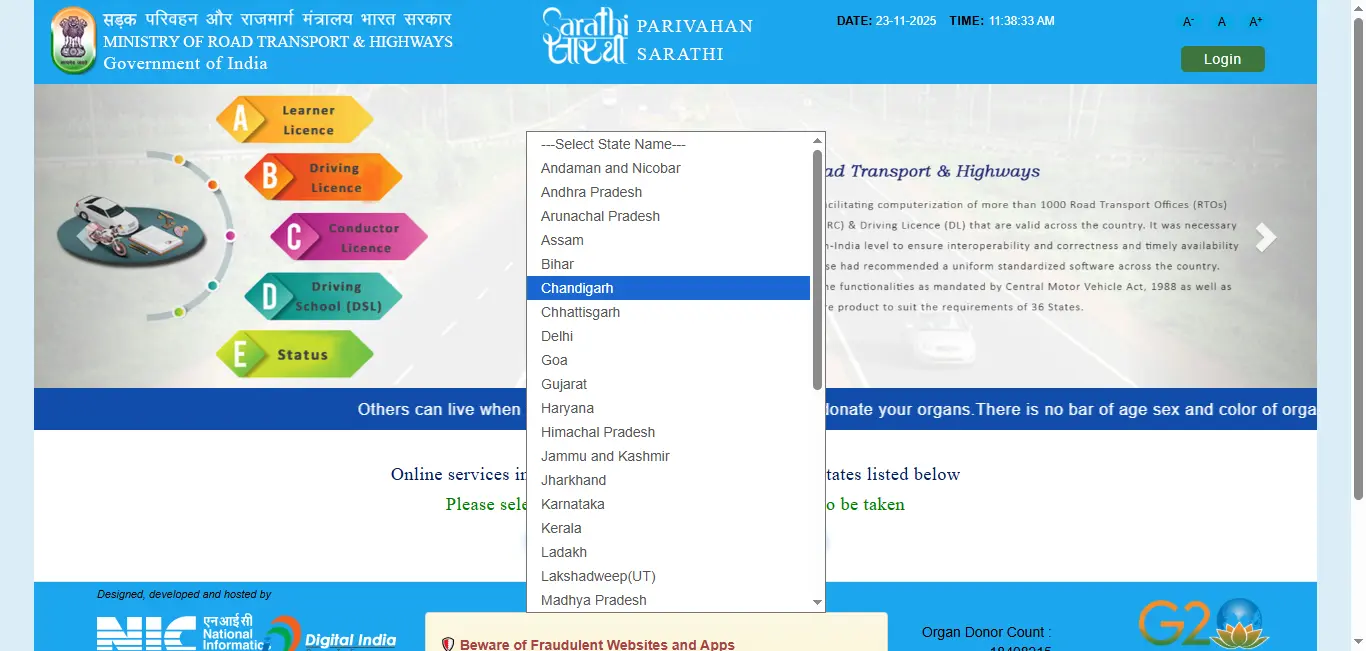
- 2
Select your state
Choose the state or Union Territory connected with your licensing authority. The next screen will show the services enabled for that state.
- 3
Choose the new learner’s licence service
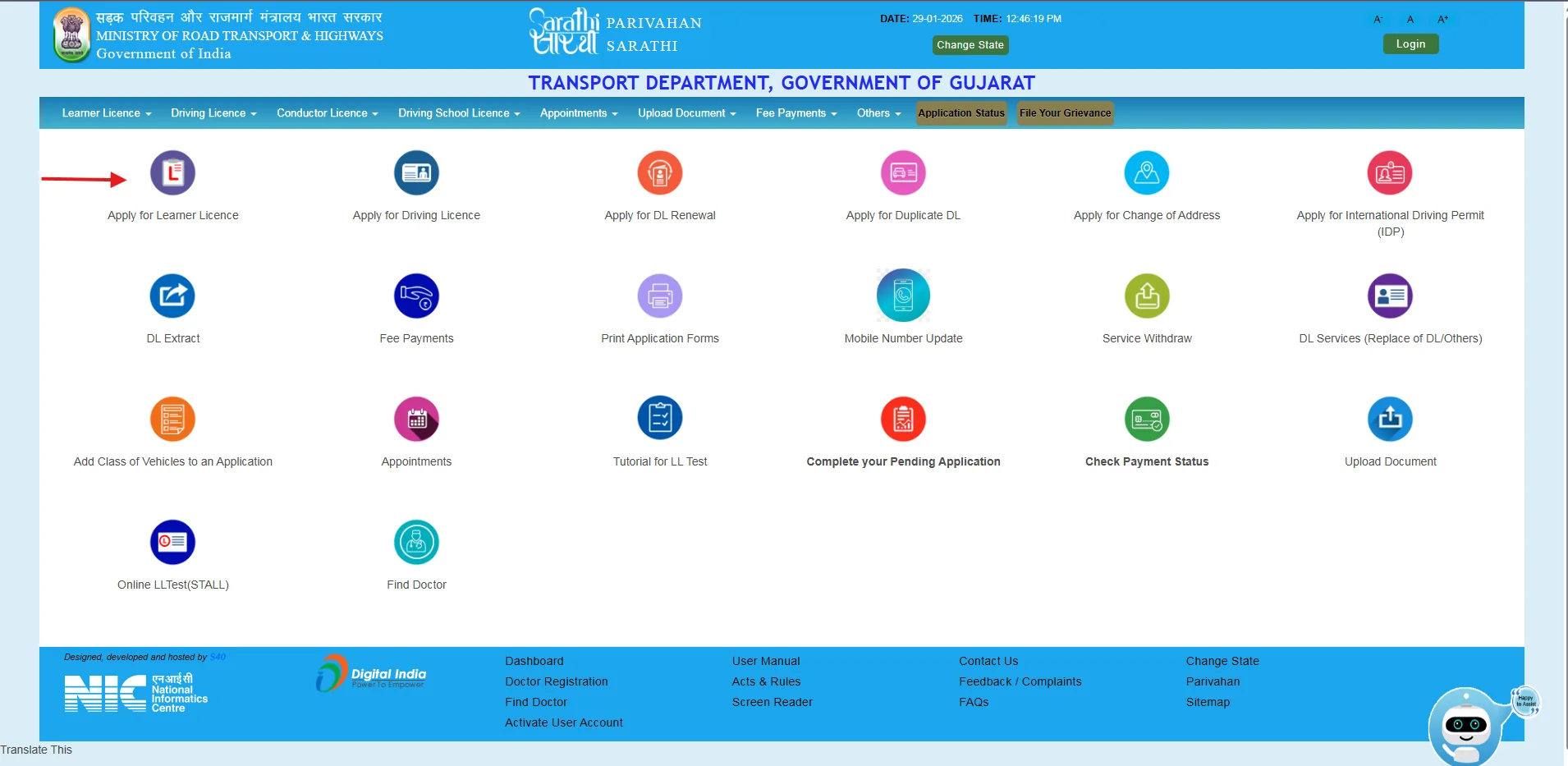
Open the Learner Licence menu and select the option for a new learner’s licence application. The wording may vary slightly.
- 4
Read the instructions
Review the state-specific stages, Aadhaar/authentication choices, document requirements, test method and office-visit requirements before continuing.
- 5
Complete applicant details
Enter the applicant’s name, date of birth, address, contact details and other requested information exactly as supported by the documents.
- 6
Select the vehicle class
Choose only the class for which you meet the age and eligibility requirements. Selecting a wrong class can cause rejection or require correction.
- 7
Upload documents, photograph and signature
Complete uploads where the state provides this facility. Some states may capture or verify details differently.
- 8
Pay the applicable fee
Use the fee-payment option connected to the application. Save the payment receipt and Sarathi transaction/reference details.
- 9
Book or complete the learner test
Depending on the state, the test may be online, appointment-based or conducted at the licensing office. Follow the instructions displayed in the application.
- 10
Complete verification and print the learner’s licence
Attend with original documents if required. After approval, use the Print Learner Licence/Form 3 service where available.
Official process and menu availability vary by state. Start a new learner’s licence application only on the official portal.
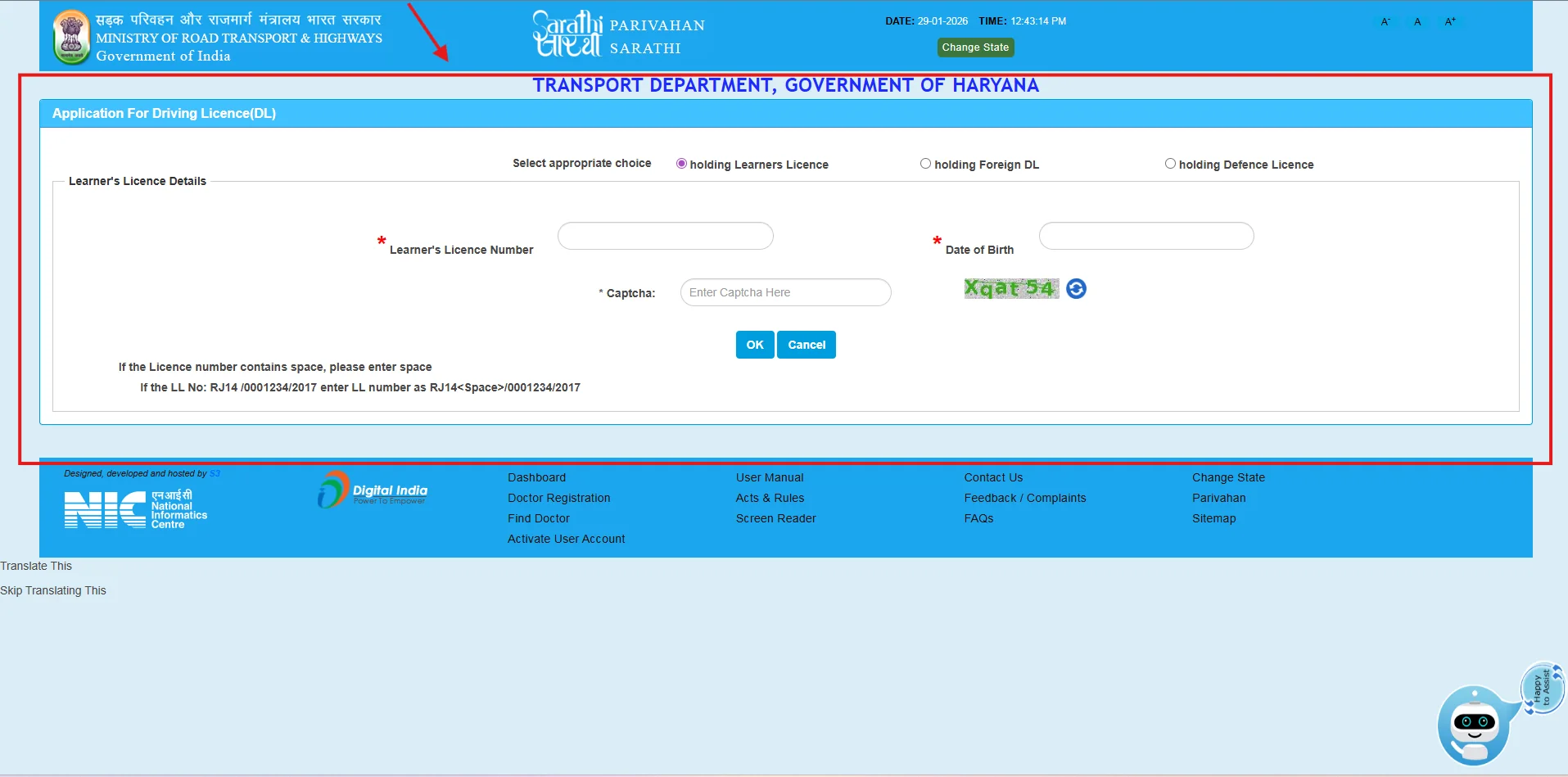
Official portal screens (example flow)
Interface labels can change by state and date. Always follow the live Sarathi screens for your selected state.
Prepare for the Learner’s Licence Test
The learner test generally checks road signs, traffic rules, safe-driving responsibilities and basic legal requirements. Do not rely only on memorised answers; understand the meaning of each sign and rule.
Use these internal resources before booking the test: online learning licence test practice, learner’s licence test guide, learning licence test questions, read driving licence questions.
Practice the Learner’s Licence TestHow to Apply for a Permanent Driving Licence
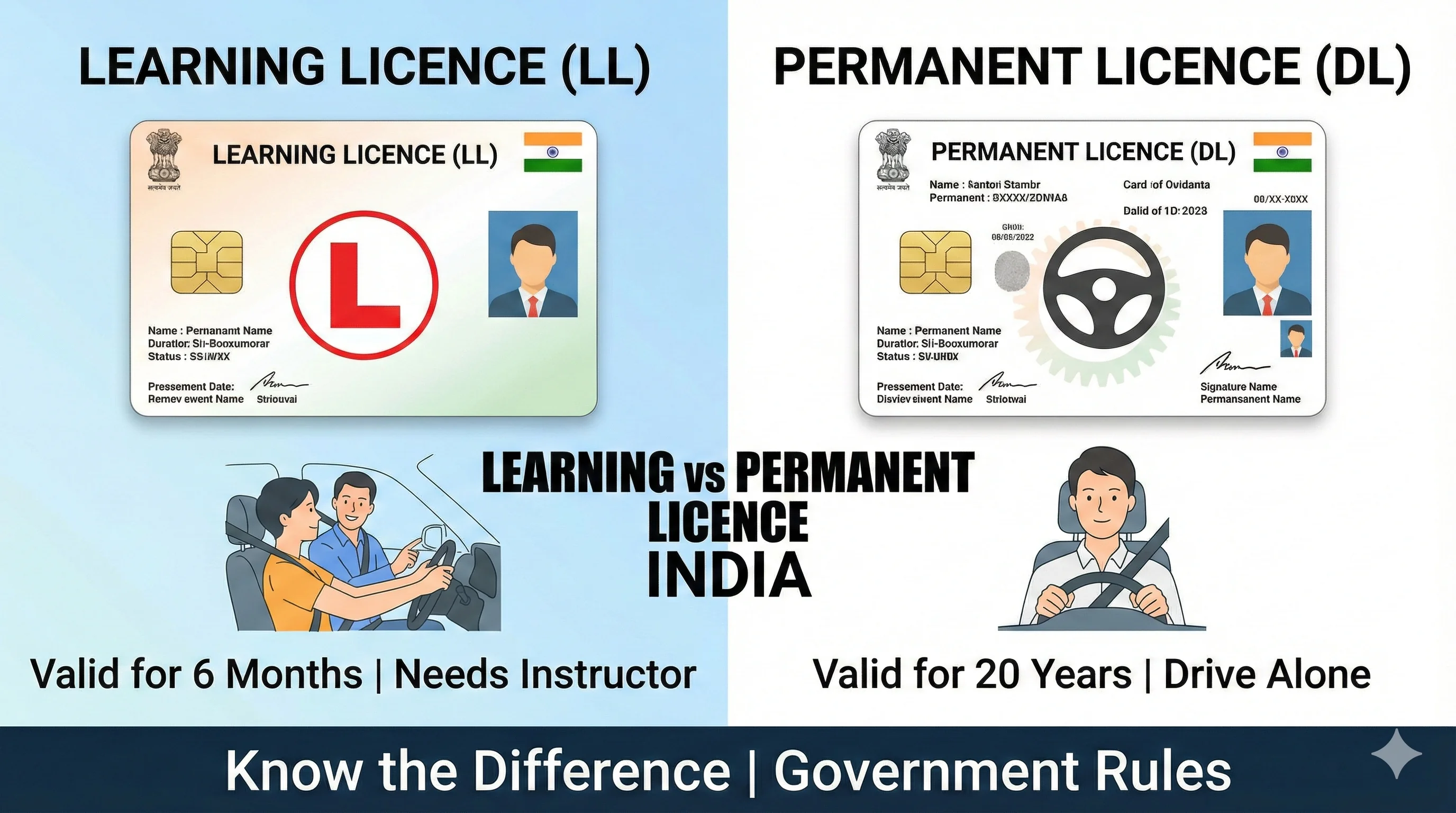
A learner’s licence holder can generally apply for a permanent driving licence after at least 30 days from the learner’s licence issue date. The application must be made while the learner’s licence is still valid; official guidance states that a learner’s licence is valid for six months.
- 1
Confirm the learner’s licence is valid
Check the issue date, expiry date and vehicle class before starting.
- 2
Open Sarathi and select your state
Choose the same state/licensing setup relevant to the learner’s licence.
- 3
Select the new driving licence service
Enter the learner’s licence/application details requested by the portal.
- 4
Complete the driving licence application
Review the prefilled details, declare the required information and submit any additional documents.
- 5
Pay the fee
Use the fee-payment service linked to the application and save the receipt.
- 6
Book the test of competence
Choose an available driving-test appointment where online slot booking is enabled.
- 7
Attend the test
Bring the appointment acknowledgement, valid learner’s licence, originals requested by the authority and a vehicle of the relevant class as instructed.
- 8
Track approval and dispatch
After passing, use the application-status service. Delivery, printing and digital-record availability differ by state.
Detailed help: permanent driving licence application and driving licence slot booking.
Driving Licence Application Fees
The total payable amount is calculated by the official portal and may include a central fee component, test fee, smart-card or printing charge, state user charge and payment-gateway charge. The following central fee components are commonly reflected under Rule 32 of the Central Motor Vehicles Rules:
| Fee component | Commonly shown base amount | Important note |
|---|---|---|
| Issue of learner’s licence | ₹150 for each class of vehicle | Additional learner-test fee applies. |
| Learner’s licence test/retest | ₹50 | A fresh appointment may be required after absence or failure. |
| Test of competence to drive/retest | ₹300 for each class of vehicle | Payable for the permanent-licence driving test. |
| Issue of driving licence | ₹200 | State smart-card, service or postal charges may be added. |
Use the portal amount as final. Do not pay based only on a blog table. Enter the application number in the official fee-payment service, use “Calculate Fee” where available and confirm the amount shown for your state and selected vehicle class.
Payment, Application Number and Status Tracking
Save the application number immediately after the form is generated. It is commonly required for fee payment, document upload, appointment booking, application status, receipt printing and helpdesk queries.
If the payment is pending or the amount was debited
- Do not create a second application immediately.
- Use the official “Verify Pay Status” or payment-status option with the application details.
- Save the bank reference, Sarathi transaction number, receipt screenshot and date/time of payment.
- If the official status does not update, use the help or grievance option shown for the selected state.
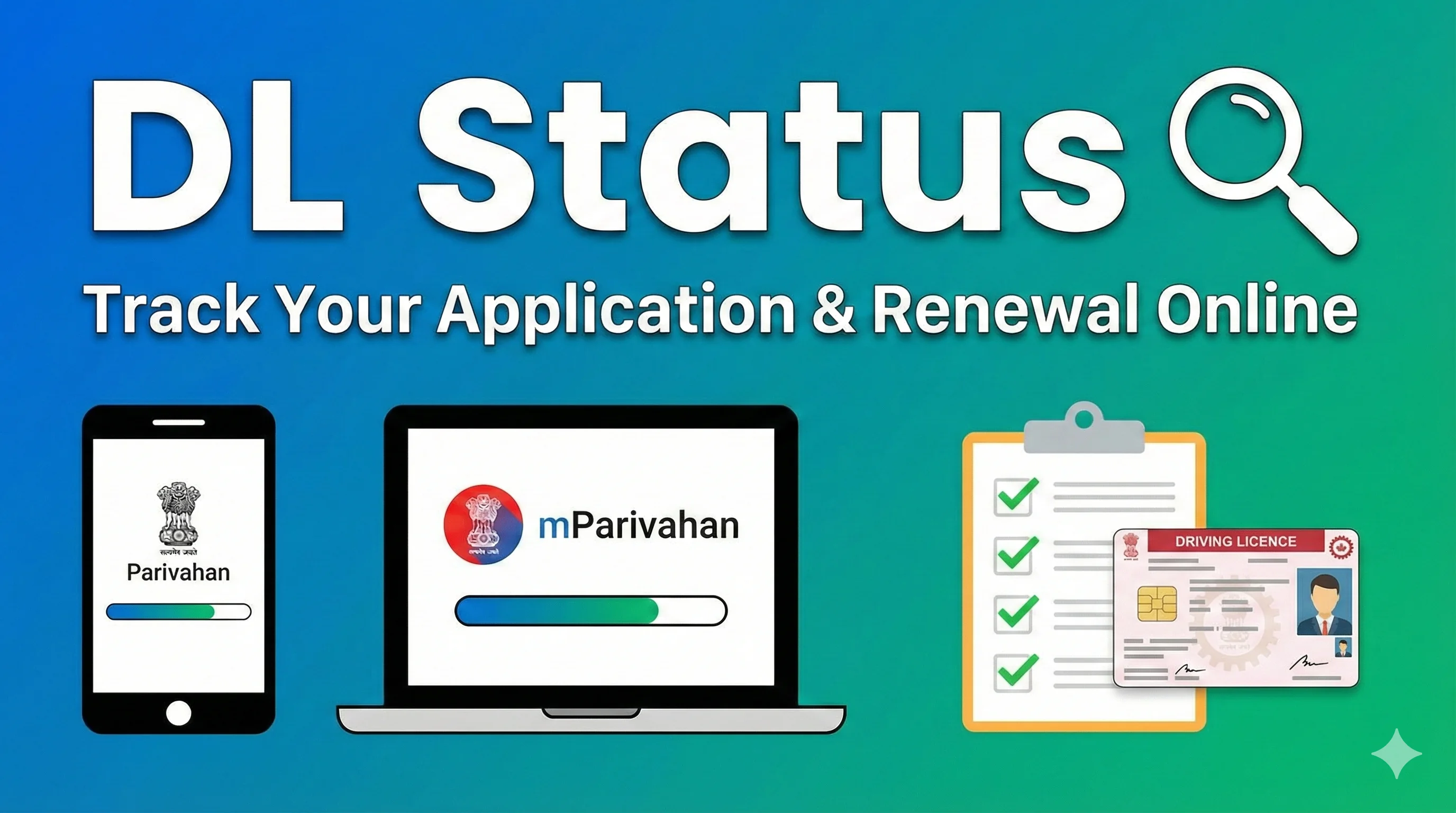
For tracking after submission, use the site’s driving licence status guide and then continue on the official portal.
Check Application StatusCommon Application Problems and What to Do
| Problem | Likely cause | Recommended action |
|---|---|---|
| Name or date of birth does not match | Application data differs from supporting documents. | Stop before final submission if possible. Correct the application or follow the state’s correction/help process. |
| Document upload is rejected | Wrong format, poor scan, incomplete document or size limit exceeded. | Rescan the complete document clearly and follow the exact portal format and size. |
| Application number is not available | Acknowledgement was not saved or the session closed. | Use the “Find Application Number” service where available or contact the state helpdesk with the registered details. |
| No learner-test or driving-test slot is visible | Slots are full, not released or handled offline in that state. | Check the official appointment page later and review instructions from the licensing authority. |
| Payment debited but not updated | Bank/gateway confirmation is pending. | Use Verify Pay Status before attempting another payment. |
| Application status remains under scrutiny | Document or authority verification is incomplete. | Review status remarks and contact the concerned licensing office when the portal directs you to do so. |
| Licence approved but not delivered | Printing, dispatch, address or state workflow may be pending. | Check application status and contact the issuing authority with originals if instructed. |
How to Reduce the Risk of Delay or Rejection
- Use the same spelling, date of birth and address format across the form and supporting documents.
- Choose the correct licensing authority and vehicle class before paying.
- Upload complete, readable files rather than cropped screenshots.
- Keep the learner’s licence valid until the permanent-licence process is completed.
- Attend the scheduled test with every original document and acknowledgement requested by the authority.
- Do not use agents or websites that promise guaranteed approval, no-test licences or unofficial fee discounts.
Before the practical test, review how to pass the driving licence test on the first attempt and common driving licence test mistakes.
Related Driving Licence Services
This page is for a new learner’s licence and permanent licence pathway. Use the dedicated guide below when your requirement concerns an existing licence or a specialised class:
| Service | When to use it | Internal guide |
|---|---|---|
| Driving licence status | Track a learner’s licence, driving licence or related application. | /services/driving-licence-status/ |
| Driving licence renewal | Renew an existing licence rather than applying as a new driver. | /services/driving-licence-renewal-status/ |
| Duplicate driving licence | Replace a lost, stolen, damaged or destroyed licence. | /services/duplicate-driving-licence/ |
| Address change | Update the address recorded on an existing licence. | /services/change-address-on-driving-licence/ |
| International Driving Permit | Apply for an IDP when you already hold an eligible Indian driving licence. | /services/international-driving-licence/ |
| LMV licence | Understand the light motor vehicle class and application pathway. | /services/lmv-driving-licence/ |
| MCWG category | Understand the motorcycle-with-gear class. | /services/mcwg-in-driving-licence/ |
| Heavy/transport licence | Review additional requirements for heavy or transport categories. | /services/heavy-driving-licence/ |
Browse the complete driving licence related services hub for all service guides.
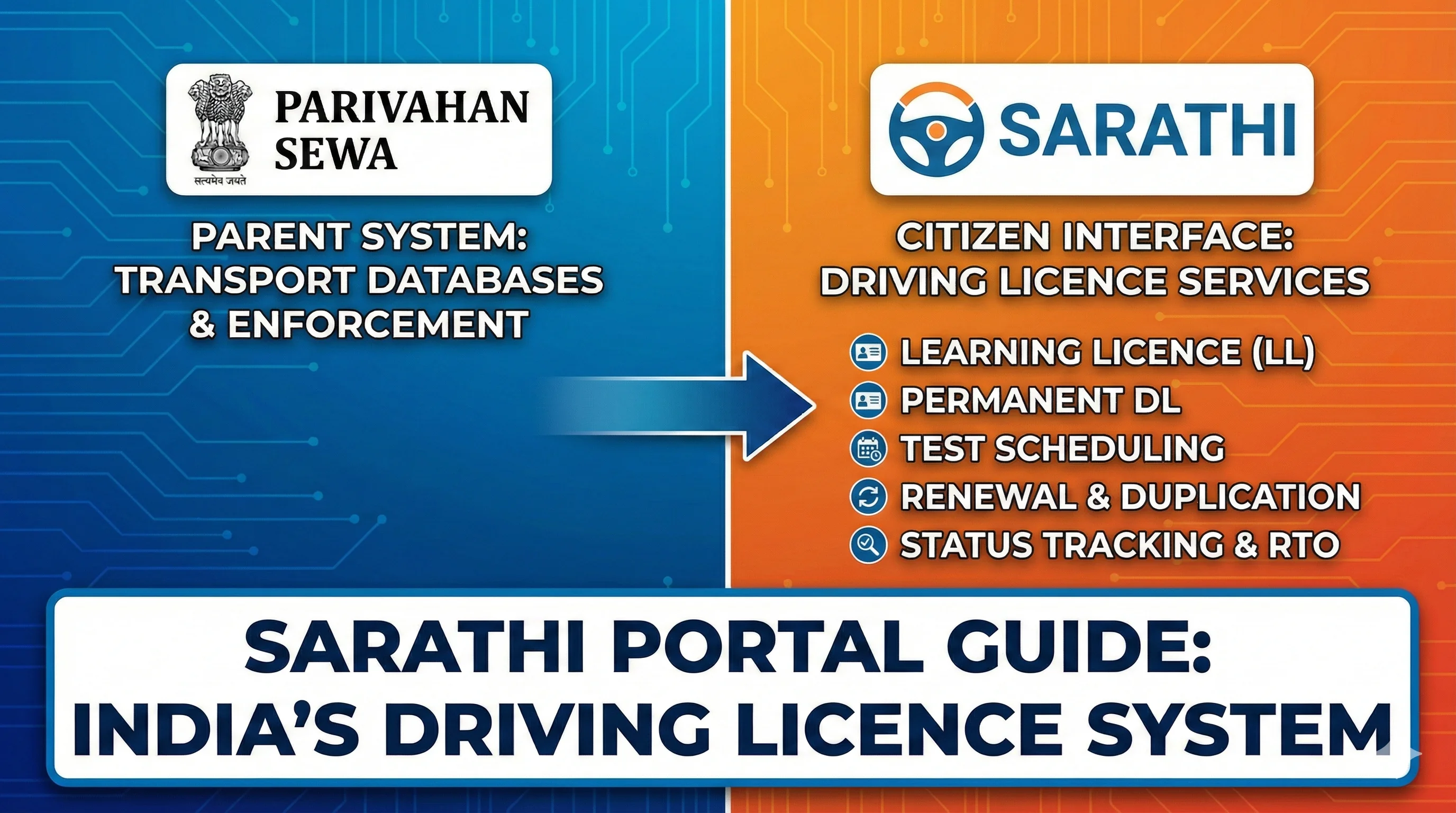
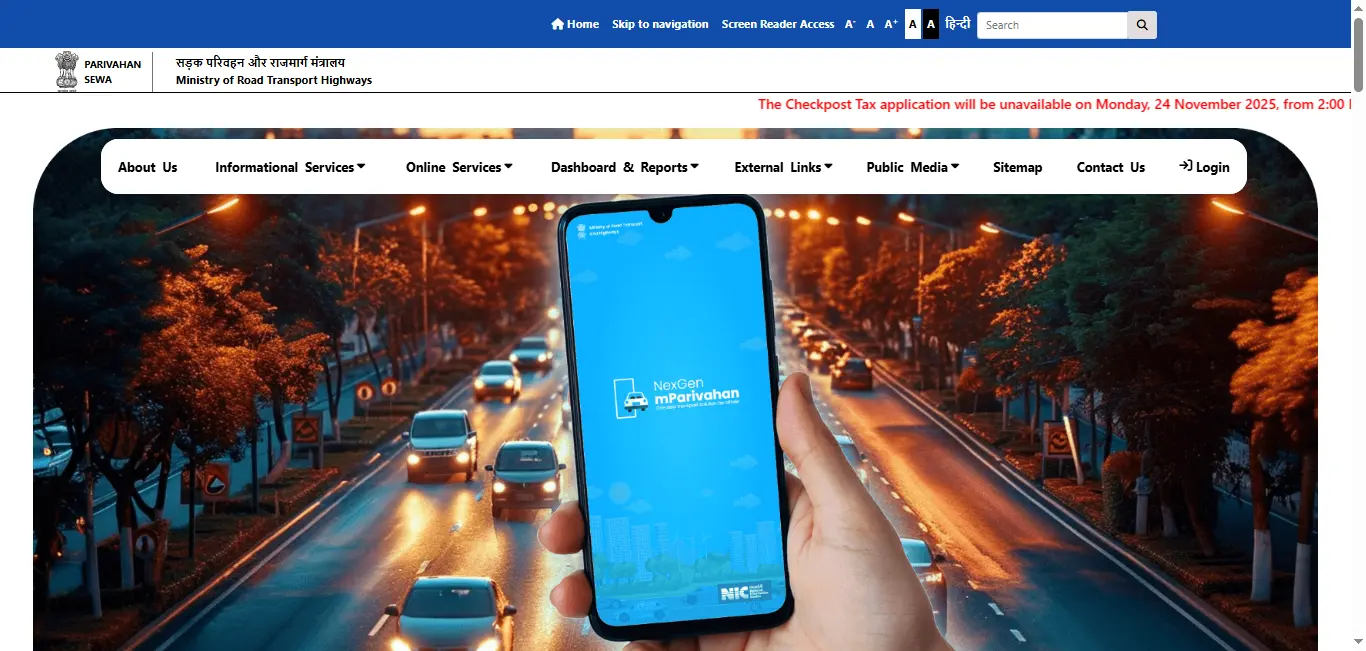
Sarathi, Parivahan and mParivahan: What Is the Difference?
| Platform | Main role for this process | Best use |
|---|---|---|
| Parivahan Sewa | Central transport-services information and gateway operated under MoRTH. | Understand official services and open licence-related systems. |
| Sarathi Parivahan | State-selected learner’s licence and driving licence application system. | Apply, pay fees, upload documents, book appointments and check status where enabled. |
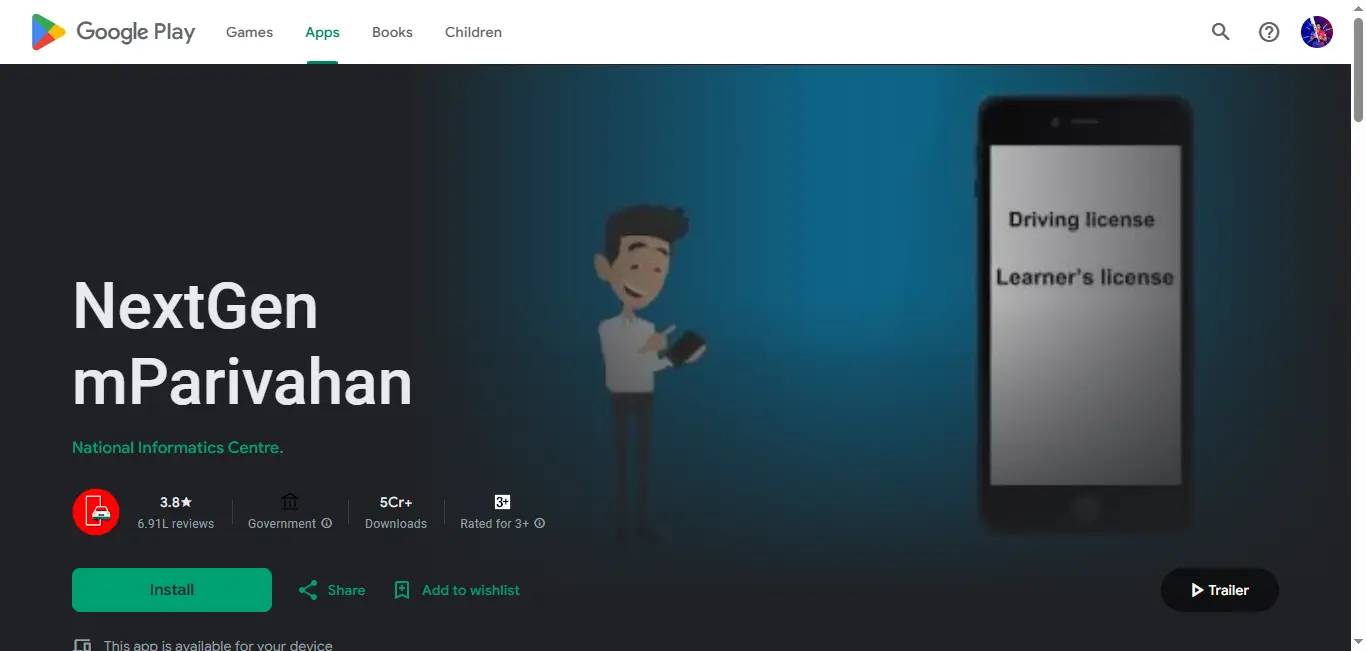
| NextGen mParivahan | Official mobile platform and digital transport-service interface. | Access supported state services and digital licence-related features on mobile. |
Do not confuse application with digital storage. Applying for a new licence and storing an already issued digital licence are different tasks. After issue, a digital record may be available through official platforms such as DigiLocker or mParivahan. See the DigiLocker driving licence guide for the separate retrieval process.
Frequently Asked Questions
1.Can I apply for a driving licence completely online?
The application, fee, uploads, test booking and some learner-test steps may be available online, but the workflow differs by state. A permanent driving licence normally requires a test of competence, and document or identity verification may require attendance.
2.Which website should I use to apply for a driving licence?
Use the official Sarathi Parivahan portal, select your state and choose the appropriate learner’s licence or driving licence service. Avoid look-alike websites that collect unofficial fees.
3.Do I apply for a learner’s licence or permanent licence first?
A first-time non-diplomatic applicant generally applies for a learner’s licence first. After holding it for at least 30 days and while it remains valid, the applicant can apply for a permanent driving licence.
4.How long is a learner’s licence valid?
Official Parivahan guidance states that a learner’s licence is valid for six months.
5.When can I apply for a permanent driving licence?
You can generally apply after at least 30 days from the learner’s licence issue date, provided the learner’s licence remains valid for the relevant vehicle class.
6.What is the minimum age for a driving licence?
The broad categories are 16 years for the permitted motorcycle-without-gear category with guardian consent, 18 years for private LMV/MCWG categories and 20 years for transport categories. Other conditions can apply.
7.Is Form 1A required for every applicant?
No. Form 1A is a medical certificate required in specified cases, including transport categories and applicants covered by the applicable age rule. Follow the document list generated for your state and application.
8.What if I select the wrong vehicle class?
Do not pay or proceed blindly. Review whether the application can be edited, cancelled or corrected through the state workflow. A wrong class can affect eligibility, fees and the test vehicle.
9.How much does a new driving licence application cost?
The portal calculates the final amount. Common base components include learner’s licence issue, learner test, driving test and licence issue fees, plus any state smart-card, service, postal or gateway charges.
10.What should I do if the payment was debited but the portal shows pending?
Use the official Verify Pay Status option before paying again. Keep the bank reference and application number. Raise a query through the official state/Sarathi help route if it does not update.
11.Can I change the licensing office after generating an application?
Official Sarathi guidance indicates that an RTO may be changeable before fee payment in supported workflows. Availability and method differ by state, so check before paying.
12.Can I take the learner’s licence test from home?
Some states provide an online learner-test facility, while others require an appointment or office visit. The service is not uniform across all states.
13.What happens if I fail or miss the learner test?
You generally need to pay the applicable retest fee and book a fresh appointment according to the official state workflow.
14.Do I need to carry original documents to the office?
Where an office visit is required, official guidance commonly asks applicants to bring originals for verification along with the fee slip or appointment acknowledgement.
15.How do I check my driving licence application status?
Open the state-selected Sarathi service and use Application Status with the application number and other requested details. The dedicated status guide on this website explains the steps.
16.Is this website an official government application portal?
No. DrivingLicenceDownload.app is an independent educational website. It does not issue licences, accept government fees or represent MoRTH, NIC, Parivahan, Sarathi or a state transport department.
Ready to Start the Official Application?
Prepare your age and address proof, confirm the correct vehicle class, keep your mobile number accessible and begin only on the official state-selected Sarathi workflow. Save the application number and every receipt generated during the process.
Independent informational website – not a government portal. DrivingLicenceDownload.app does not accept applications or payments.
About This Guide
This guide is designed to explain the public process in plain language. It separates a first-time application from renewal, duplicate, address-change and international-permit services so that users can choose the correct official workflow. Instructions, document upload, faceless processing, test method and appointments may vary by state and can change without notice.
Editorial disclaimer: For a legal decision, fee payment, appointment or application submission, rely on the instructions displayed by the official Sarathi/Parivahan portal and the concerned state transport authority. This page should not promise approval, instant issue, home delivery or a fully online process for every state.
Last reviewed: 1 August 2026 · Driving Licence Research & Editorial Team · Report an error