
Independent step-by-step guide · Reviewed: August 2026
Driving Licence Slot Booking Online: Book or Reschedule a Test
Driving licence slot booking is used to choose an appointment for a learner's licence test, permanent driving test or another licence service supported by the selected state. The appointment option appears only after the relevant application stage is complete.
Online slot availability depends on the state, licensing authority, service and test centre. This guide explains official appointment booking without guaranteeing slot availability or claiming to book appointments.
Independent informational website — not a government portal. This website does not issue licences, book appointments, collect government fees or represent any government authority. Complete transactions only on official portals.
Official government portal · Independent informational website
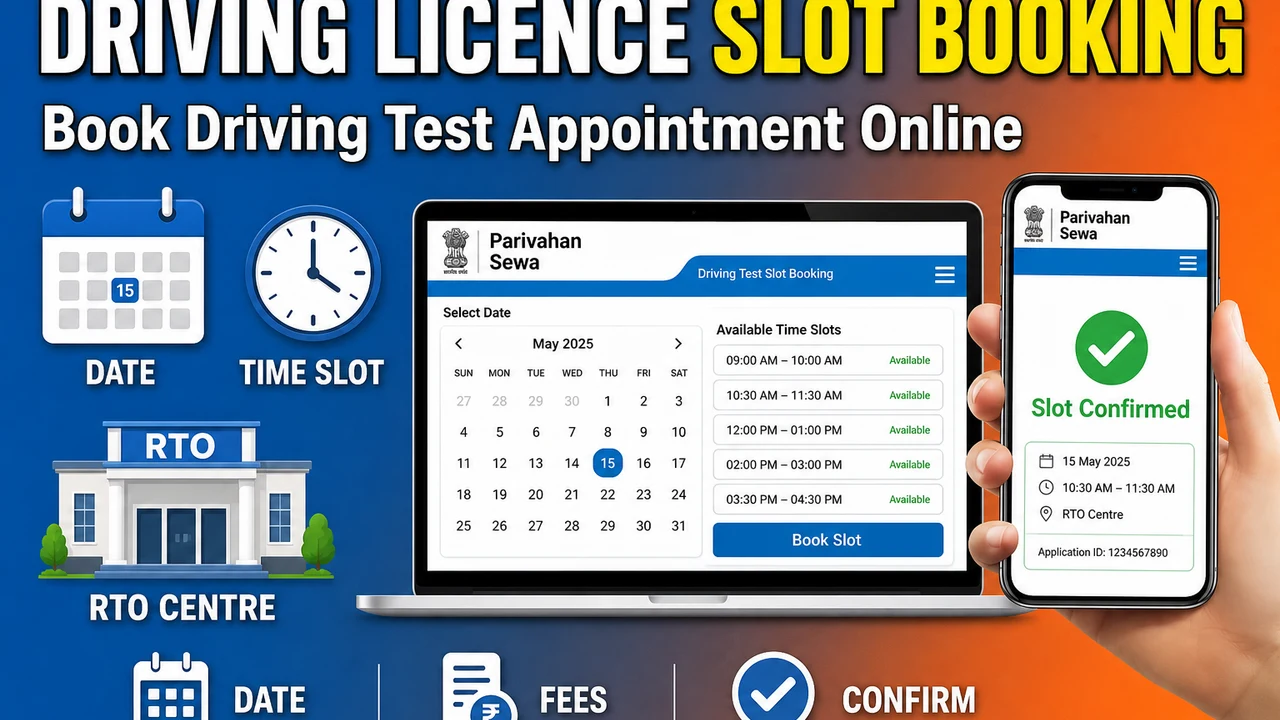
Learner
Test slots
Permanent
Skill test
State-wise
Availability
Before Booking a Slot
- ✓Complete the relevant application first.
- ✓Keep the application number and date of birth ready.
- ✓Complete fee payment if the portal requires it before appointment booking.
- ✓Check learner's licence validity before booking a permanent driving test.
- ✓Confirm the correct licensing authority and vehicle class.
How to Book a Driving Licence Test Slot
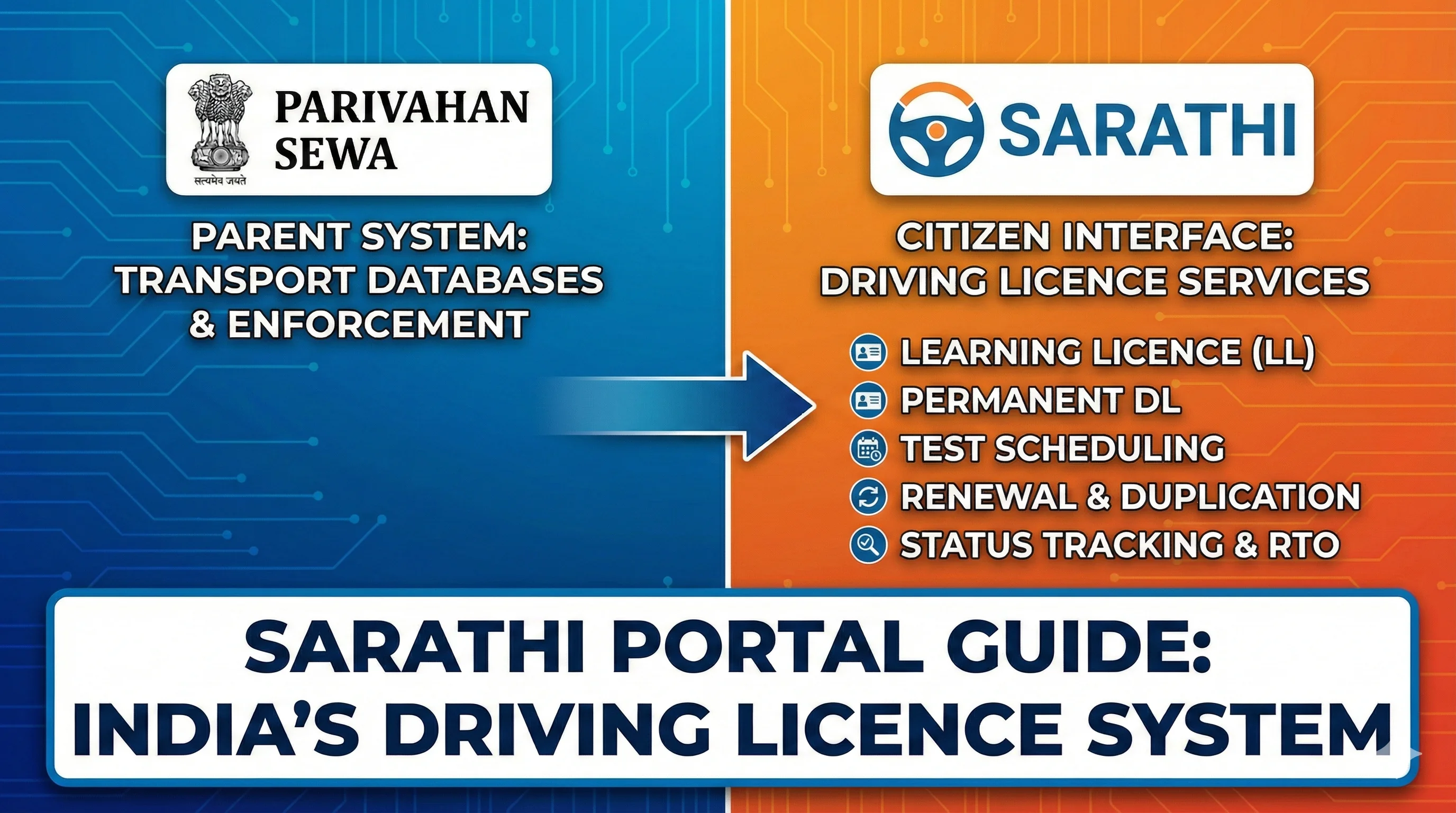
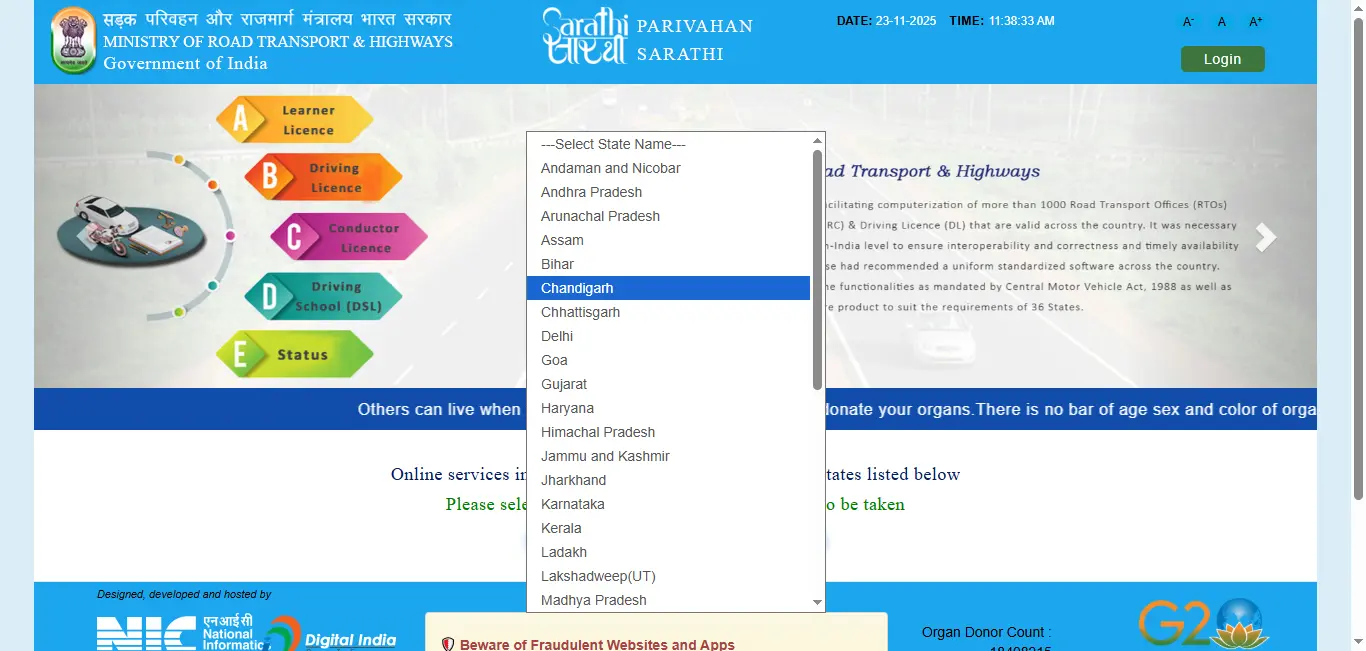
Menu labels can differ by state. Use the appointment path shown after you select your state on the official Sarathi portal.
- 1
Open Sarathi and select your state
Open Sarathi Parivahan and select the concerned state.
- 2
Open Appointments
Choose Appointments or the state's equivalent option.
- 3
Select the service
Select the relevant service, such as learner test or driving skill test.
- 4
Enter application details
Enter the application number and required verification details.
- 5
Choose date and time
Choose the licensing authority, date and available time.
- 6
Confirm and save acknowledgement
Confirm the appointment and save or print the acknowledgement.
- 7
Attend prepared
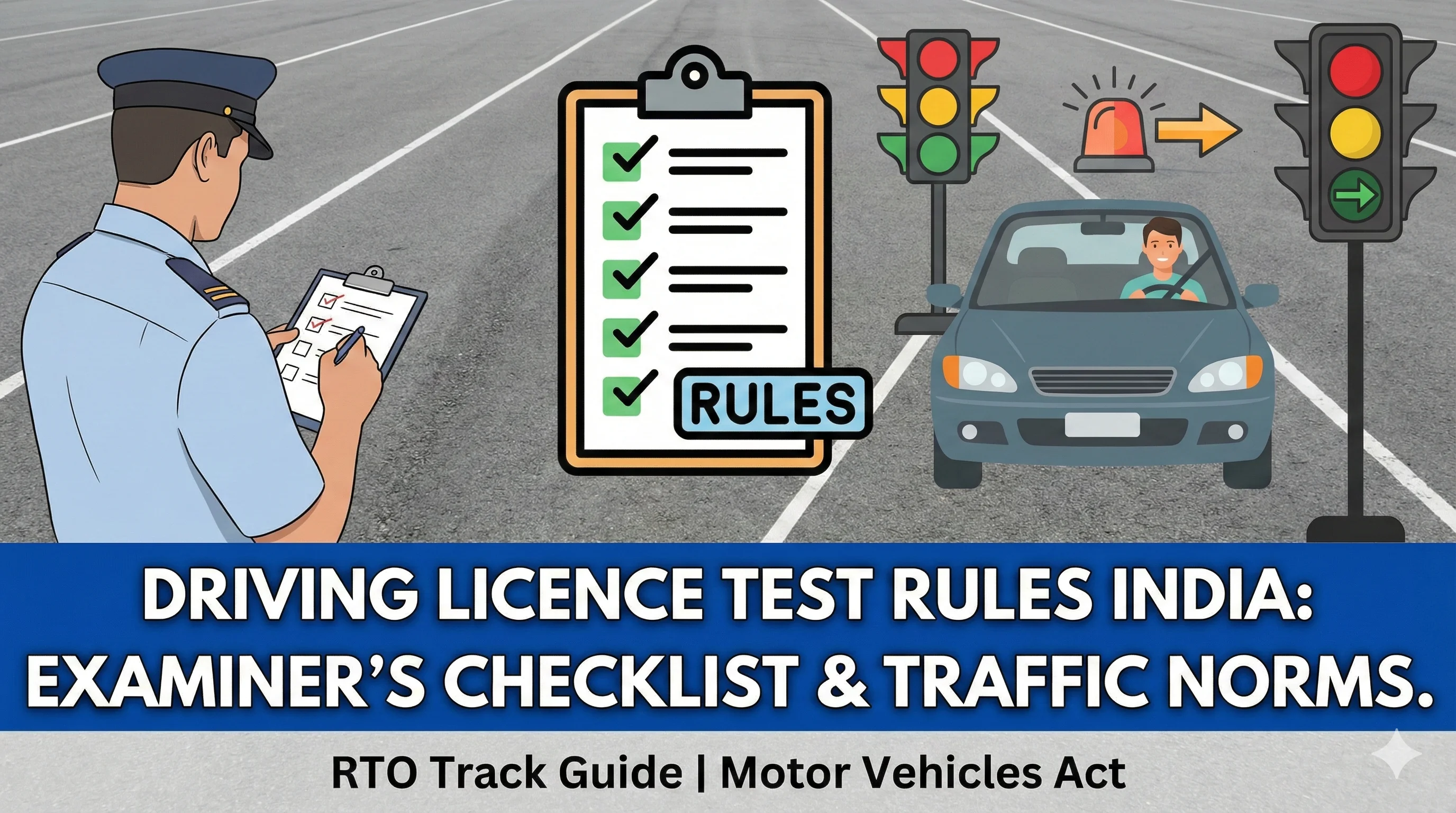
Attend with originals, acknowledgement and the required vehicle where applicable.
Reschedule or Cancel an Appointment
Use the appointment menu on the selected state's Sarathi page. State policy can limit how often a booking may be changed or cancelled. A cancelled slot may not become immediately reusable.
After any change, save the new acknowledgement and confirm the updated date, time and licensing authority before you travel.
When No Slot Is Available
Check a later date; slots may be released in batches.
Confirm that the correct licensing authority and service are selected.
Check whether payment or document scrutiny is pending.
Do not create a duplicate application solely because a preferred date is unavailable.
Contact the concerned licensing authority when the portal repeatedly shows no appointment option.
Prepare for the Appointment
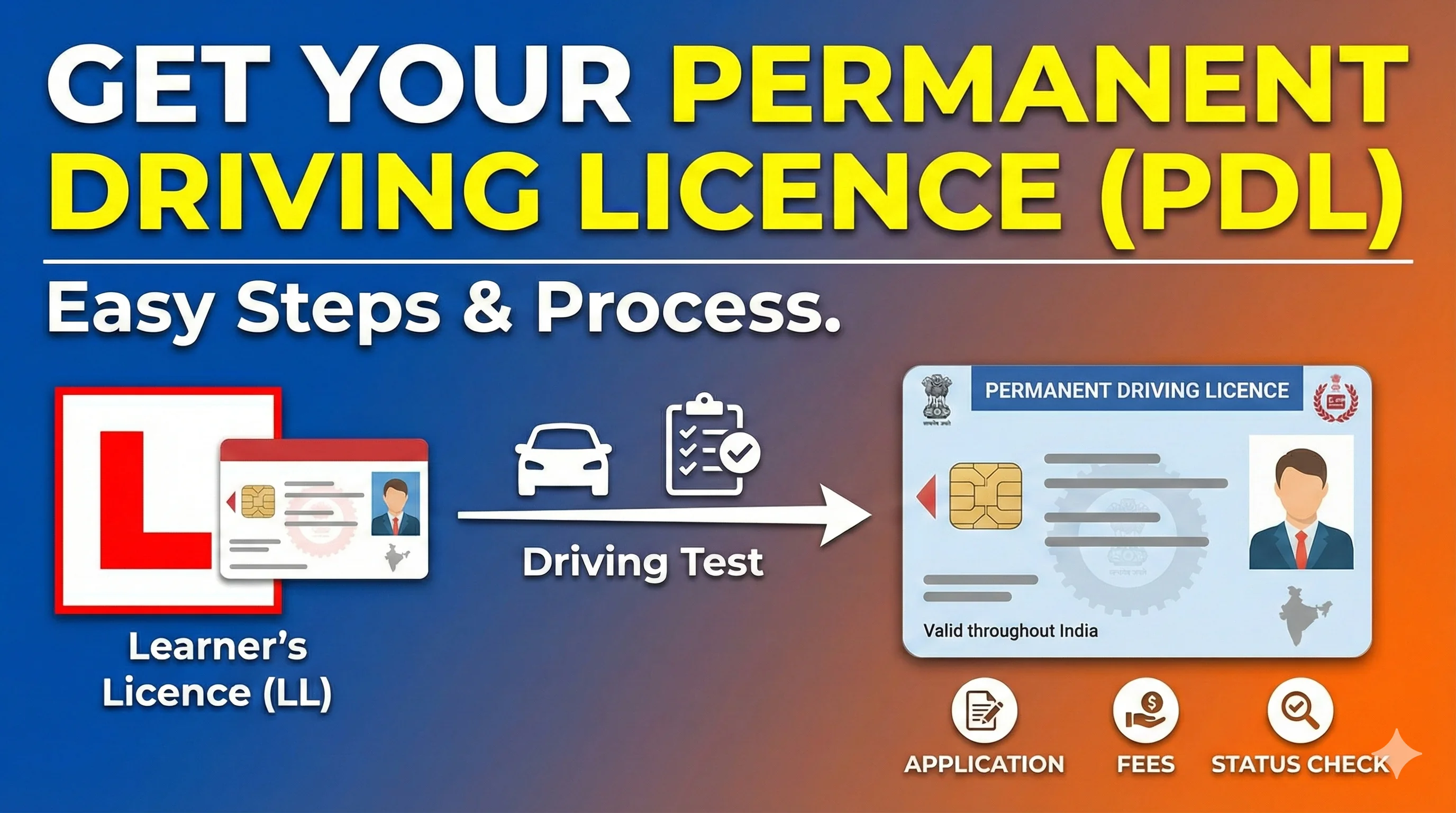
Permanent driving test
For the permanent driving test, review the permanent driving licence process and carry the vehicle class relevant to the application.
.webp)
Learner testing
For learner testing, practise with the learning licence test guide and keep your learning driving licence details ready.
Already applied? Track the application
If payment, scrutiny or approval is pending, the appointment option may stay hidden. Use the status guide with your application number before trying to book again.
Check driving licence status
Frequently Asked Questions
1.Can I book a driving test slot before 30 days?
A permanent driving-licence test application generally becomes eligible after the learner's licence has been held for at least 30 days, subject to state workflow.
2.Can I change my booked slot?
Where the service is enabled, use the reschedule or cancel appointment option. Limits are governed by state policy.
3.Why is the appointment option not visible?
The application may not have reached the appointment stage, payment may be pending, or the selected state/service may use a different workflow.
Related Driving Licence Guides
Official Sources and External Links
Official portal for driving-licence and learner-licence services; flow varies by state.
MoRTH/NIC transport-services information and official guidance.
Ministry notifications, rules and fee schedules.
Editorial disclosure
Content should be reviewed whenever MoRTH, Parivahan, Sarathi or a state transport department changes a form, fee, eligibility rule, portal flow or document requirement. Last reviewed: August 2026.