
Independent informational guide · Reviewed: August 2026
Duplicate Driving Licence Process for a Lost or Damaged DL
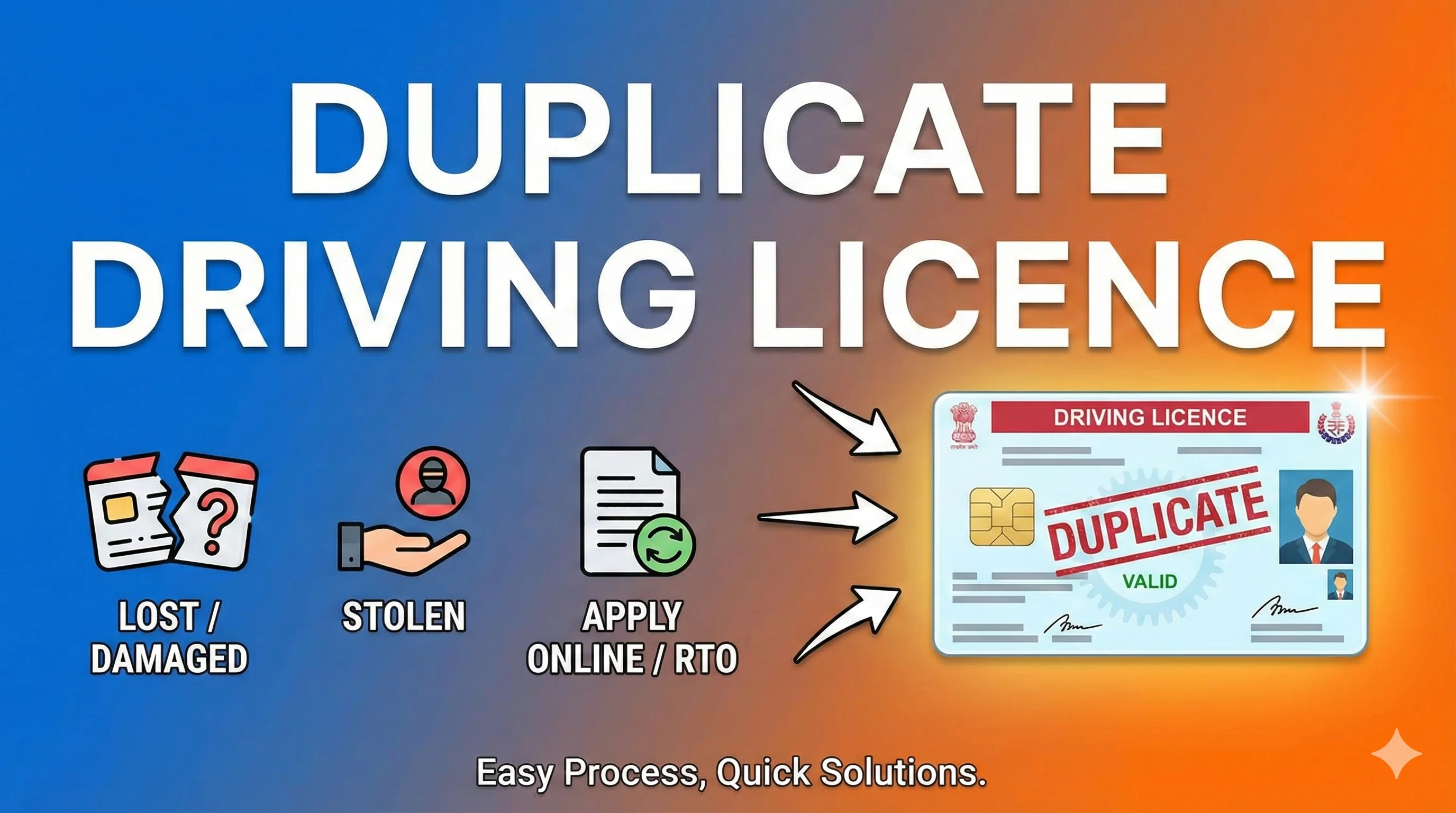
A duplicate driving licence is a replacement issued against an existing licence record when the original is lost, stolen, damaged, mutilated or otherwise unusable. It is not a second independent licence and should not create a separate licence identity.
Independent informational website — not a government portal. This website does not issue licences, book appointments, collect government fees or represent any government authority. Complete transactions only on official portals.
Official government sources · Independent informational website
Official
Sarathi only
Mobile
Easy to read
Updated
Aug 2026
Step-by-Step Process
- 1
Step 1
Identify the exact licence, application, order or vehicle class involved.
- 2
Step 2
Open the correct official Sarathi, Parivahan, India Code or state transport source.
- 3
Step 3
Compare personal details and dates with the official record.
- 4
Step 4
Complete only the service, test, payment or legal response actually required.
- 5
Step 5
Save acknowledgements, receipts, orders and screenshots.
- 6
Step 6
Escalate unresolved record or legal matters to the concerned authority or qualified professional.
Quick Answer
A duplicate driving licence is a replacement issued against an existing licence record when the original is lost, stolen, damaged, mutilated or otherwise unusable. It is not a second independent licence and should not create a separate licence identity.
Confirm whether the licence is genuinely lost, stolen, damaged or unreadable
Confirm whether the licence is genuinely lost, stolen, damaged or unreadable.
Practical note: Check the current state workflow, order or document before acting because implementation can differ.
Report theft or loss where the concerned state or authority requires police documentation
Report theft or loss where the concerned state or authority requires police documentation.
Practical note: Check the current state workflow, order or document before acting because implementation can differ.
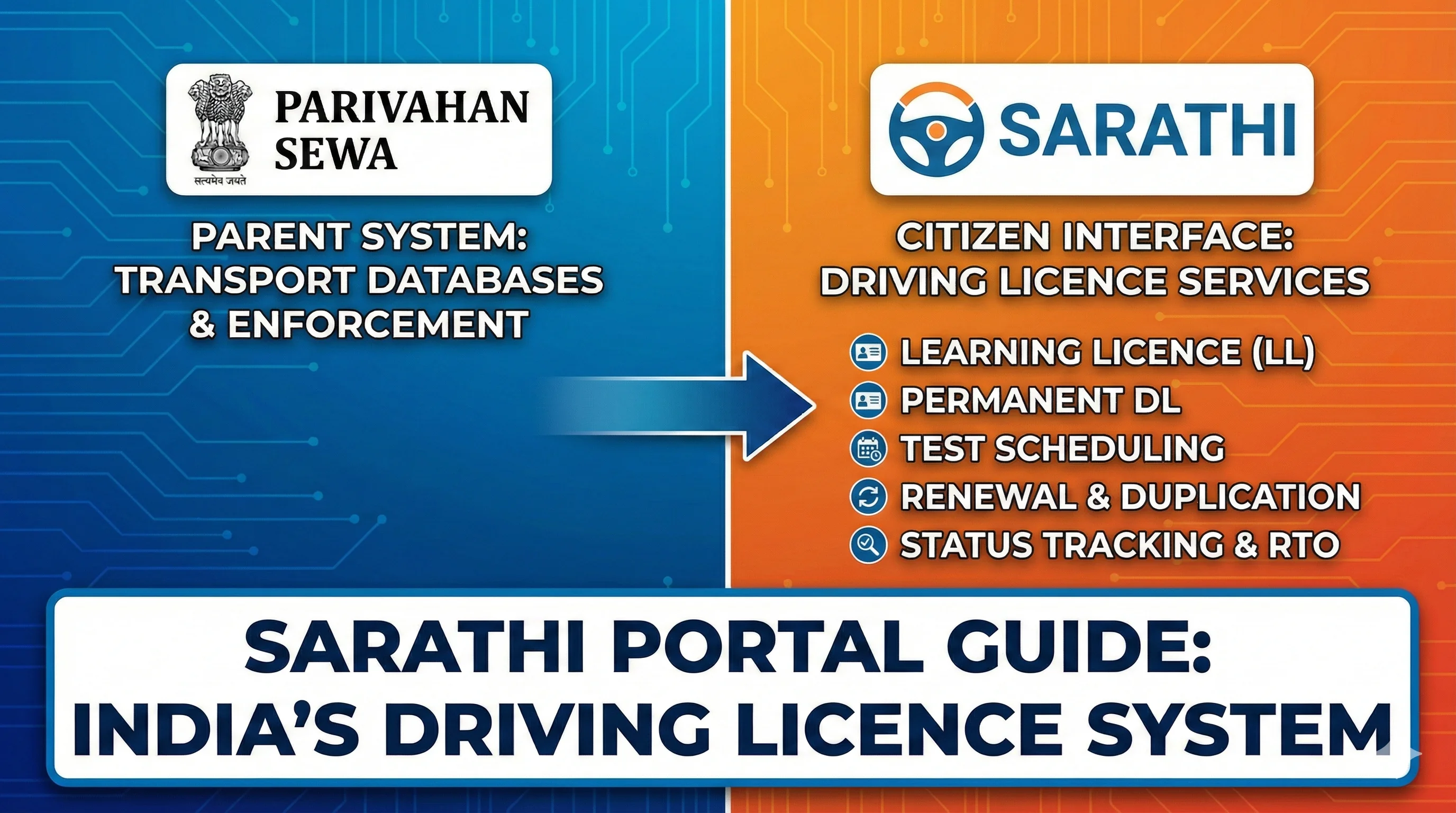
Open Sarathi, select the concerned state and choose the duplicate-licence service
Open Sarathi, select the concerned state and choose the duplicate-licence service.
Practical note: Check the current state workflow, order or document before acting because implementation can differ.
Enter the existing licence details, upload or present supporting documents and pay the official fee.
Practical note: Check the current state workflow, order or document before acting because implementation can differ.
- 4. Enter the existing licence details, upload or present supporting documents and pay the official fee
- 5. Track the application and use an authorised digital record while waiting, where available and legally appropriate
Step-by-Step Action Plan
- 1.Identify the exact licence, application, order or vehicle class involved.
- 2.Open the correct official Sarathi, Parivahan, India Code or state transport source.
- 3.Compare personal details and dates with the official record.
- 4.Complete only the service, test, payment or legal response actually required.
- 5.Save acknowledgements, receipts, orders and screenshots.
- 6.Escalate unresolved record or legal matters to the concerned authority or qualified professional.
Common Mistakes to Avoid
Submitting a second application instead of correcting the existing record.
Using an unofficial payment or download website.
Treating a digital screenshot as proof that a licence is currently valid.
Assuming every state uses identical documents or portal labels.
Frequently Asked Questions
Is an FIR always required?
Requirements differ by state and the reason for replacement; follow the official checklist.
Will the licence number change?
A duplicate is generally issued against the existing licence record.
Official Sources and Verification
Source basis: Official Sarathi duplicate driving licence workflow and concerned state requirements.
Recheck the official law, portal workflow and state implementation immediately before publication.
- Last reviewed: August 2026
Designer Instructions
Use a clean documentation layout with clear steps and neutral information cards.
Label official external CTAs and keep them visually separate from internal links.
Do not use government emblems, seals, police insignia or fake forms.
Use responsive tables and short mobile paragraphs.
Frequently Asked Questions
1.Is an FIR always required?
Requirements differ by state and the reason for replacement; follow the official checklist.
2.Will the licence number change?
A duplicate is generally issued against the existing licence record.
3.Can I apply if the DL is damaged?
Yes, damaged or mutilated licences are a common reason for replacement.
4.Can I drive using DigiLocker meanwhile?
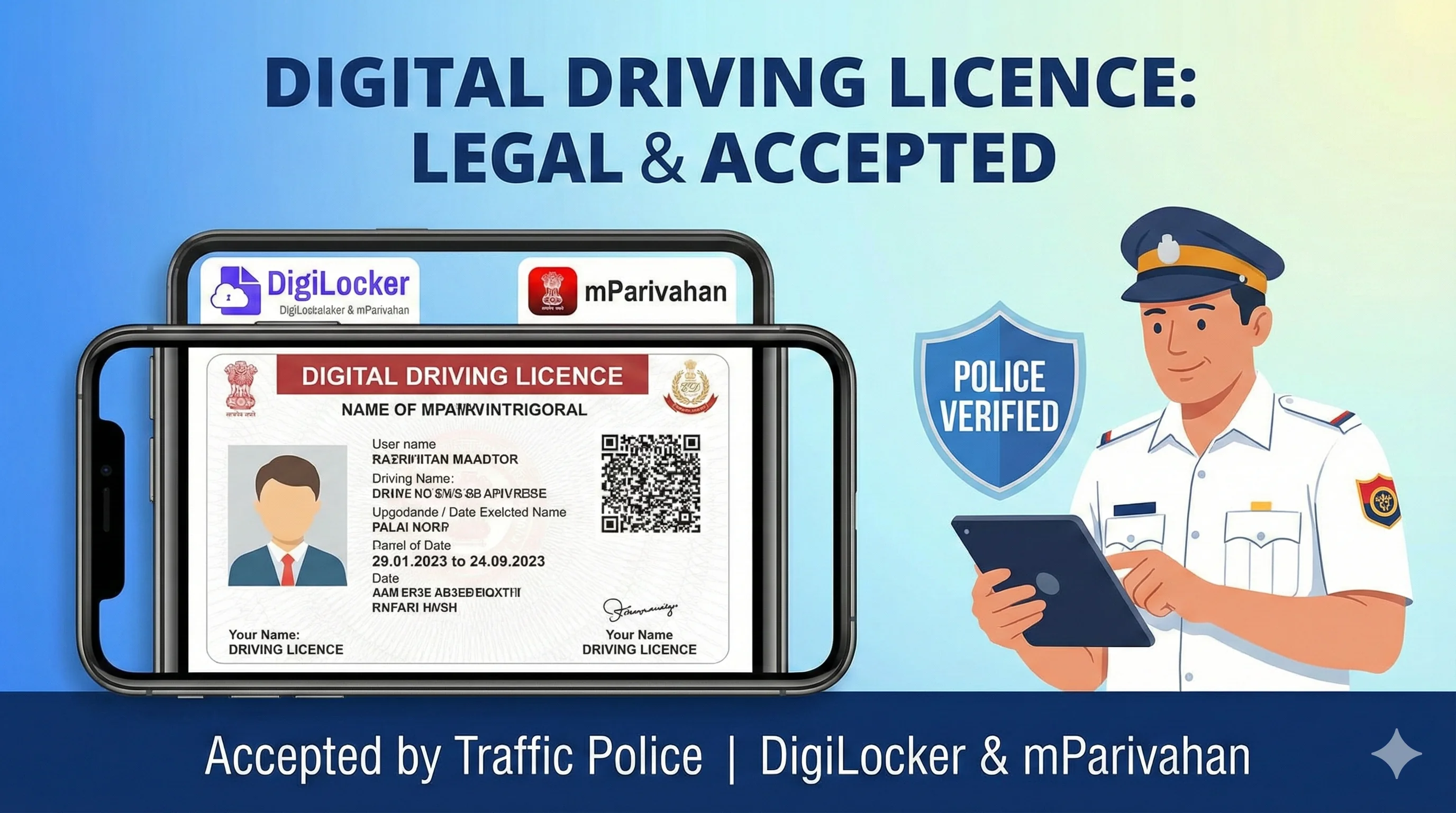
An authorised current digital record may be used subject to applicable verification.
5.Should I apply for a new licence?
No. Use the duplicate service rather than creating another licence identity.
Related Driving Licence Guides
Official Sources
Official portal for driving-licence and learner-licence services; flow varies by state.
MoRTH/NIC transport-services information and official guidance.
Ministry notifications, rules and fee schedules.
Editorial disclosure
Content should be reviewed whenever MoRTH, Parivahan, Sarathi or a state transport department changes a form, fee, eligibility rule, portal flow or document requirement. Last reviewed: August 2026.