Driving Licence Download Via Sarathi Parivahan Sewa
Step-by-step guidance to download, renew, or access your driving licence online. Follow verified methods from Parivahan, mParivahan, and Umang with confidence.
Learn how to download your driving licence PDF, request duplicates, or check status updates without visiting the RTO.
Step-by-step guidance to download, renew, or access your driving licence online. Follow verified methods from Parivahan, mParivahan, and Umang with confidence.
Learn how to download your driving licence PDF, request duplicates, or check status updates without visiting the RTO.
In today's digital world, accessing government services online has made processes like downloading or renewing your driving licence simpler, faster, and more convenient. Whether you're looking to download your driving licence PDF, need a duplicate licence, or want to explore the e-driving licence download options, everything is now available at your fingertips. Thanks to platforms like Parivahan and mParivahan , you can access all your driving licence services online, saving you time and effort.
Exclusive Driving Licence Services
Get Your Driving Licence OnlineQuick & Easy Process
Access all driving licence services from the comfort of your home. Download, renew, or check your licence status with our step-by-step guides.
Why Choose Us?
We make driving licence information in India simple, clear, and reliable, helping users understand official processes without confusion.
Complete Driving Licence Coverage
From licence rules and exams to slot booking, application, and renewal—all essential information in one place.
Driving Licence Exam & Preparation
Clear guidance on driving licence exams with commonly asked questions to help users prepare confidently.
Step-by-Step Application Guidance
Easy explanations for applying for a new driving licence or renewing an existing one through official channels.
Updated Rules & Procedures
Content reflects current driving licence laws, exam patterns, and application processes.
Independent & Transparent Platform
We are not a government website. Our goal is to educate users and help them follow the correct legal process.
How to Download Your Driving Licence: Methods and Services
Downloading your driving licence online has become incredibly simple thanks to the official Parivahan and mParivahan portals. Below are the different methods to get your driving licence download depending on the service you need.
1. Driving Licence Download via Parivahan Portal
The Parivahan portal is the government's official platform for accessing various transport-related services, including driving licence download. Here's a step-by-step guide to downloading your driving licence from the portal:
Step-by-Step Process for Downloading DL via Sarathi Parivahan:
- Visit the Parivahan Website: Go to the official Parivahan Sewa website: https://parivahan.gov.in.
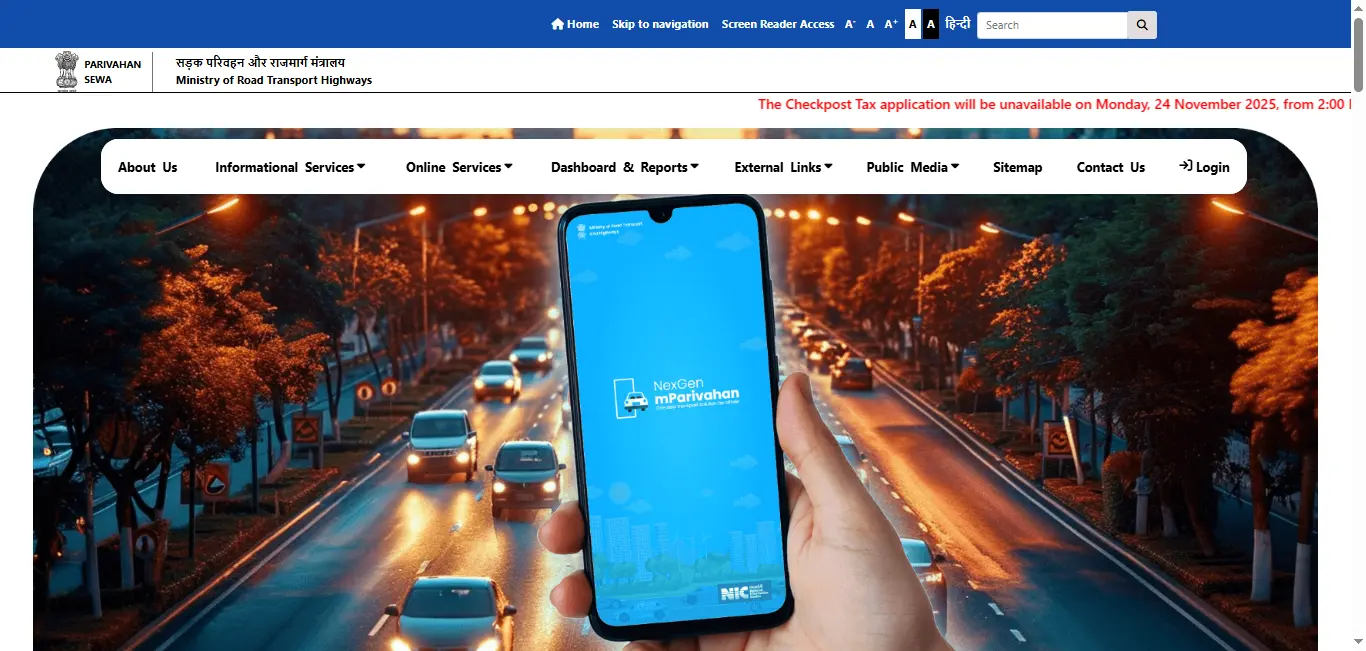
- Click on "Driving Licence Related Services": On the homepage, click on the "Online Services" tab, then select "Driving Licence Related Services".
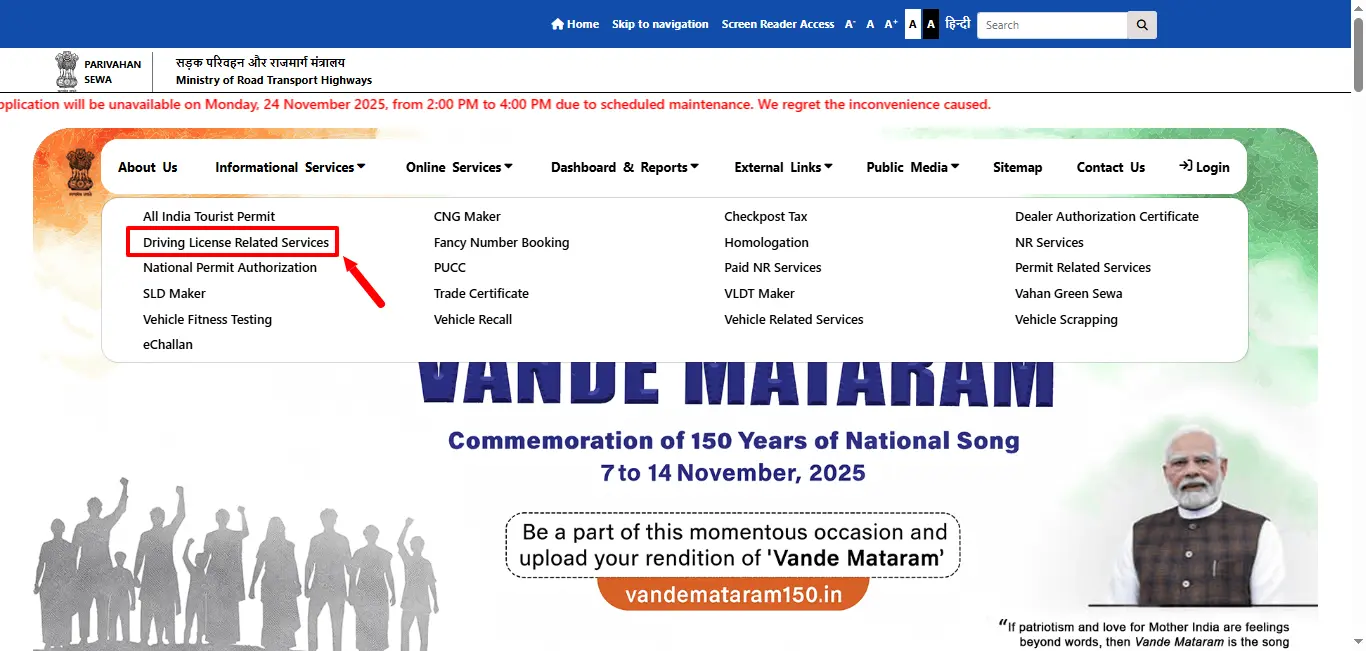
- Select Your State: Choose the state where your driving licence was issued.
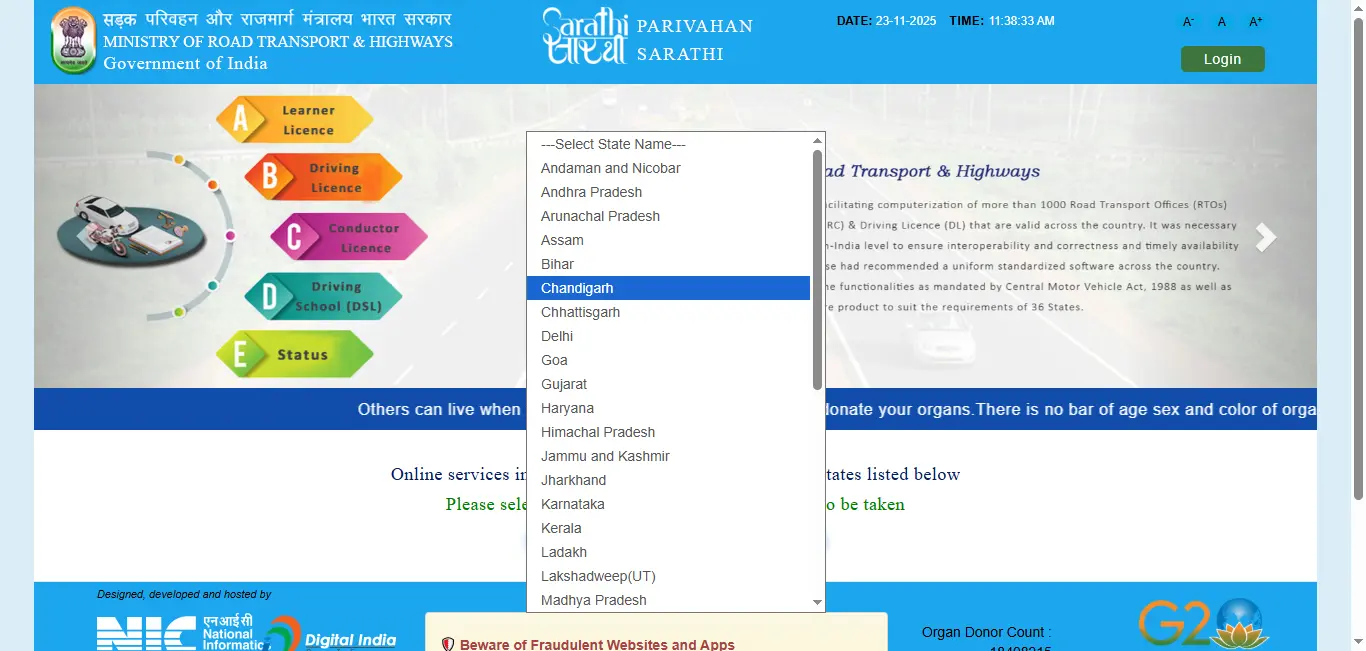
- Enter Your Details: Provide the required details like your driving licence number, Date of Birth, or application number.
- Download Your DL: After submitting the information, you will be redirected to a page where you can download your driving licence PDF.
This method is quick and easy for most users to access their driving licence card or e-driving licence.
State-wise Driving Licence Download Via Parivahan Sewa
Driving Licence & RTO information
Get DL info2. Download Driving Licence Using mParivahan App
For a more convenient, mobile-friendly experience, you can use the mParivahan app. This app allows you to perform all the same functions as the Parivahan portal, but directly on your smartphone.
- Download the mParivahan App: Install the mParivahan app from the Google Play Store or Apple App Store .
Android
iOS
- Login or Register: Open the app and either log in with your existing credentials or register a new account.
- Choose "Driving Licence Services": From the home screen, select the "Driving Licence Services" option.
- Enter Your Information: Provide your driving licence number or date of birth for verification.
- Download Your Licence: Once verified, you can instantly download the e-driving licence or driving licence PDF download directly to your phone.
Steps for Downloading DL Using the mParivahan App:
The mParivahan app is ideal for people who prefer managing their driving-related services on the go.
Special Services: Duplicate Licence and E-Driving Licence Download
If your driving licence is lost, damaged, or you need an e-driving licence for convenience, Parivahan and mParivahan offer services for both duplicate licences and digital copies.
1. Driving Licence Duplicate Copy Download Via Parivahan Sewa
Losing your driving licence or having it damaged can be a hassle, but you can easily apply for a duplicate driving licence through the Parivahan portal or mParivahan app. Below is the process to get your duplicate driving licence download:
Steps for Duplicate Licence Download:
- Log in to Parivahan or Open the mParivahan App: Access the official portals.
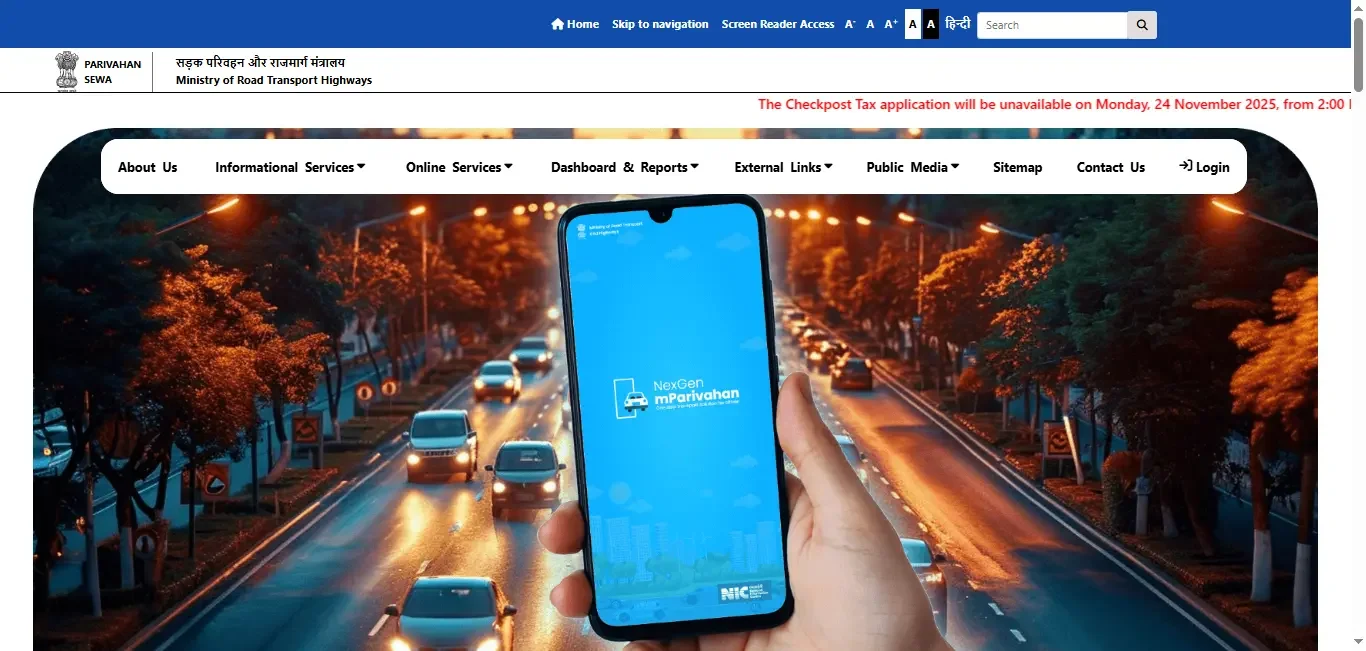
- Click on Online Services:On the homepage, click on "Online Services" and then select "Driving Licence Related Services" from the menu.
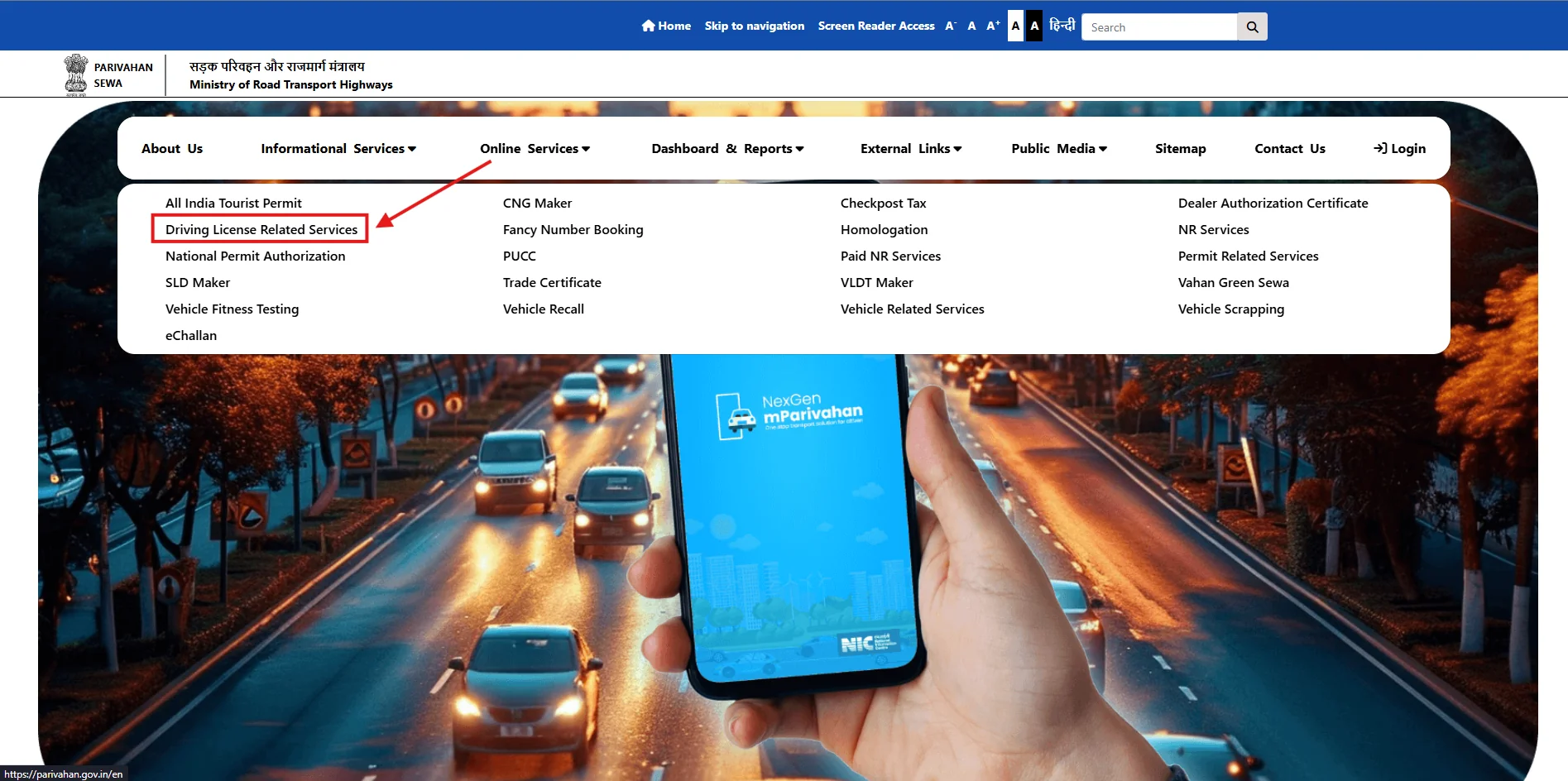
- Choose Your State: Select your state from the drop-down list. This is important because the requirements and processes may differ by state.
- Select the "Duplicate Licence" Option: Choose the "Duplicate Licence" option from the menu.
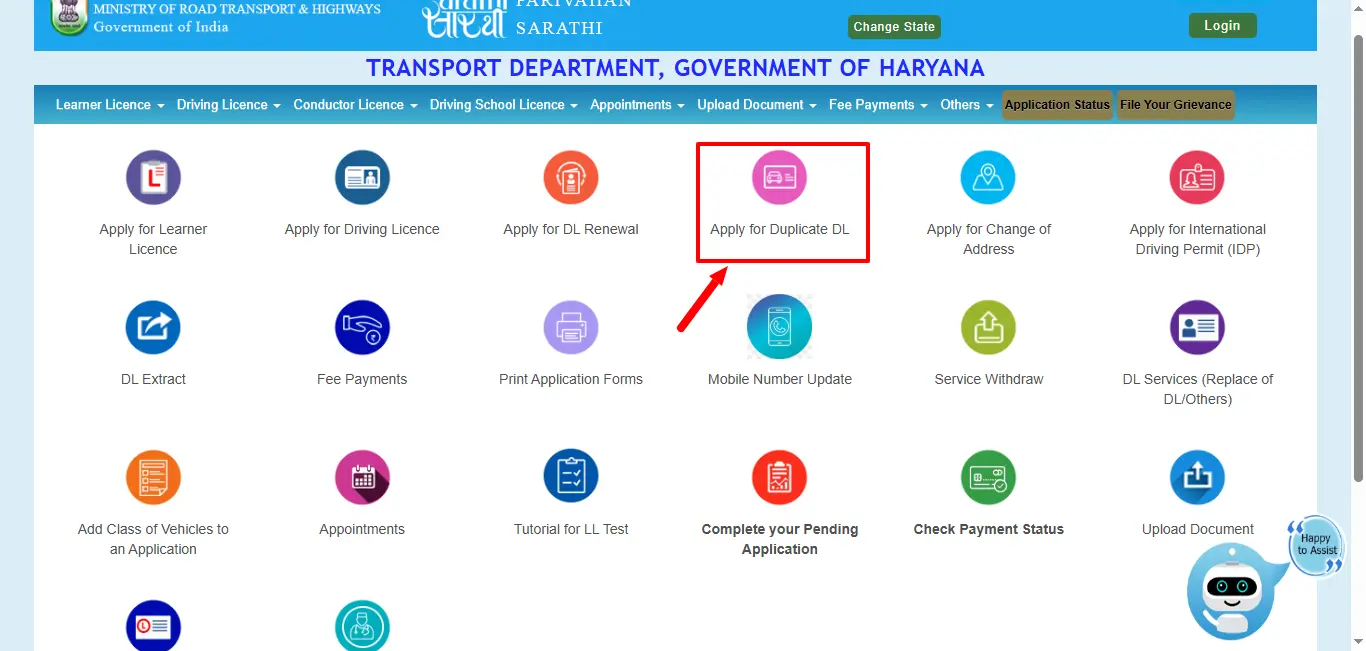
- Enter Driving Licence Details:On this page, enter your Driving Licence Number and Date of Birth (DD-MM-YYYY). Then enter the Captcha code, accept the Privacy Policy and Terms of Service, and click on "Get DL Details" or "Proceed" to continue.
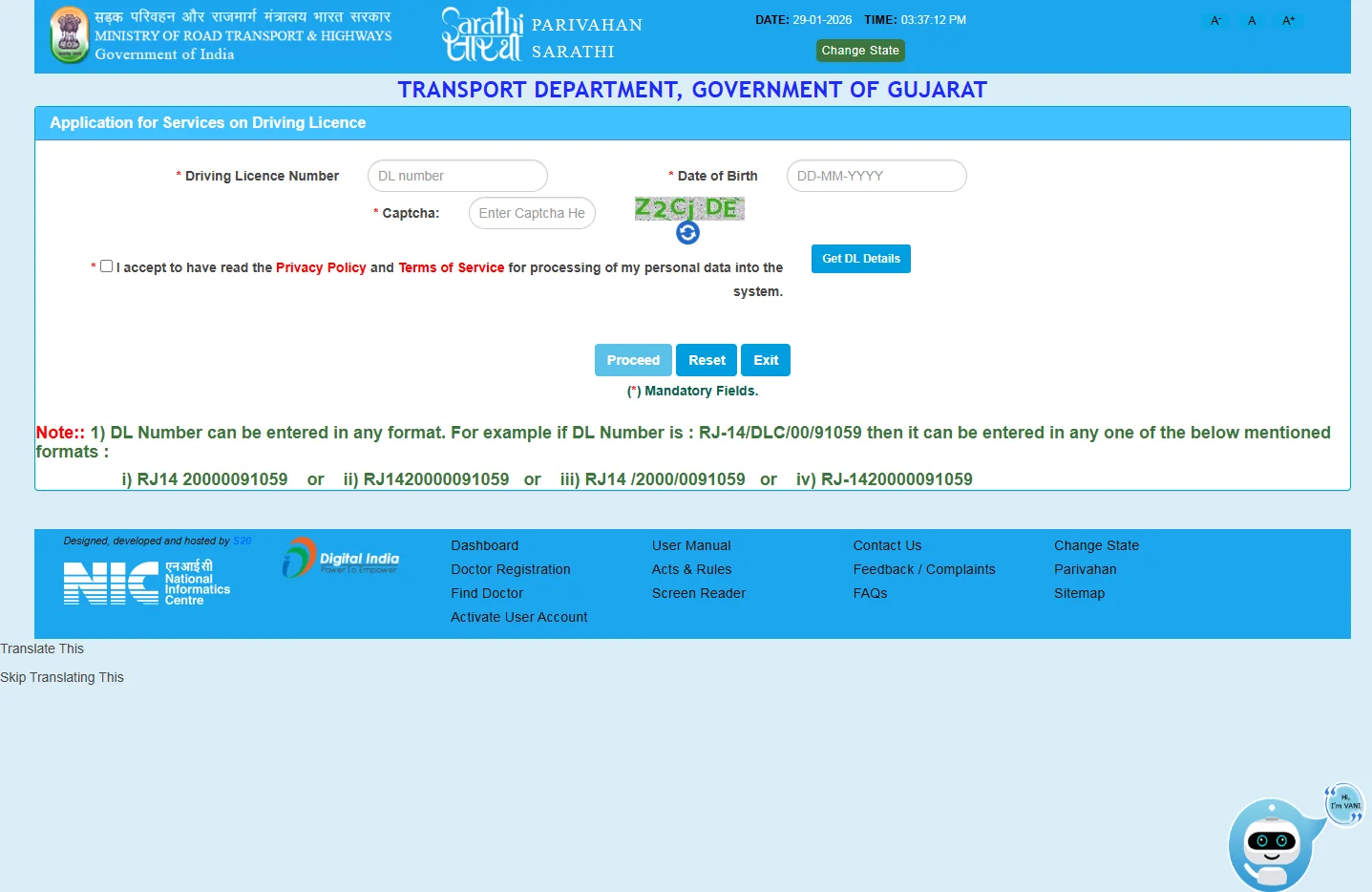
- Submit Required Documents: Upload necessary documents like a police FIR (if the licence was lost) and other required proofs.
- Download the Duplicate Licence: Once your application is processed, you can download the duplicate driving licence either in PDF format or access it digitally.
2. E-Driving Licence Download
An e-driving licence is a digital version of your physical licence that can be downloaded and used for identification and verification purposes. It's a quick, efficient way to access your licence without carrying the physical card.
Steps for E-Driving Licence Download:
- Visit the Parivahan or mParivahan Portal/App: Apply for the e-driving licence after completing the necessary formalities.
- Enter Your Licence Number or Date of Birth for Verification: Provide the required details to verify your identity.
- Download the E-Driving Licence: Once your e-licence is approved, you will be able to download it in PDF format.
Other Driving Licence Services
In addition to downloading your driving licence, Parivahan and mParivahan offer several other essential services related to your licence.
1. Download Driving Licence Using Mobile Number
If you've registered your mobile number with the RTO, you can easily download your driving licence by entering just your mobile number on the Parivahan portal or the mParivahan app.


- Open Parivahan or mParivahan: Log into the service of your choice.
- Select "Download Driving Licence with Mobile Number": Find the appropriate option to download using your registered mobile number.
- Verify Your Details: Enter your mobile number and other verification details.
- Download the Licence: Once verified, you can download your driving licence in PDF or access your e-driving licence.
Steps for Mobile Number Download:
2. Driving Licence Renewal and Status Check Via Sarthi Parivahan
You can easily renew your driving licence or check the status of your DL application via the official portals.
- Visit Parivahan or Log in to mParivahan: Open the official portal or app.
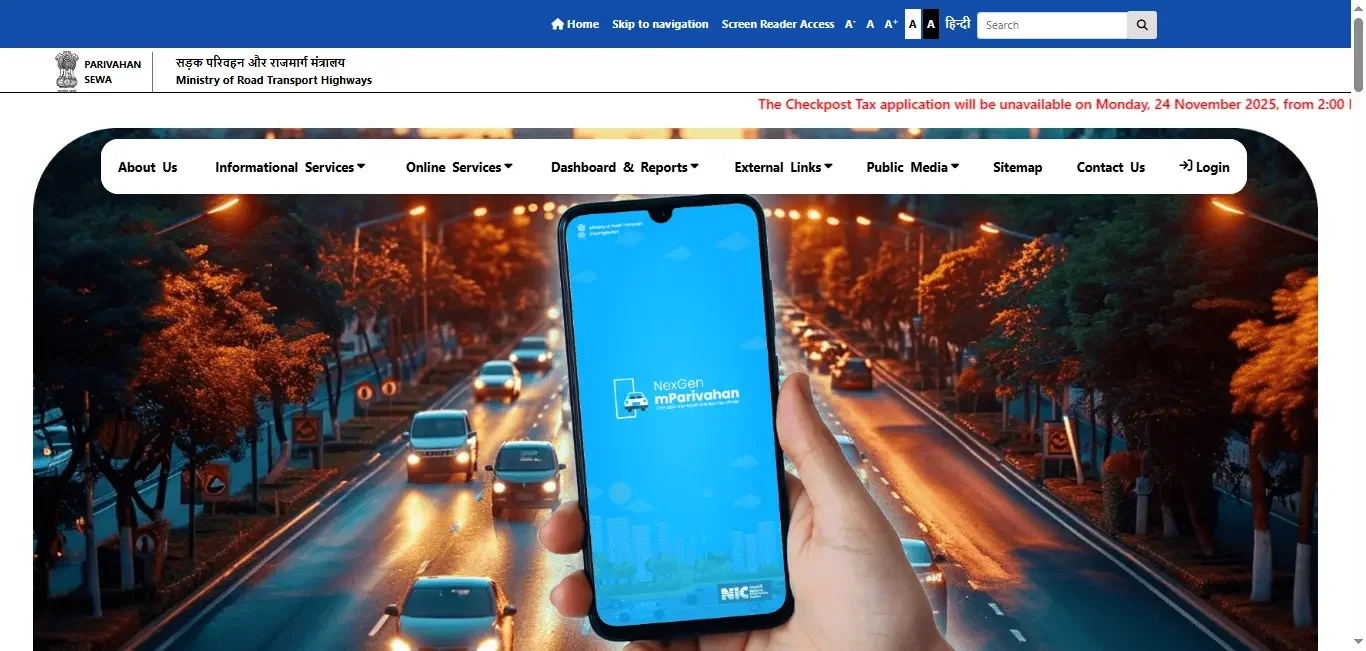
- Click on Online Services:On the homepage, click on "Online Services" and then select "Driving Licence Related Services" from the menu.
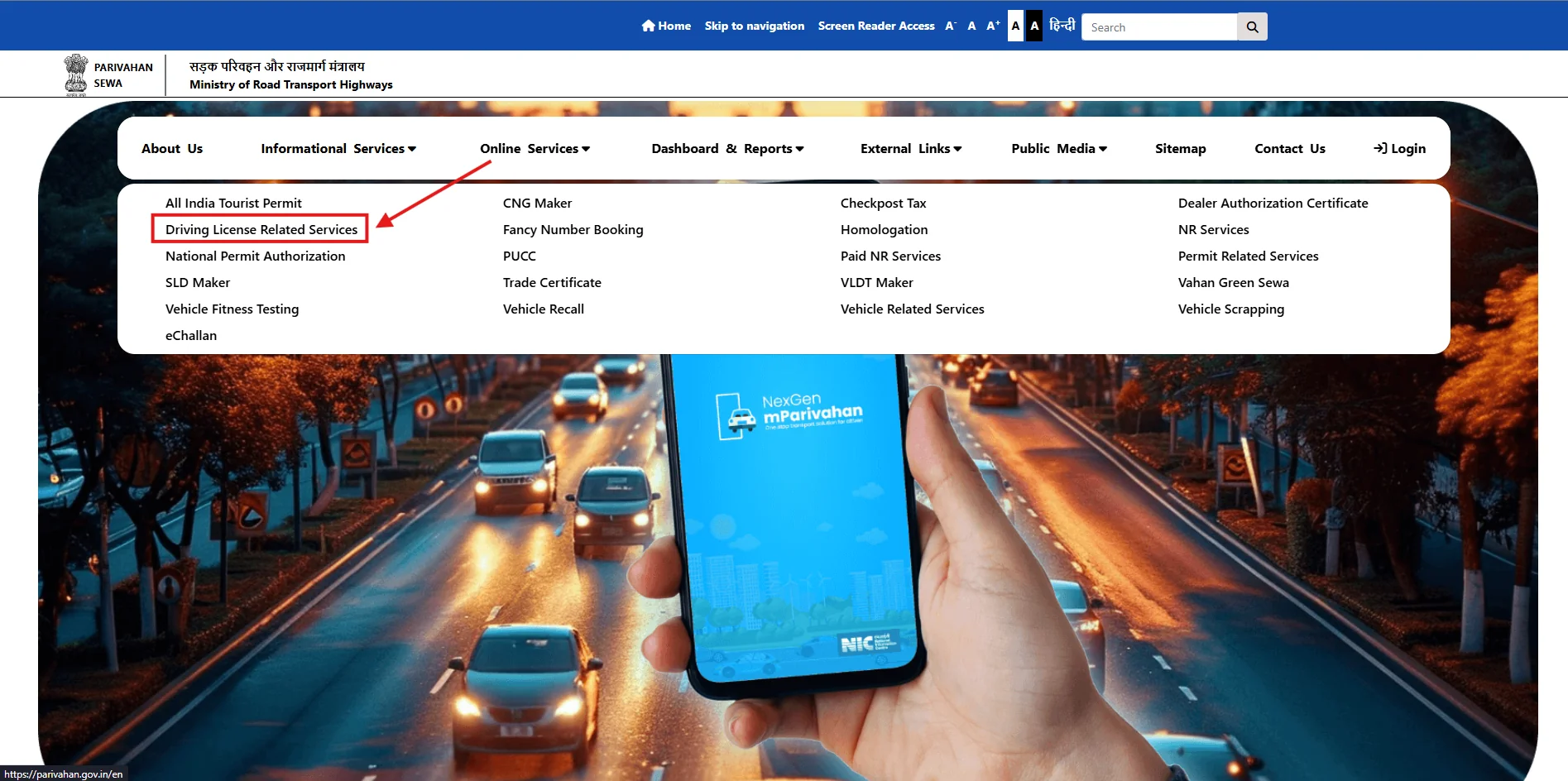
- Choose Your State: Select your state from the drop-down list. This is important because the requirements and processes may differ by state.
- Choose the "Driving Licence Renewal" Option: Select the appropriate service for renewal.
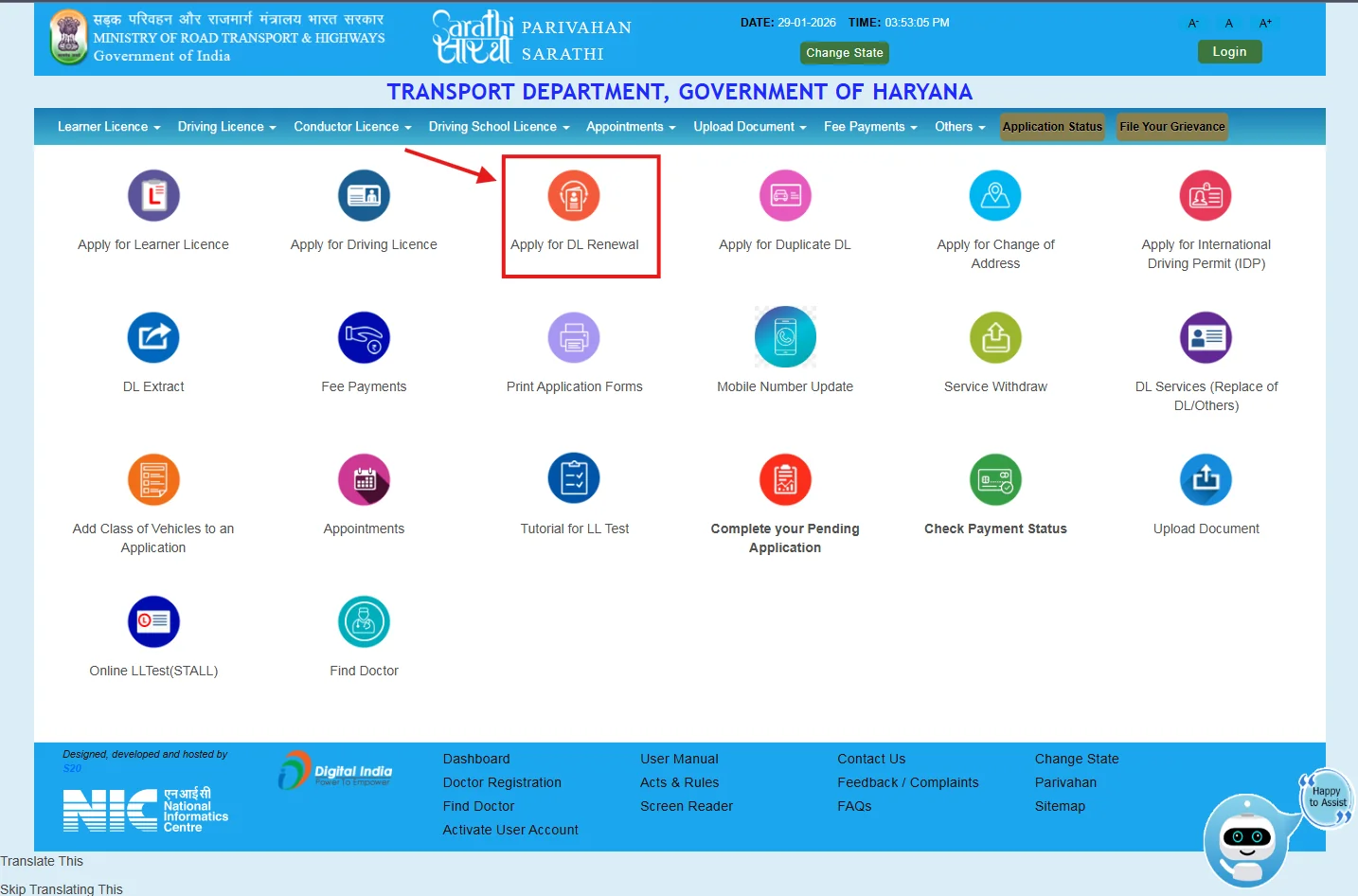
- Fill in the Required Details: Enter the necessary details such as your Driving Licence Number, Date of Birth, and other required information, then proceed to the next step.
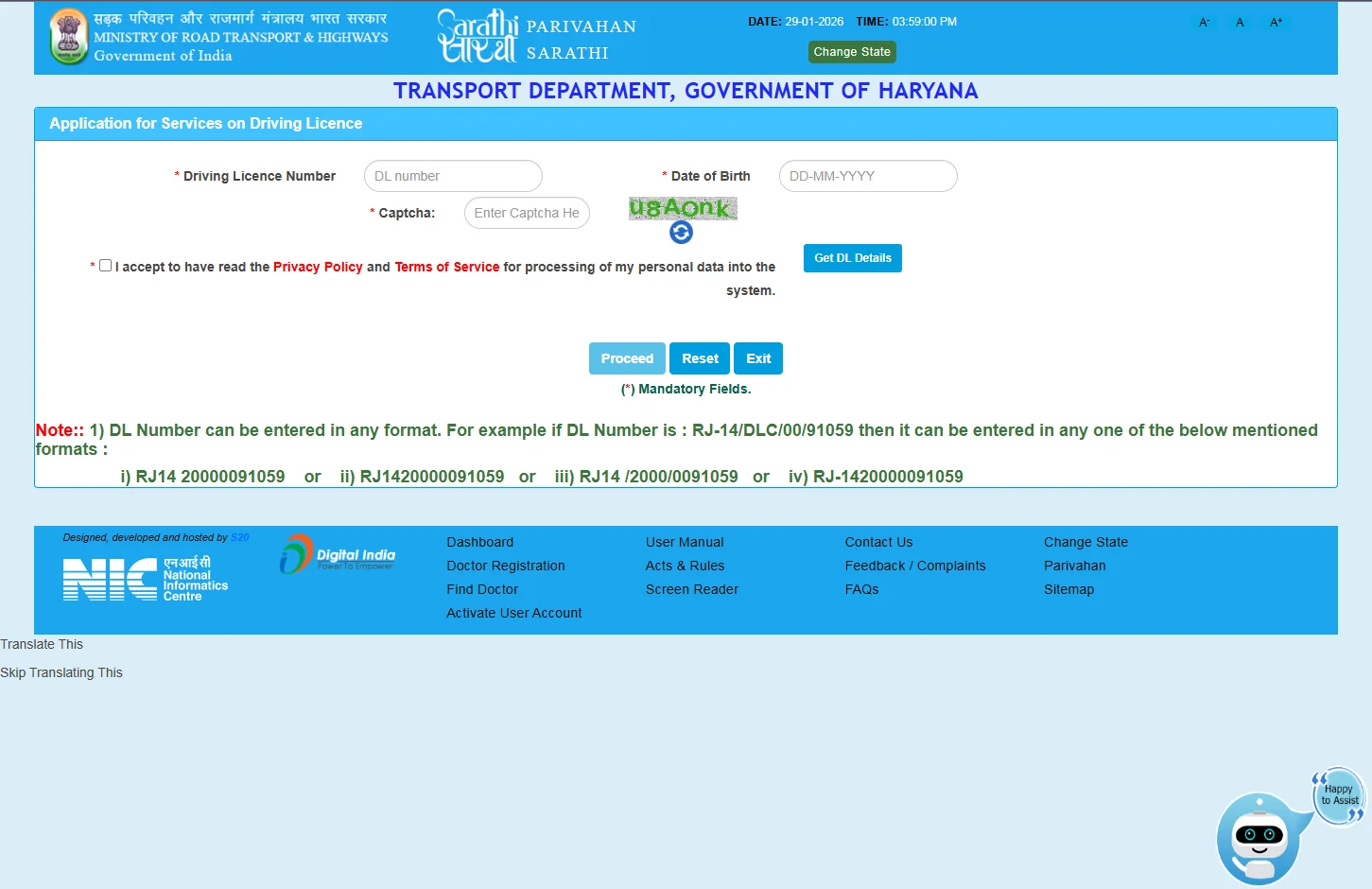
- Pay the Required Fees and Submit Documents: Upload necessary documents and pay the renewal fees.
- Download Your Renewed Licence: Once your renewal request is approved, download the updated driving licence.
Steps for Renewal:
- Go to the Parivahan Portal : Enter your driving licence application number or date of birth.
- Check Status: View the status of your application or renewal process.
- Download the Updated Licence: After the process is complete, you can download your driving licence.
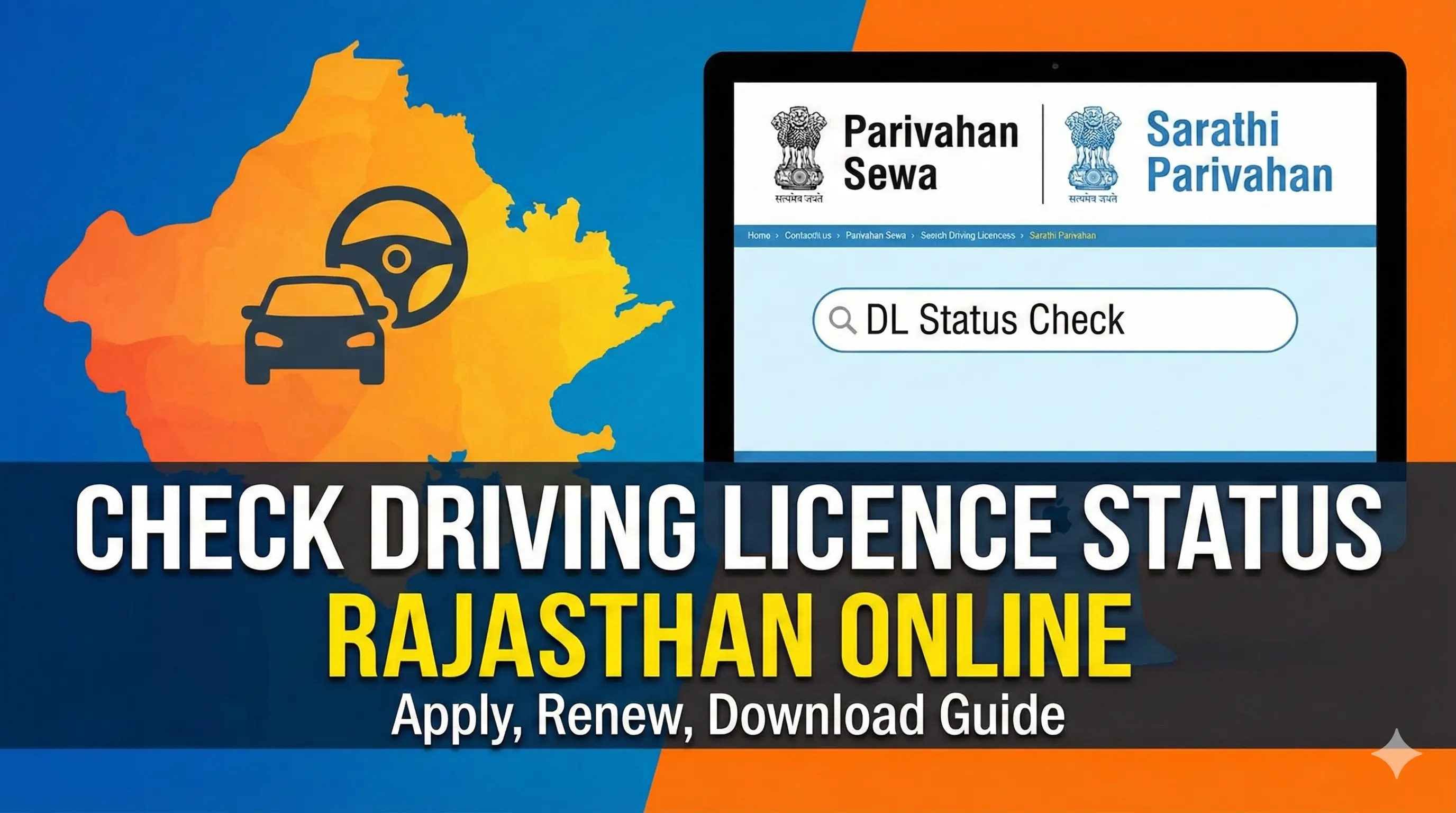
Check DL Status via Sarthi Parivahan:
Driving Licence Forms
| S.No. | Form No. | Description |
|---|---|---|
| 1 | Form-1A | Medical certificate |
| 2 | Form 2 | Form of Application for Learner's License /Driving License / Addition of a New Class of Vehicle/Renewal of Driving License/Change of Address Or Name |
| 3 | Form 3 | Learner's Licence |
| 4 | FORM 4A | Form of Application for issue of international driving permit to drive a motor vehicle in other countries |
| 5 | Form 5 | Driving Certificate issued by Driving School of Establishments |
| Form 5A | Certificate of fuel efficient driving training issued by driving school or establishment | |
| Form 5B | Driving certificate issued by accredited driving training center | |
| 6 | Form 6A | International Driving Permit |
| 7 | Form 7 | Form for Driving Licence (Laminated / Smart Card Type) |
| 8 | Form 8 | Form of Application for permanent surrender of Class or Classes of vehicles from Driving License |
| 10 | Form 10 | State Register of Driving Licence |
| Form 10A | Form of national register of driving licenses | |
| 11 | Form 11 | Form of Licence for the Establishment of a Motor Driving School |
| Form 11A | Accreditation for driver training center | |
| 12 | Form 12 | Form of Application for a Licence to Engage in the Business of Imparting Instructions in Driving of Motor Vehicles |
| Form 12A | Application for accreditation of driver training center | |
| 13 | Form 13 | Form of Application for Renewing a Licence to Engage in the Business of Imparting Instructions in Driving of Motor Vehicles |
| Form 13A | Application to renew accreditation of driver training center | |
| 14 | Form 14 | Register showing the Enrolment of Trainee(s) in the Driving School Establishments |
| 15 | Form 15 | Register Showing the Driving Hours spent by a Trainee |
| 16 | Form 16 | Form of Application for Grant or Renewal of Trade Certificate |
| 17 | Form 17 | Form of Trade Certificate |
| 18 | Form 18 | Intimation of Loss of Destruction of a Trade Certificate and Application for Duplicate |
| 19 | Form 19 | Register to be maintained by the Holder of Trade Certificate |
For a complete list of all forms, visit the official Parivahan website
Services related to the Driving licence
Apply for Driving Licence
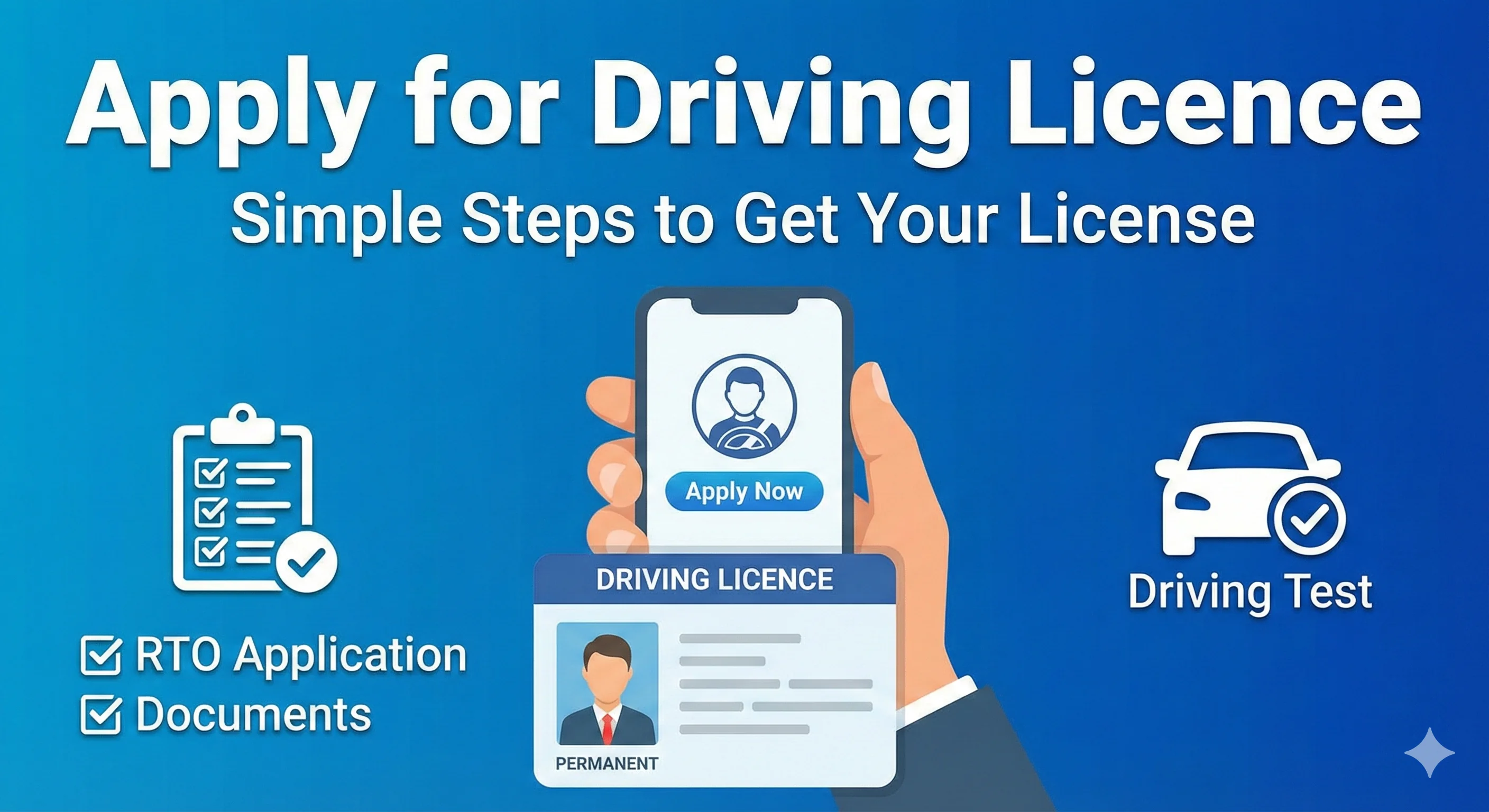
The process of applying for a driving licence involves submitting an application to the Regional Transport Office (RTO) along with necessary documents. You must pass a driving test to obtain a permanent licence.
Learning Driving Licence (LL)
A Learning Driving Licence allows you to learn to drive under supervision. It's valid for 6 months, and you must pass a driving test to get a permanent licence.
.webp)
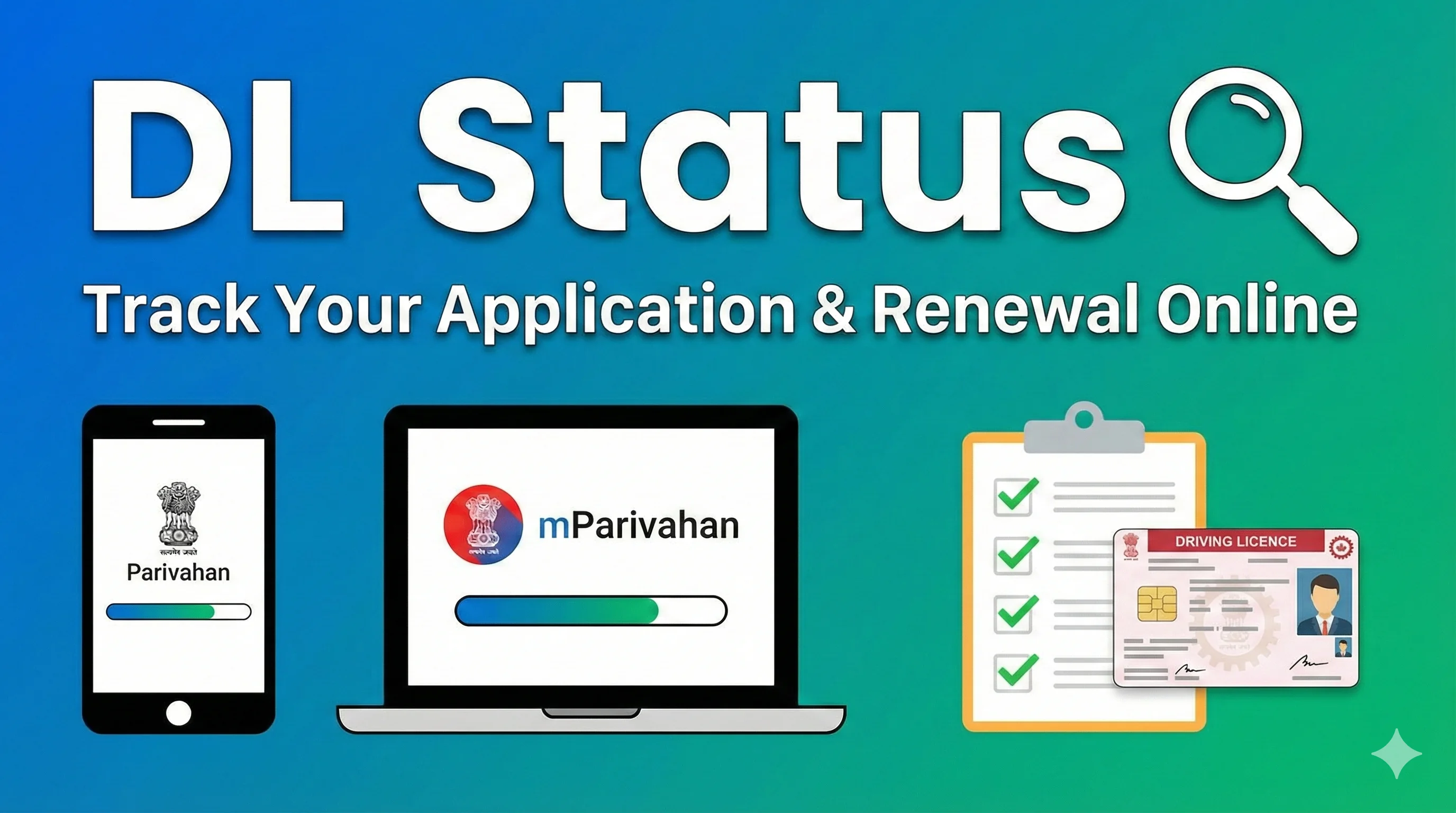
DL Status
DL Status allows you to track the status of your driving licence application or renewal through online portals like Parivahan and mParivahan.
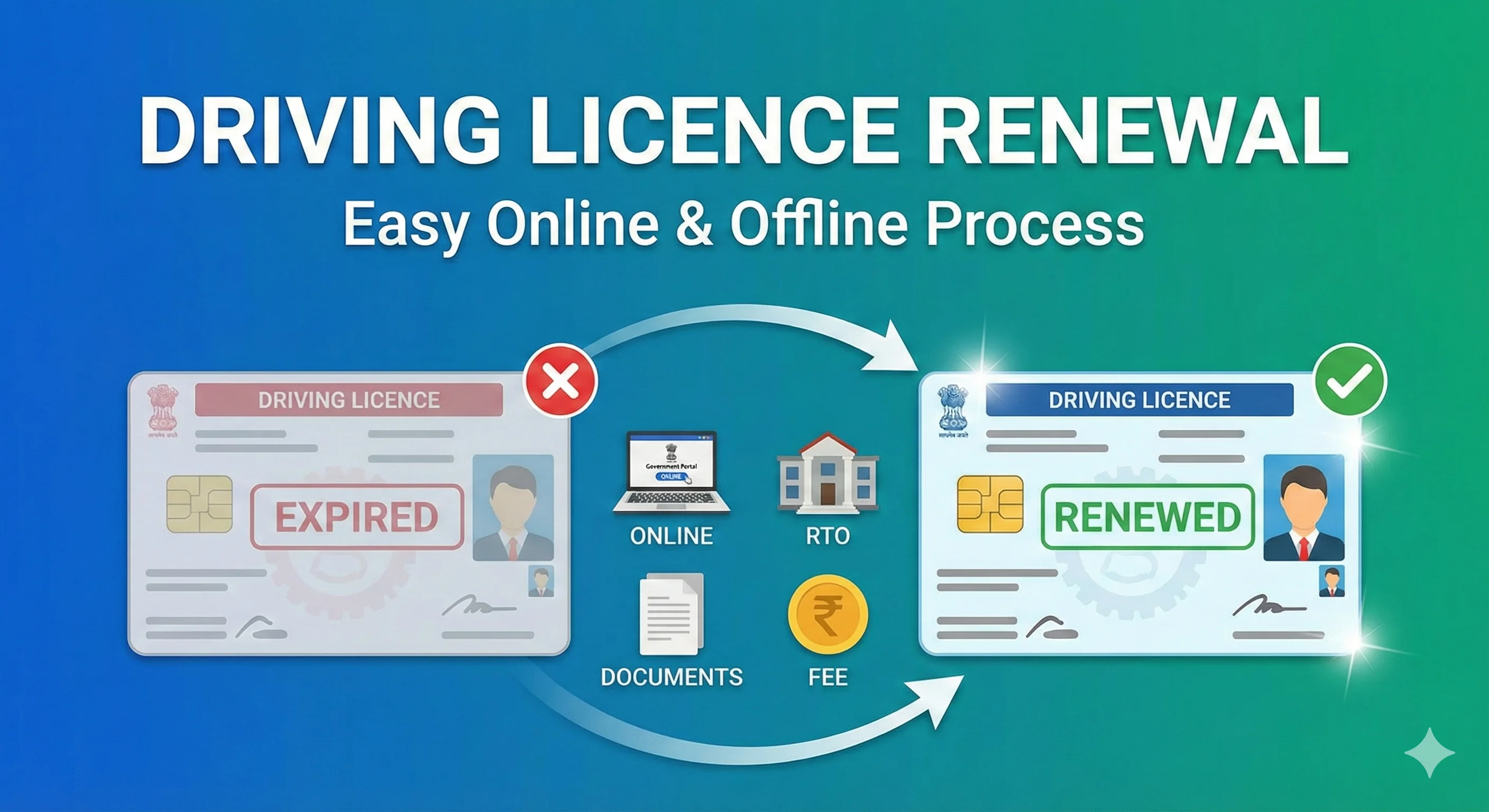
Renewal
To renew your driving licence , visit the RTO or use online services. Renewal is required after your licence expires, and you may need to submit documents and pay a fee.
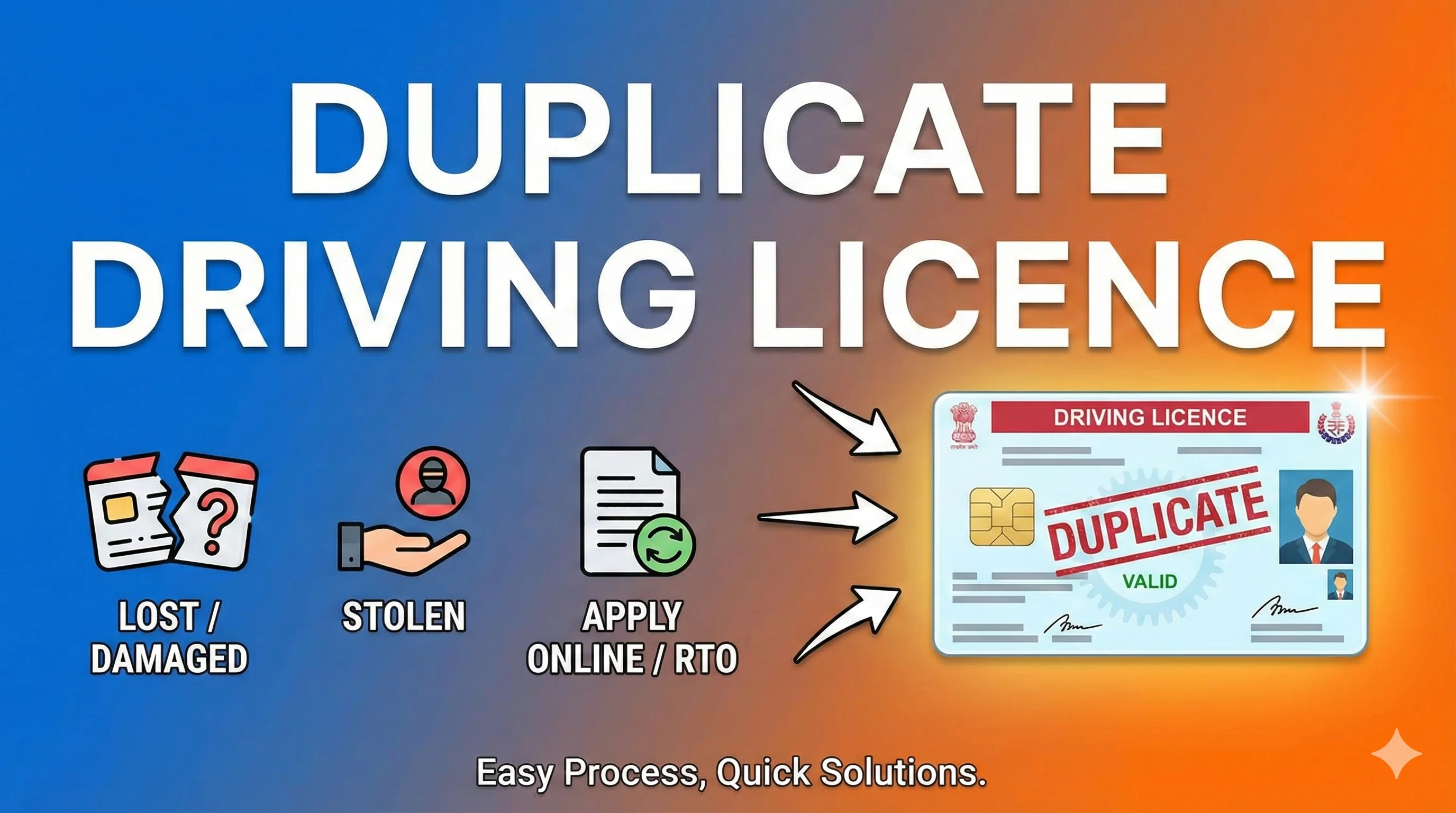
Duplicate Driving Licence
If your driving licence is lost, damaged, or stolen, you can apply for a duplicate licence online or at the RTO by submitting the necessary documents and fees.
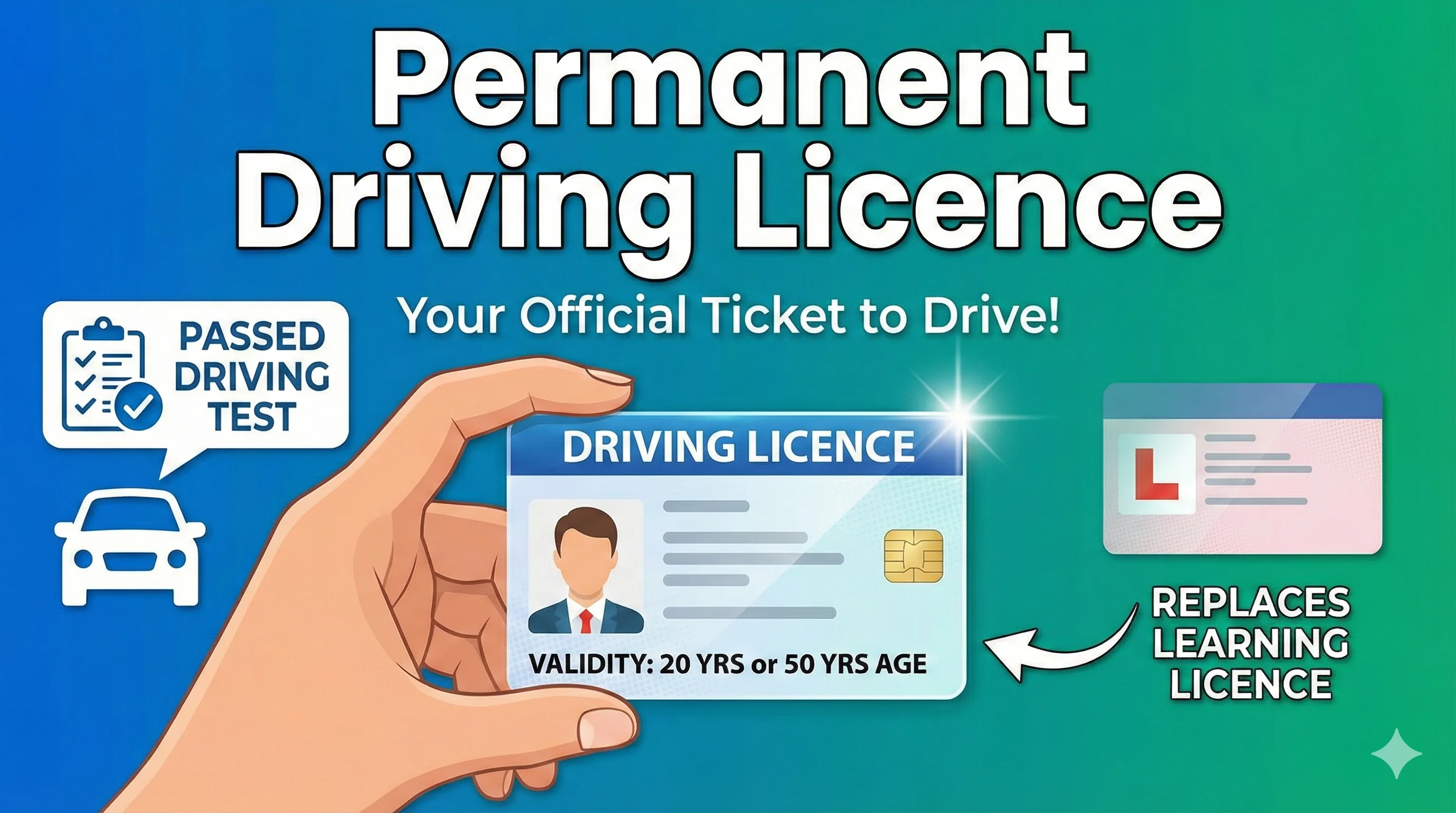
Permanent Driving Licence
A Permanent Driving Licence is issued after passing a driving test and is valid for 20 years or until the holder turns 50 years of age. It replaces the Learning Licence.
Heavy Motor Vehicle (HMV) Driving Licence
A Heavy Motor Vehicle (HMV) licence is required to drive large vehicles like trucks, buses, and trailers. Applicants must undergo a special test and meet medical requirements.
 Driving Licence.webp)
Light Motor Vehicle (LMV) Driving Licence
A Light Motor Vehicle (LMV) licence allows you to drive cars, motorcycles, and other light vehicles. It's the most common type of licence issued for private vehicle use.
 Driving Licence.webp)
International Driving Licence (IDP)
An International Driving Permit (IDP) allows Indian citizens to drive abroad. It is a translation of your Indian Driving Licence and is valid in many foreign countries.
.webp)
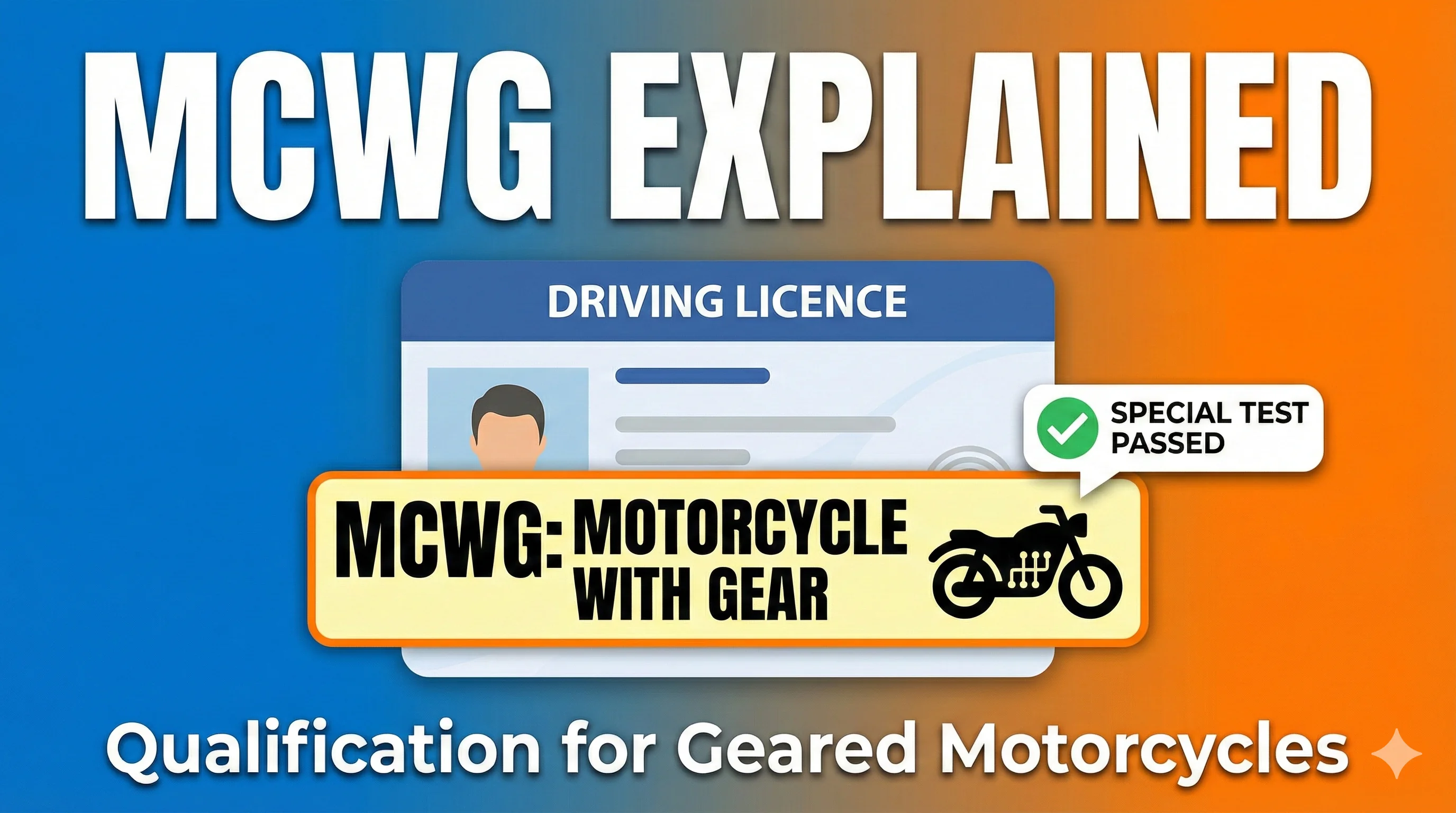
MCWG in Driving Licence
MCWG (Motorcycle with Gear) is a category in your driving licence that indicates your qualification to ride motorcycles with gears. You must pass a special test to obtain this endorsement.
Benefits of Downloading Your Driving Licence Via Sarthi Parivahan
There are several advantages to downloading your driving licence online:
Instant Access
You no longer need to visit the RTO to access or verify your driving licence.
Safe Backup
Store a digital copy so you always have access to your driving licence on your phone or computer.
Legally Valid
The e-driving licence is accepted as an official document and can be used for various legal purposes.
Environmentally Friendly
Reduces the use of physical documents, supporting a more sustainable future.
Driving Licence Fees and Payment Methods
The fees for obtaining, renewing, or downloading your driving licence vary depending on your state and the type of service. Here's a general breakdown of common driving licence fees:
| Service | Fee Range |
|---|---|
| Learner's Licence | ₹150 - ₹300 |
| Permanent Driving Licence | ₹500 - ₹1,000 |
| Duplicate Licence | ₹200 - ₹500 |
| Driving Licence Renewal | ₹200 - ₹500 |
| E-Driving Licence | ₹100 - ₹150 |
| International Driving Permit (IDP) | ₹1,000 - ₹1,500 |
You can pay these fees via Net Banking, Debit/Credit Cards, or UPI on the Parivahan portal or mParivahan app.
Downloading your driving licence online through the Parivahan portal or the mParivahan app has revolutionized how we manage our licences. Whether you're looking for a driving licence PDF download, need a duplicate licence, or want to use your e-driving licence, the process is simple and secure. Use this guide to navigate through all the available services, ensuring your driving licence download experience is seamless and efficient.
Driving Licence Rules & Legal Information
Understanding driving licence rules and traffic laws is essential to drive legally in India. This website provides clear explanations of national driving licence laws, traffic offences, and legal responsibilities so users can avoid penalties and follow the correct process.
🟦 Common Driving Licence Issues & Solutions
Many applicants face issues such as delayed approvals, rejected applications, or problems during renewal. Our guides explain common driving licence problems and outline the next steps users can take to resolve them correctly through official channels.
Latest Blog Posts
Explore our comprehensive guides on driving licence services, state-specific procedures, and helpful tips to manage your driving licence online.
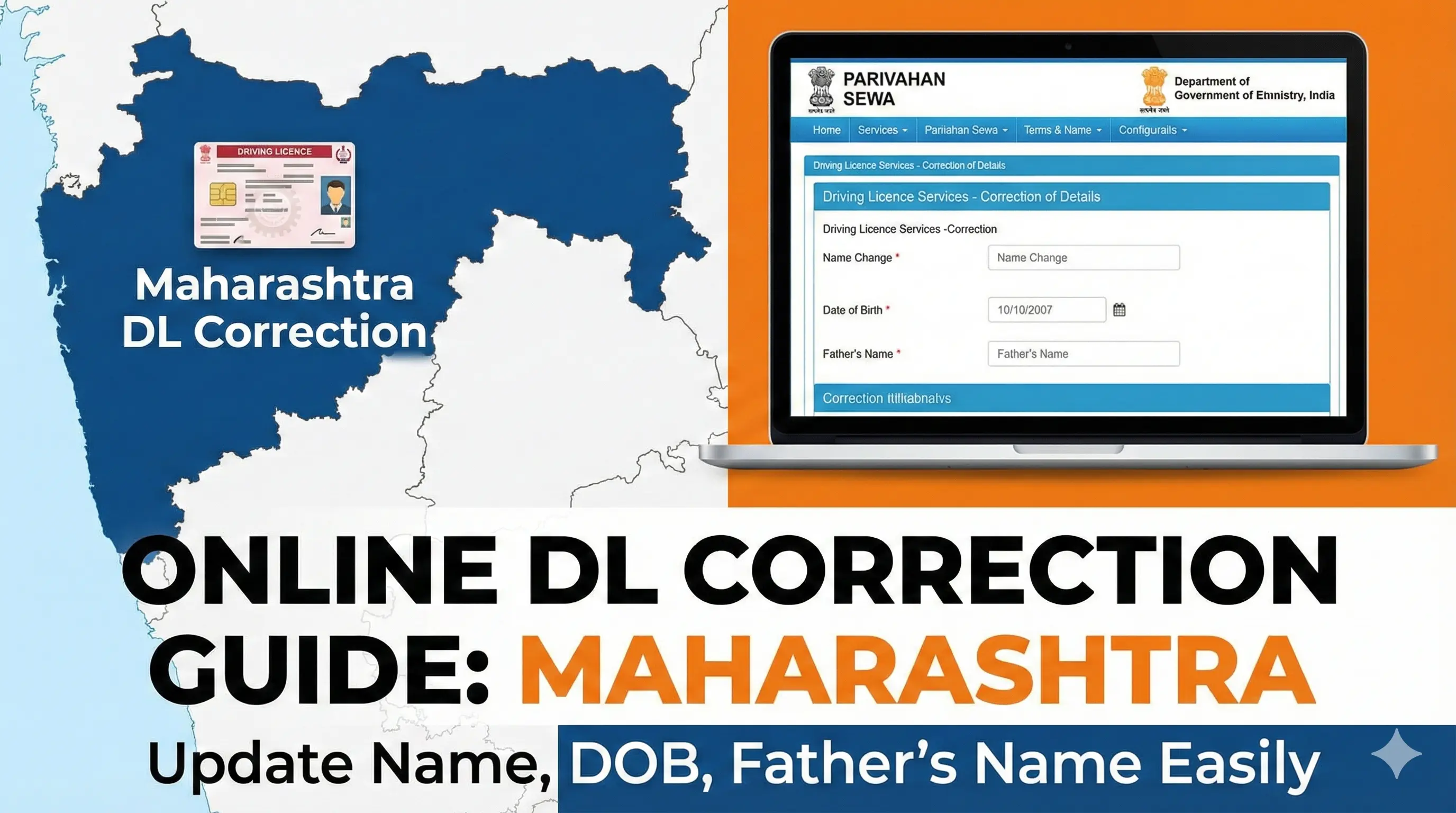
Driving Licence Name Correction Online Maharashtra: Easy Steps to Update
Learn how to correct your driving licence name online in Maharashtra via Parivahan Sewa. Follow the simple steps for driving licence name correction, date of birth changes, and more.
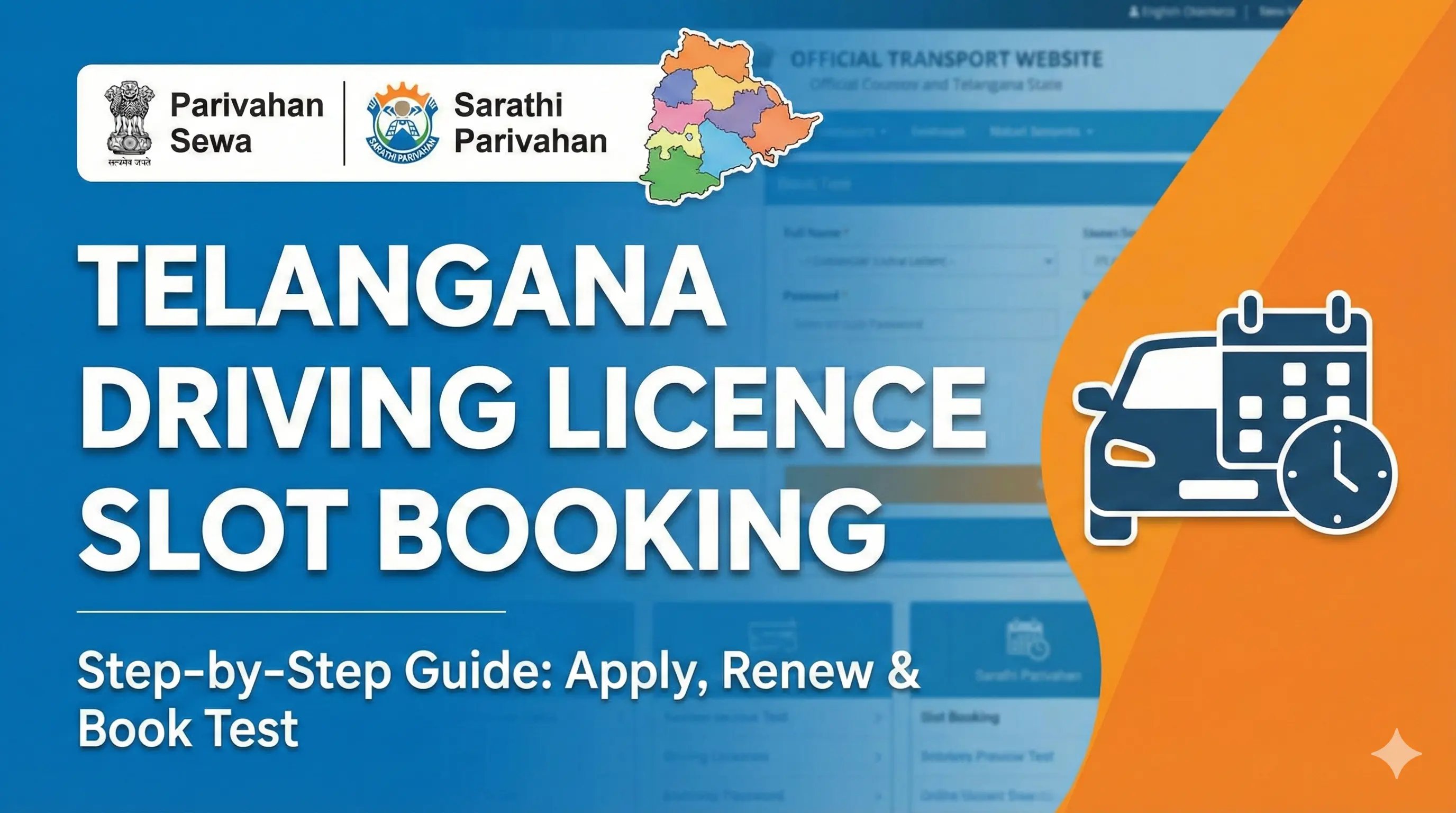
Driving Licence Slot Booking Telangana: Apply Online, Driving Test Slot & More
Learn how to apply for a driving licence online TS, book driving test slots in Telangana, and navigate RTO Telangana slot booking with ease.
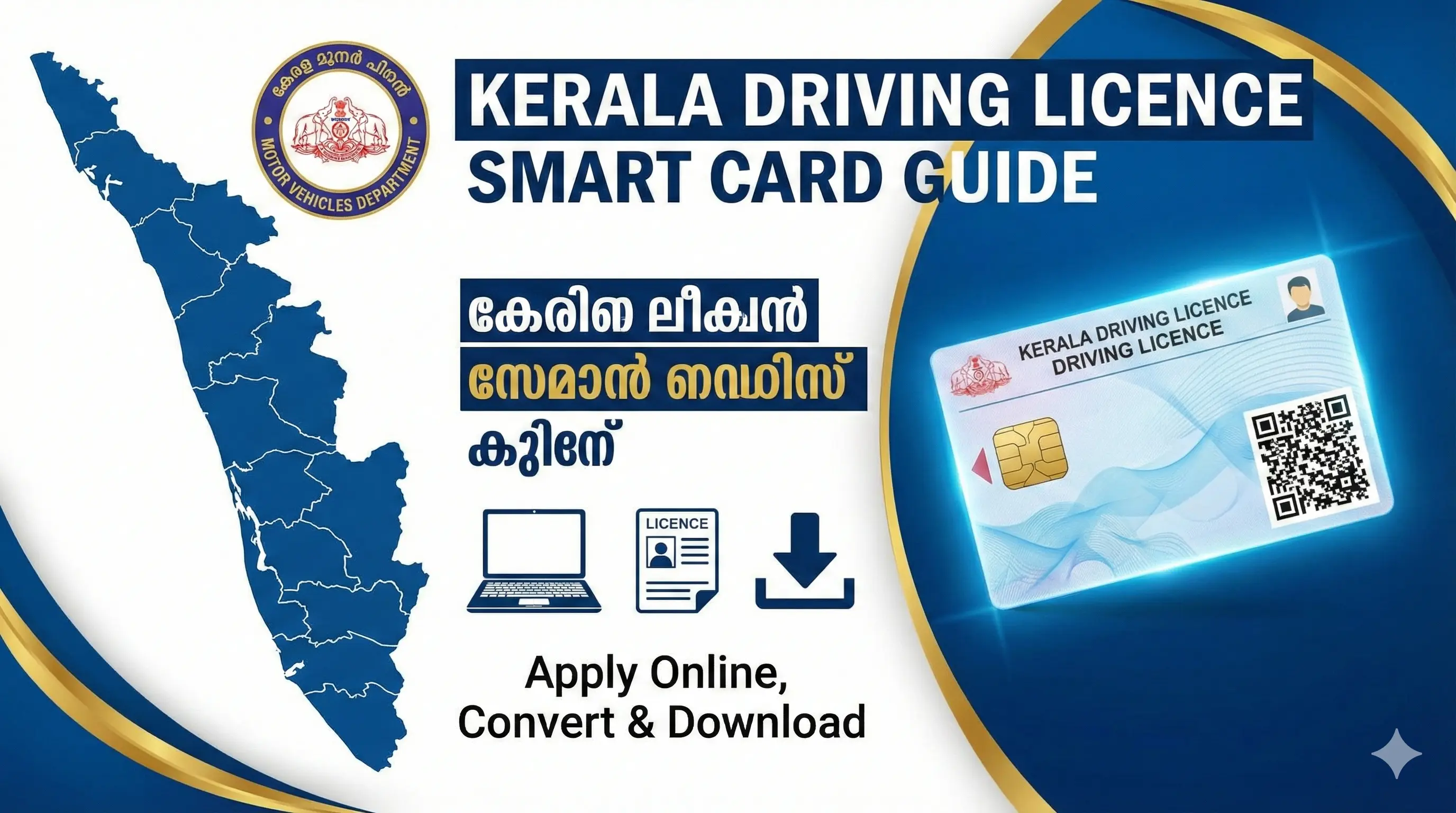
Kerala Driving Licence Smart Card: Apply Online, Convert Paper Licence & More
Learn how to apply for Kerala driving licence smart card online, convert your paper driving license to the new smart card, and explore the Kerala MVD driving licence smart card process.
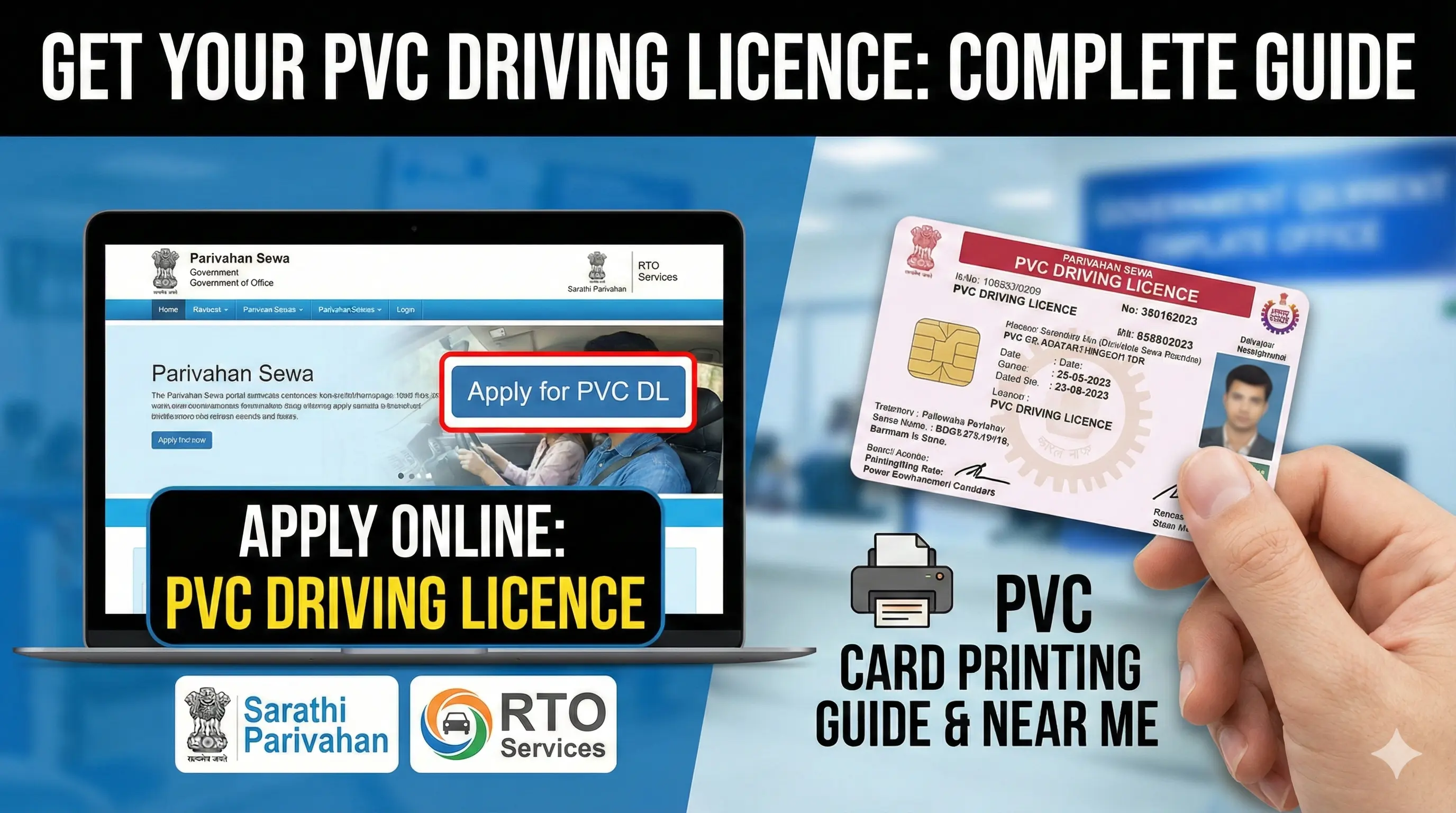
Driving Licence PVC Card: Apply Online, Printing Services & RTO Guide
Want to get a driving licence PVC card? Discover how to apply online for driving licence PVC card, find PVC card printing near me, and learn about Sarathi Parivahan, Parivahan Sewa, and RTO services.
What Users Say About US
Users visit our website to better understand driving licence rules, exams, and official procedures. Here's what they share about their experience:
Amit Sharma
(Delhi)
"The driving licence rules and penalty explanations are very clear. Helped me understand renewal and traffic laws properly."
Rohit Verma
(Uttar Pradesh)
"Good website for learning about the driving licence exam and common questions. Everything is explained simply."
Pooja Singh
(Maharashtra)
"I used this site to understand slot booking and licence application steps. The guidance was easy to follow."
Sandeep Kumar
(Bihar)
"Clear information about traffic offences and licence laws. Useful reference before visiting the official portal."
Neha Patel
(Gujarat)
"All driving licence-related information is available in one place. No confusing language or misleading claims."